Brawl Stars Brawler Game-Menu Wallpaper
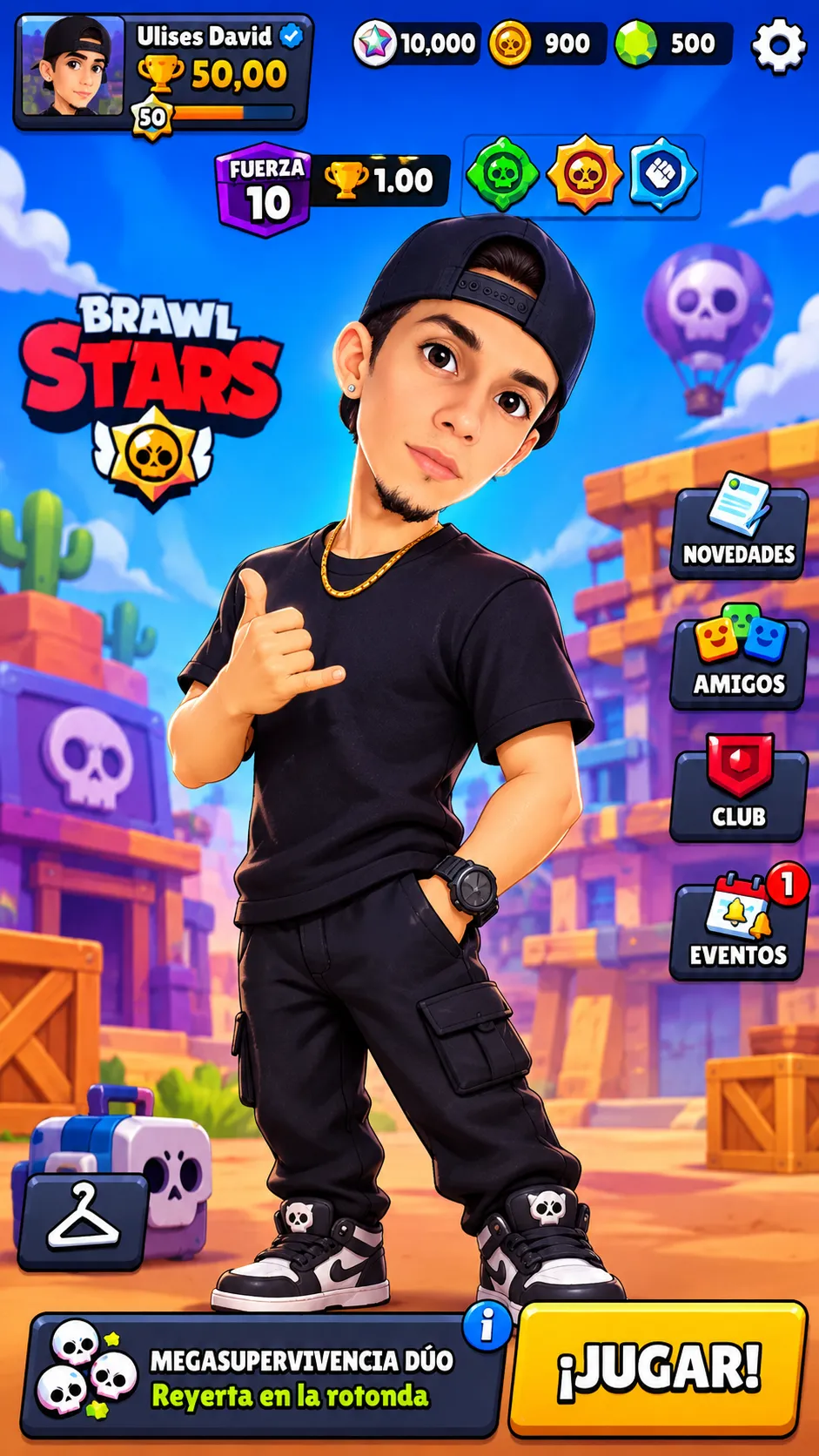
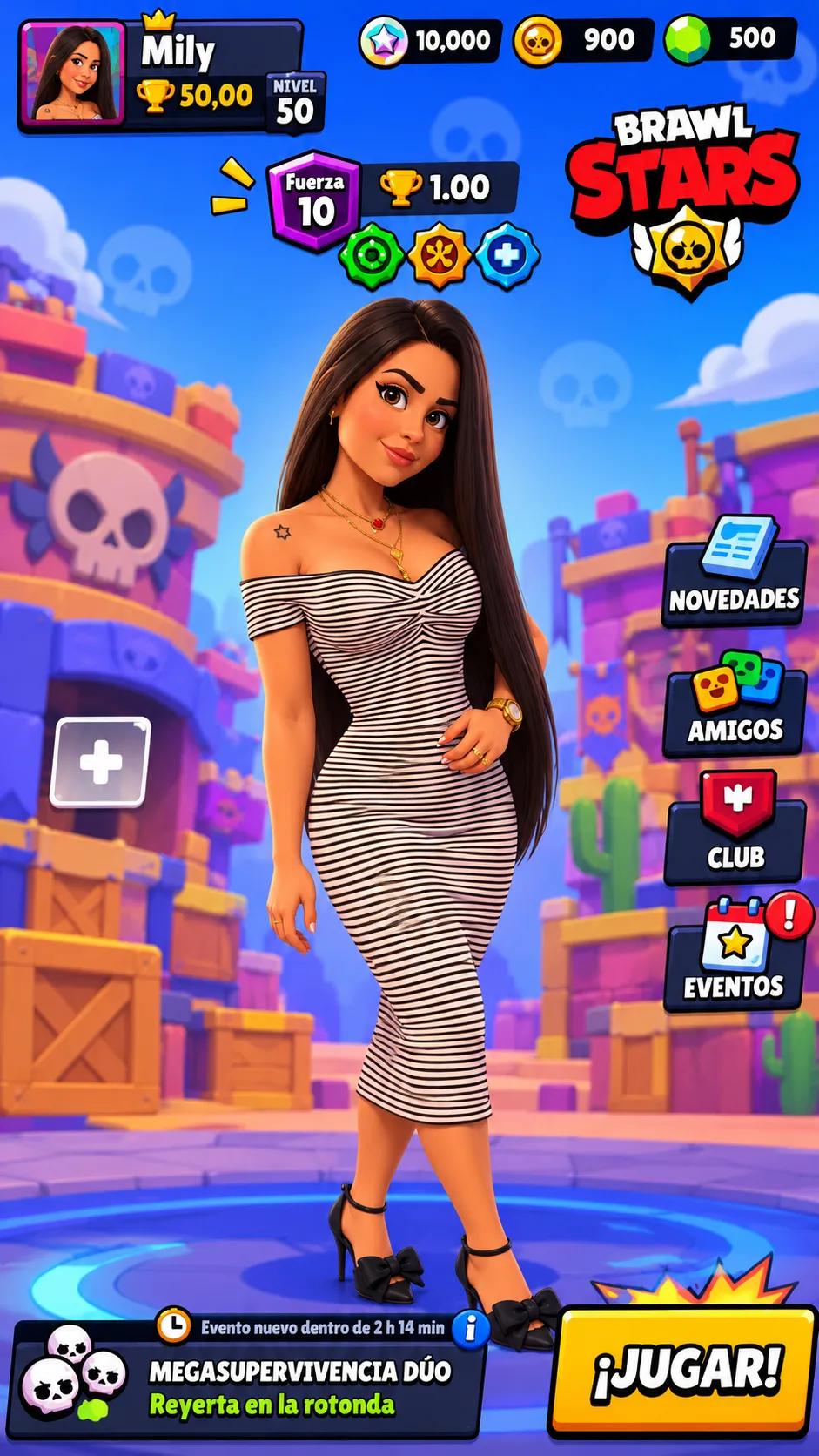
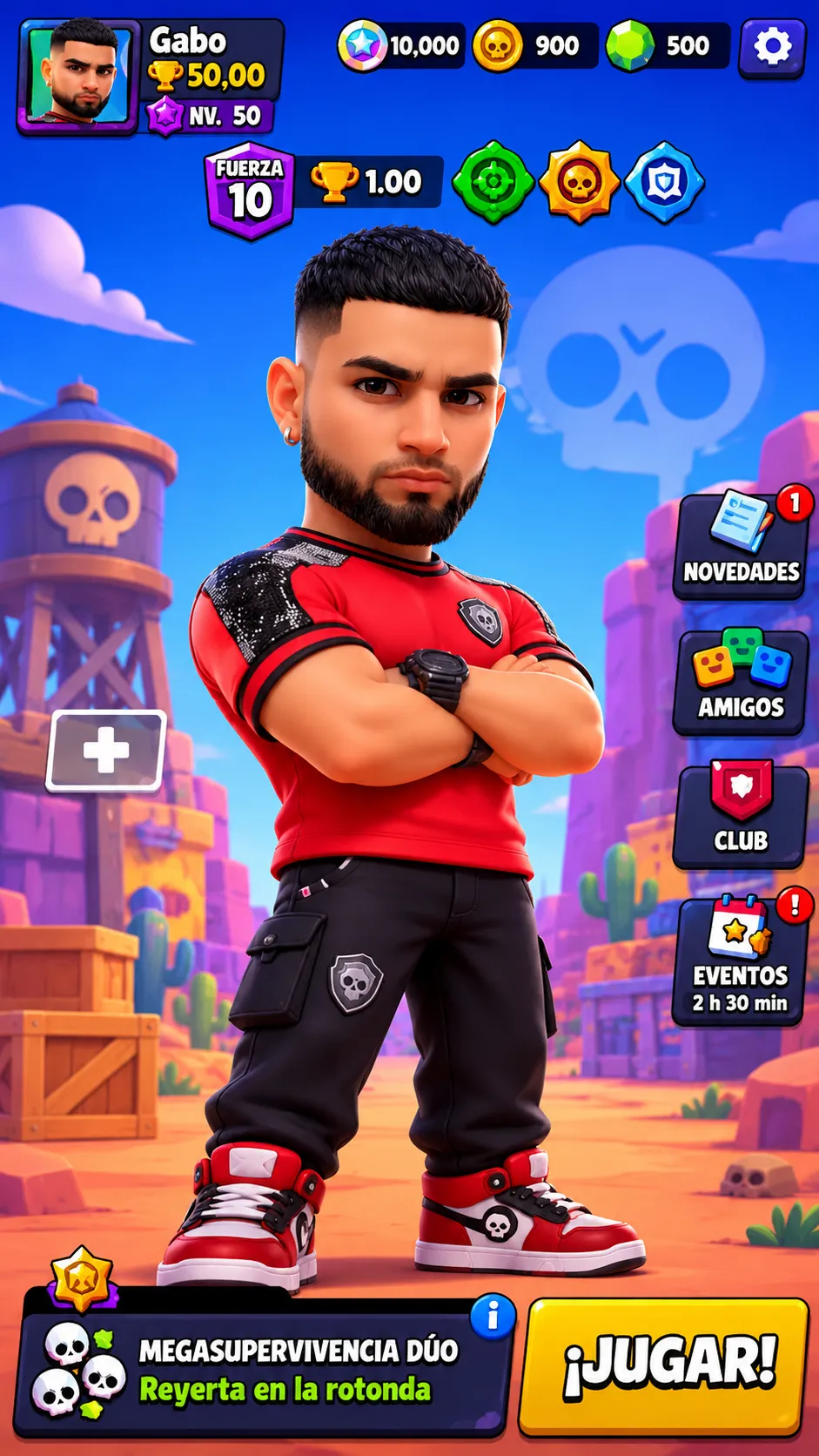
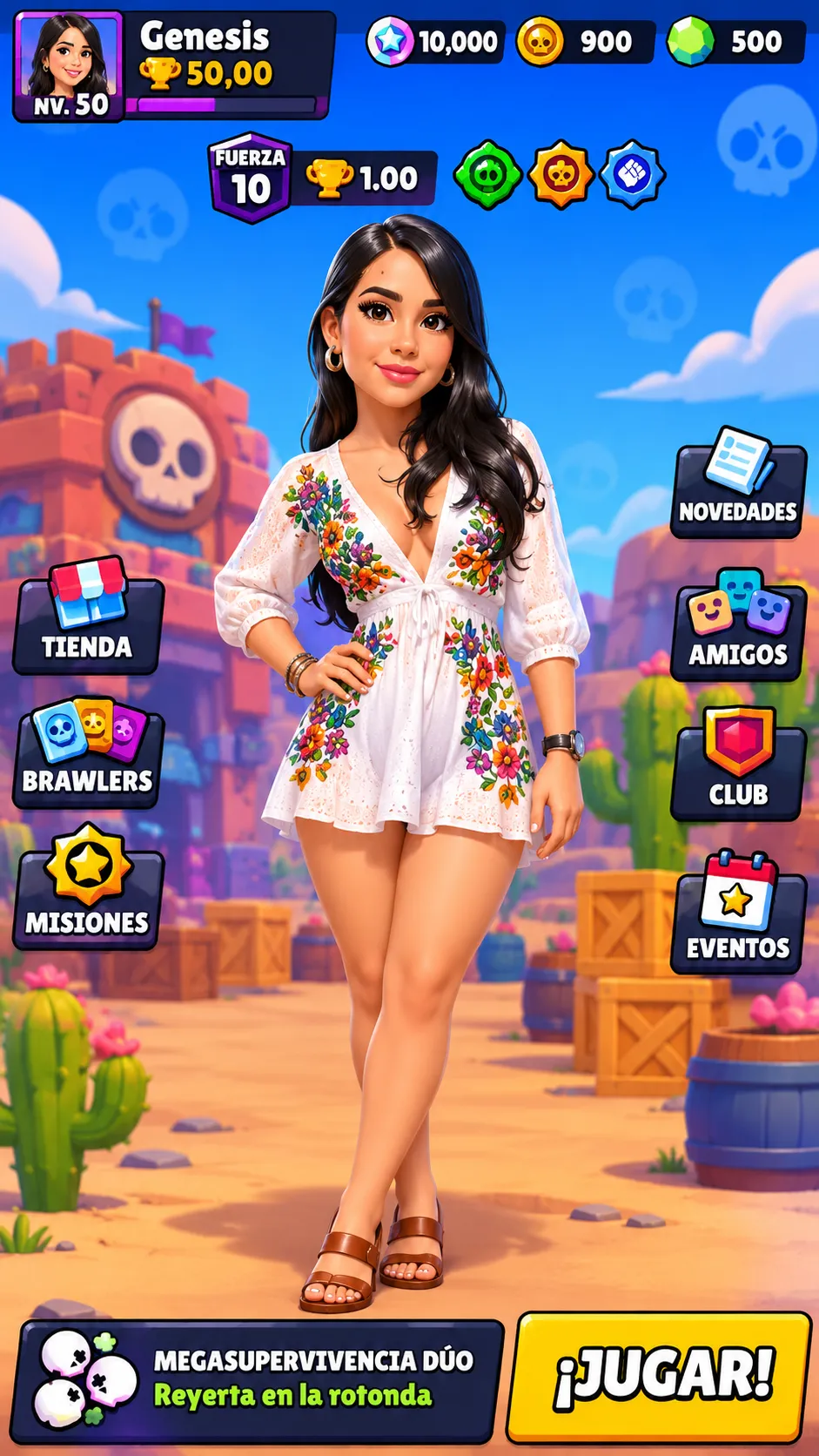
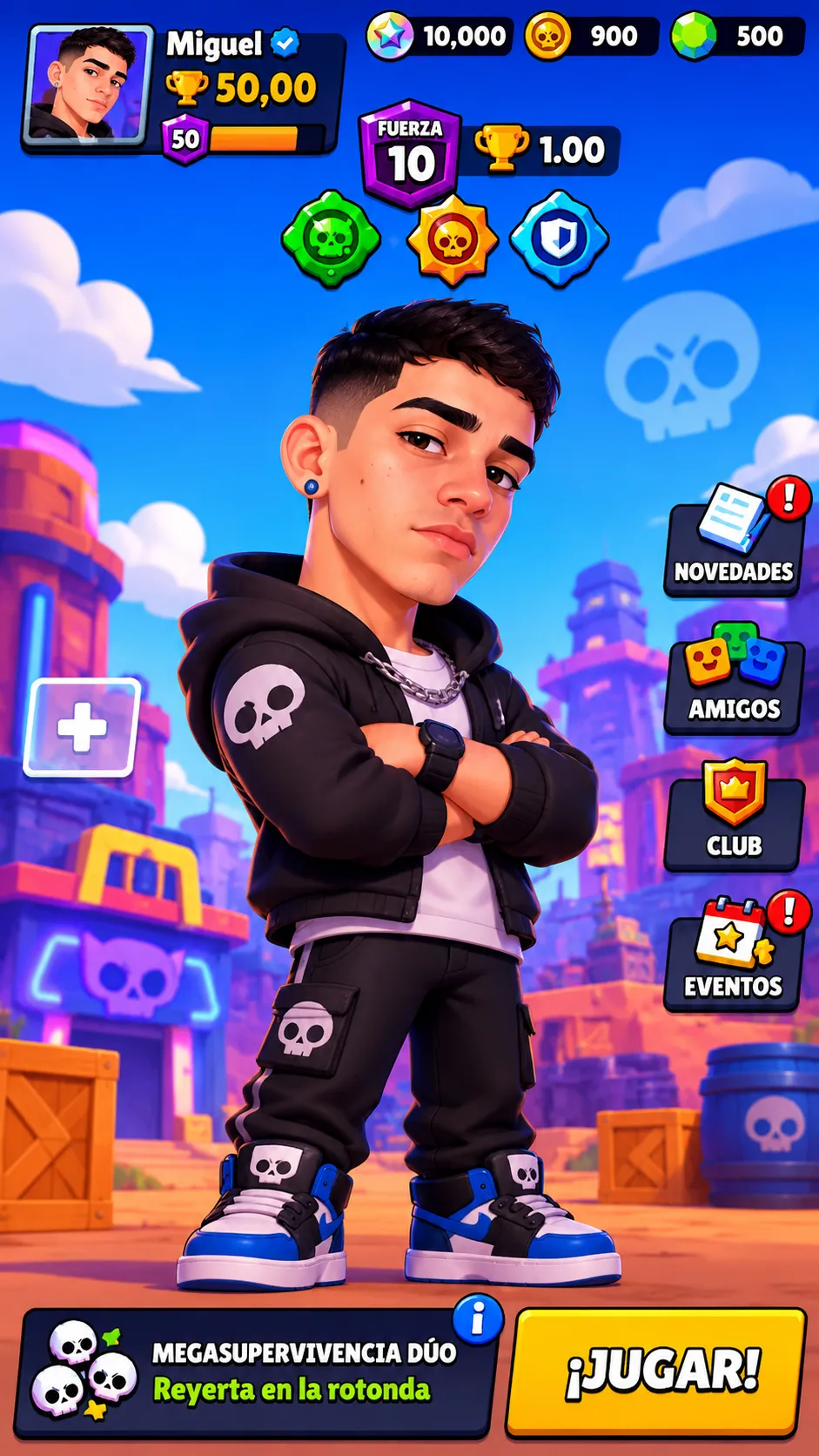
Create a vertical Brawl Stars game-menu wallpaper with a 3D animated Brawler and specified player profile, stats, resources, and interface elements.
Example outputs
Prompt template
- Format
- Text Parameterized
- Inputs
- Reference_photo (image) · Required username (text) · Optional · Default: Nombre
- Outputs
- wallpaper (image)
Create a vertical 9:16 wallpaper as a 3D digital illustration with an animation style similar to Pixar or Disney. Use the provided photo as a visual reference for the central Brawler.

Show the selected Brawler in the center of the screen. Directly above the character, display power level 10, 1.00 trophies, and equipped gadget, Star Power, and gear.

In the upper-left corner, show the player profile with the username ${username:Nombre}, 50,00 total trophies, and experience level 50. In the upper-right corner, show the game resources: 10,000 star/power points, 900 coins, and 500 gems.

On the right side, include quick-access buttons for News, Friends, Club, and event notifications. At the bottom center, show the selected game mode, Duo Mega Survival, on the Brawl at the Roundabout map. Place a large yellow PLAY! button to its right.
Replace the ${…} placeholders with your values
before using this prompt. See parameters
and defaults below
Parameters
Replace each placeholder with your own value, or use its default when one is provided
${username:Nombre}
username
Default: Nombre
What you'll create
A reference-guided Brawler occupies the center of a vertical 3D game-menu illustration. Profile details sit at upper left, resources at upper right, shortcuts along the side and a selected mode with a yellow PLAY! button below.
Usage instructions
Frequently asked questions
Does this create a playable game interface?
The requested output is a wallpaper illustration of a game menu, not functioning game software.
Are the displayed statistics live account data?
No. The template supplies fixed display values and an editable username; it does not retrieve account statistics.





Comments
Tried this prompt? Share what you made, compare results, or ask a question