Turn a Reference Subject into a Glass Figurine
Create a product photograph of the subject in a reference photo, remade as a small, solid glass figurine with a torch-worked appearance.
Example outputs
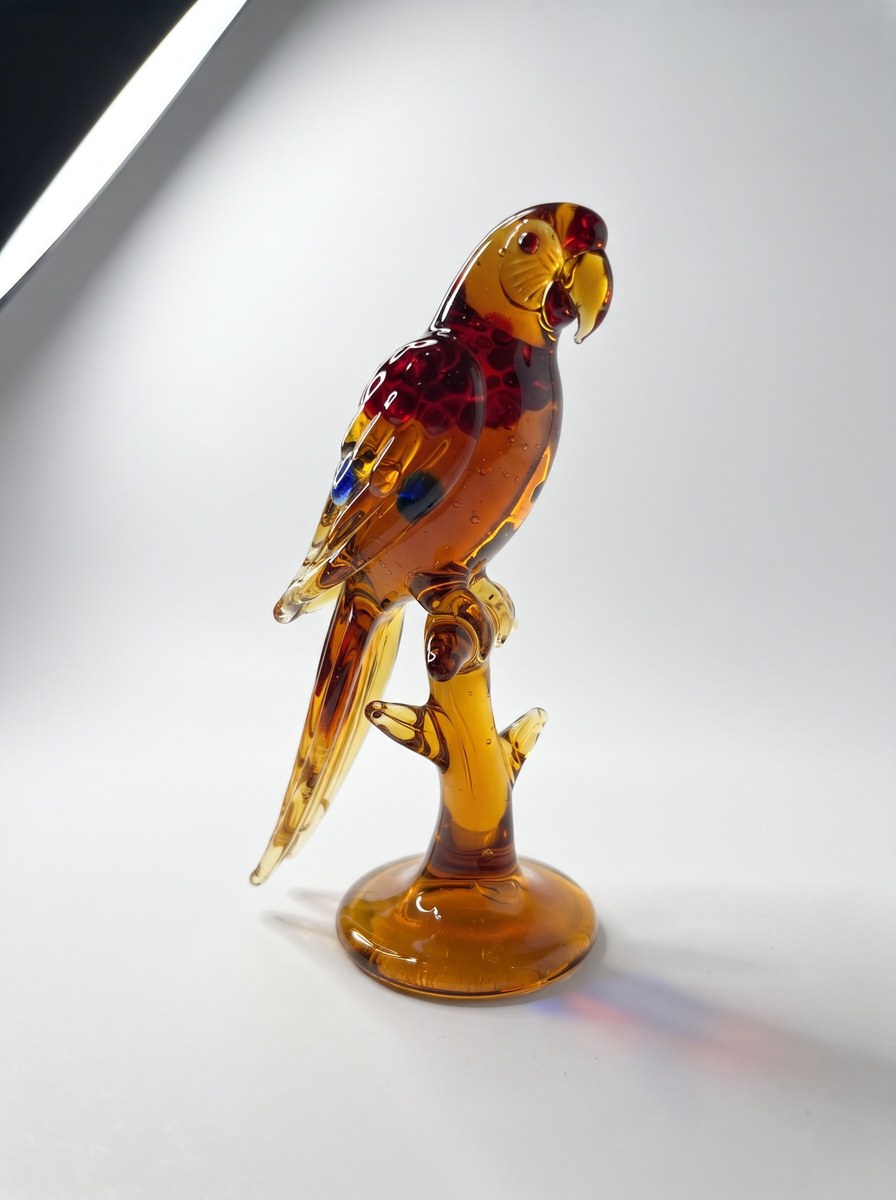
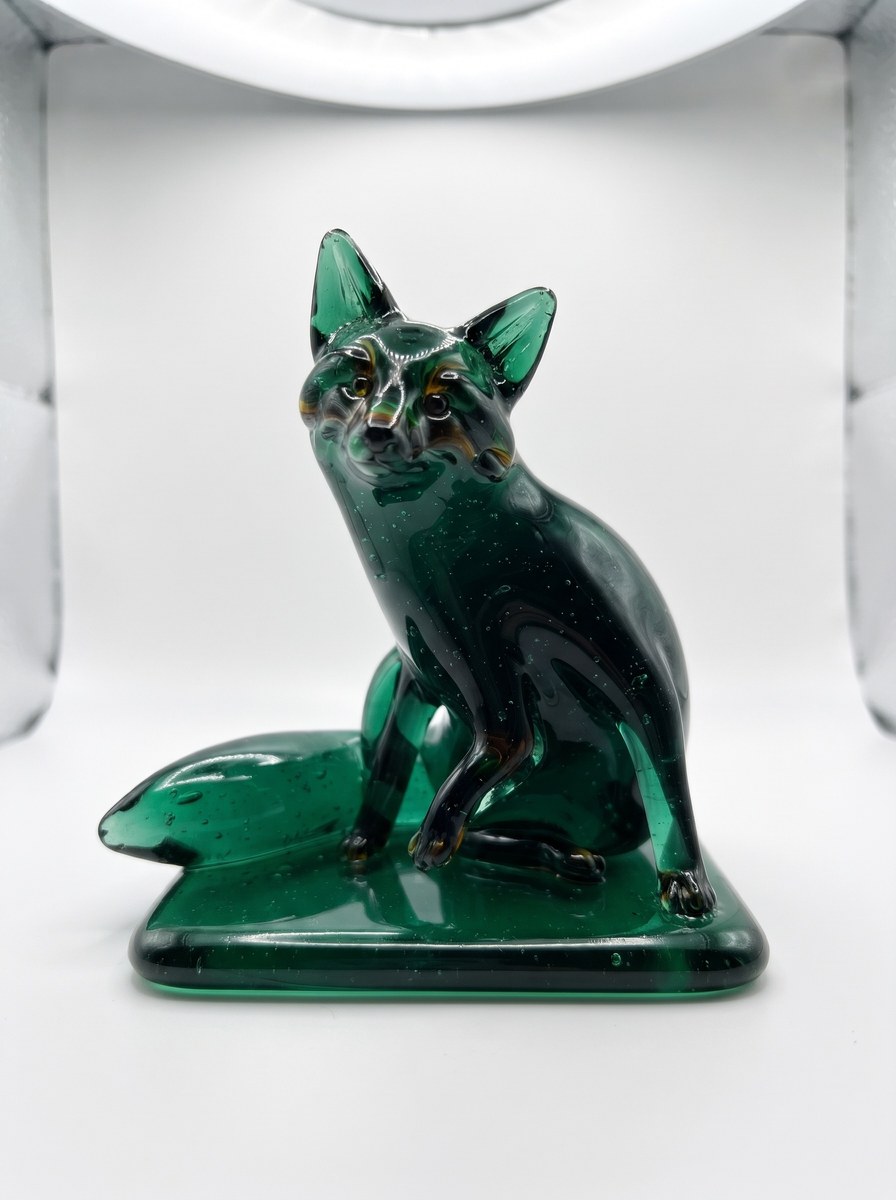
Prompt template
- Format
- Text Parameterized
- Inputs
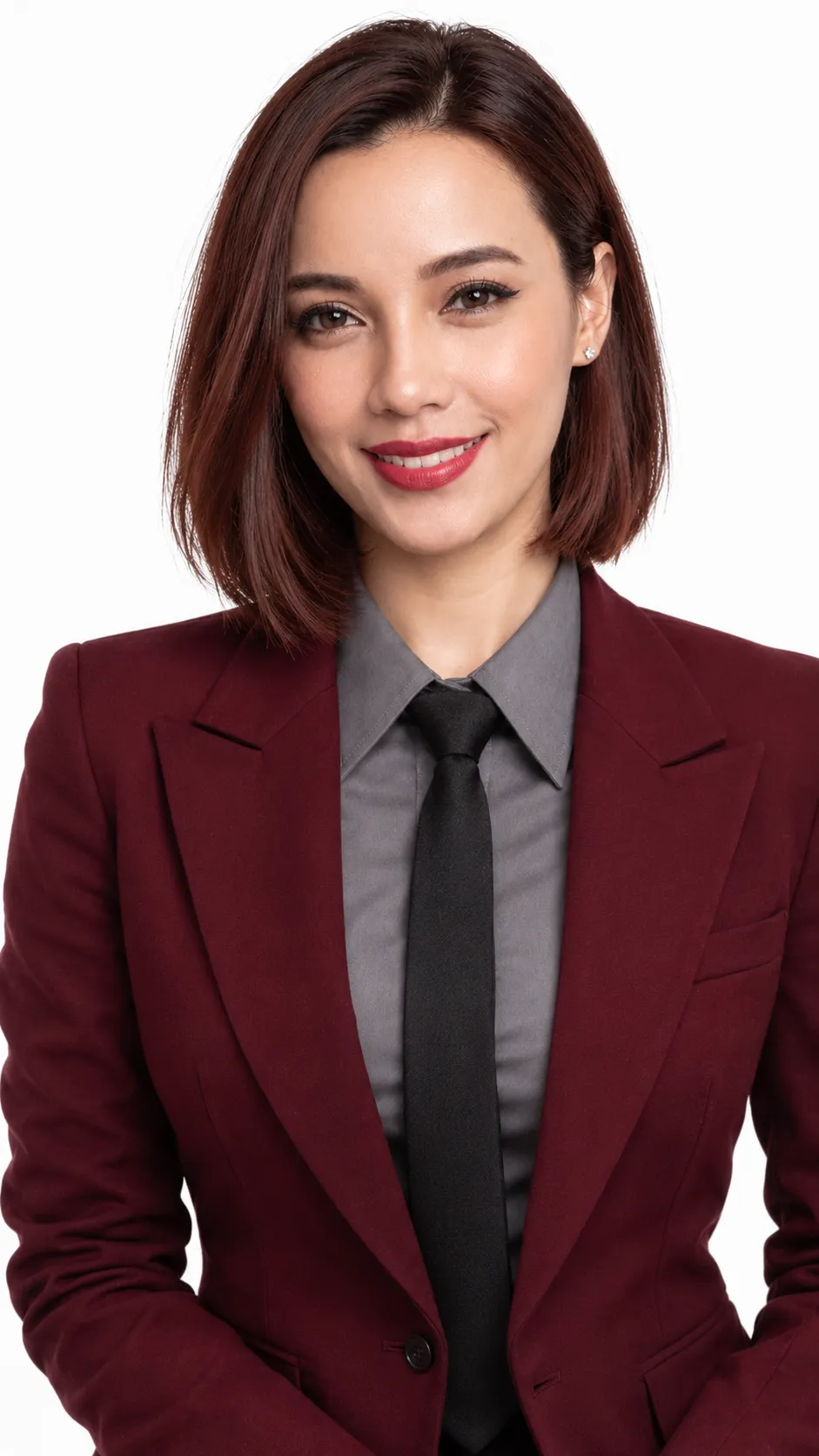
- Reference_photo (image) · Required glass_color (text) · Optional · Default: clear pink
- Outputs
- Product_photo (image)
Recreate the main subject in the reference photo as a single small glass figurine shaped by melting glass rods with a torch. This is one product photograph of the subject remade in glass, not a photo with an effect applied.

[Glass color]: ${glass-color:clear pink}

Making the figurine
- Preserve the pose and outline from the photo. Fine details such as fur or fabric patterns melt into rounded surfaces.
- The glass is solid throughout. Color gathers more deeply in thick areas, while thin areas transmit light and appear brighter.
- Use [glass color] as the main color, with small dots or bands of glass in one or two other colors drawn from the photo.
- Show a few tiny air bubbles and fine flow lines inside the glass.
- Make the base as a flat foot pressed from the same glass. Do not use a wooden dowel or metal pin.

Surface and photography
- Show only the object on a white backdrop, photographed from the front and slightly above.
- Use one broad light source above to create long white reflections along the glass edges and a short, color-tinted shadow on the floor.
- Portrait 3:4 aspect ratio. Center the object, which should occupy about two-thirds of the image height.

Failure conditions
- Any visible letters or numbers are a failure, including on a base sticker, label, signature, or engraving.
- More than one glass object is a failure.
- The original photo background remaining behind the object is a failure; the background must be white.
- Fur, skin, or fabric retaining a photographic texture is a failure.
- Glass that looks like transparent plastic film or soft plastic is a failure.
Replace the ${…} placeholders with your values
before using this prompt. See parameters
and defaults below
Parameters
Replace each placeholder with your own value, or use its default when one is provided
${glass-color:clear pink}
glass-color
Default: clear pink
What you'll create
The source pose and outline become rounded solid glass, with deeper color in thick areas and brighter thin edges. Fine photographic textures disappear into the product’s smooth handmade form.
Usage instructions
Provide the reference photo; the pose and outline are taken from it, while the prompt rebuilds the subject as a glass object rather than applying an effect to the photo. Change `glass_color` to adjust the main glass hue; the white background and single-object requirement define the product-shot composition.
Frequently asked questions
Is the figure hollow plastic?
No. It is solid glass throughout.
Can the original photo background remain?
No. The product background must be white.





Comments
Tried this prompt? Share what you made, compare results, or ask a question