Refine a Product Photo on a White Studio Background
Reframe and enhance a product photo while preserving the product exactly, then add a simple label with supplied brand and contact details.
Example outputs
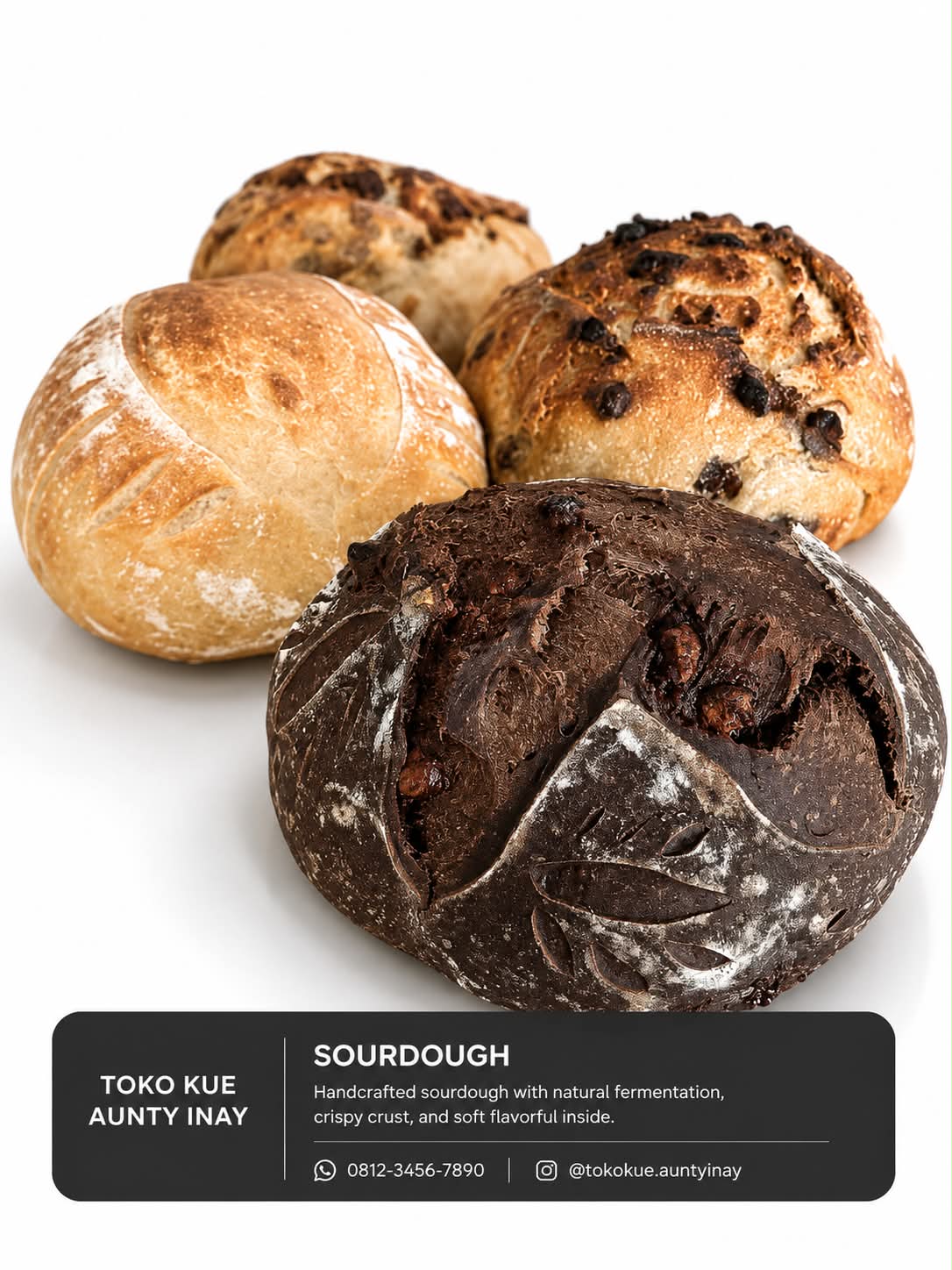
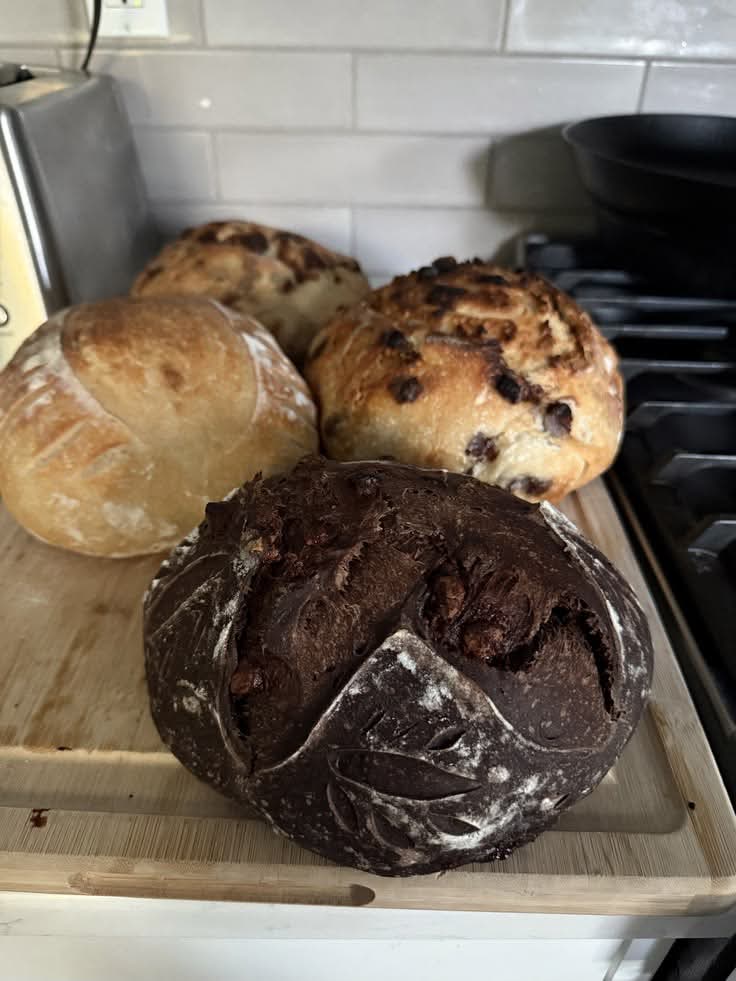
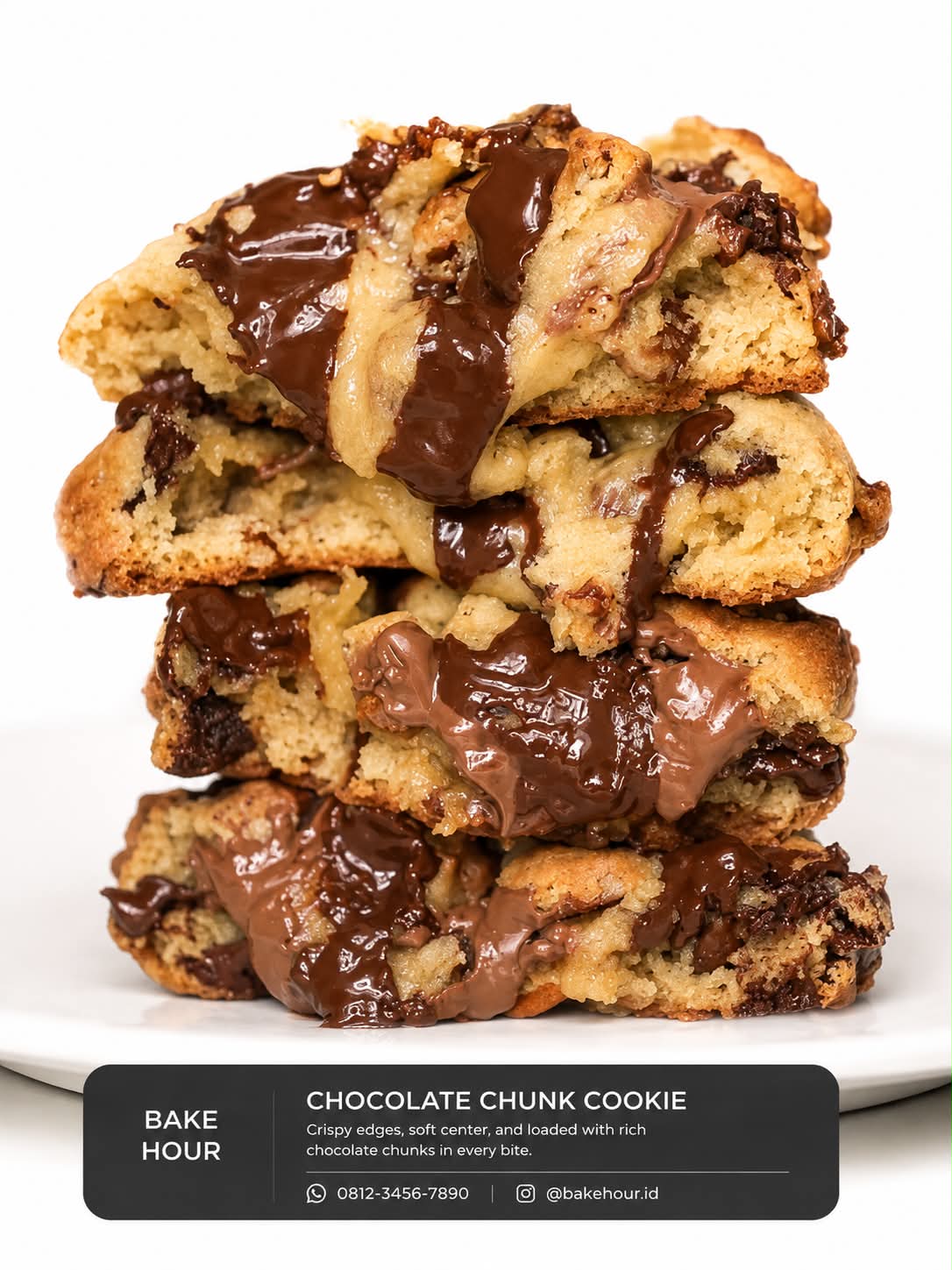
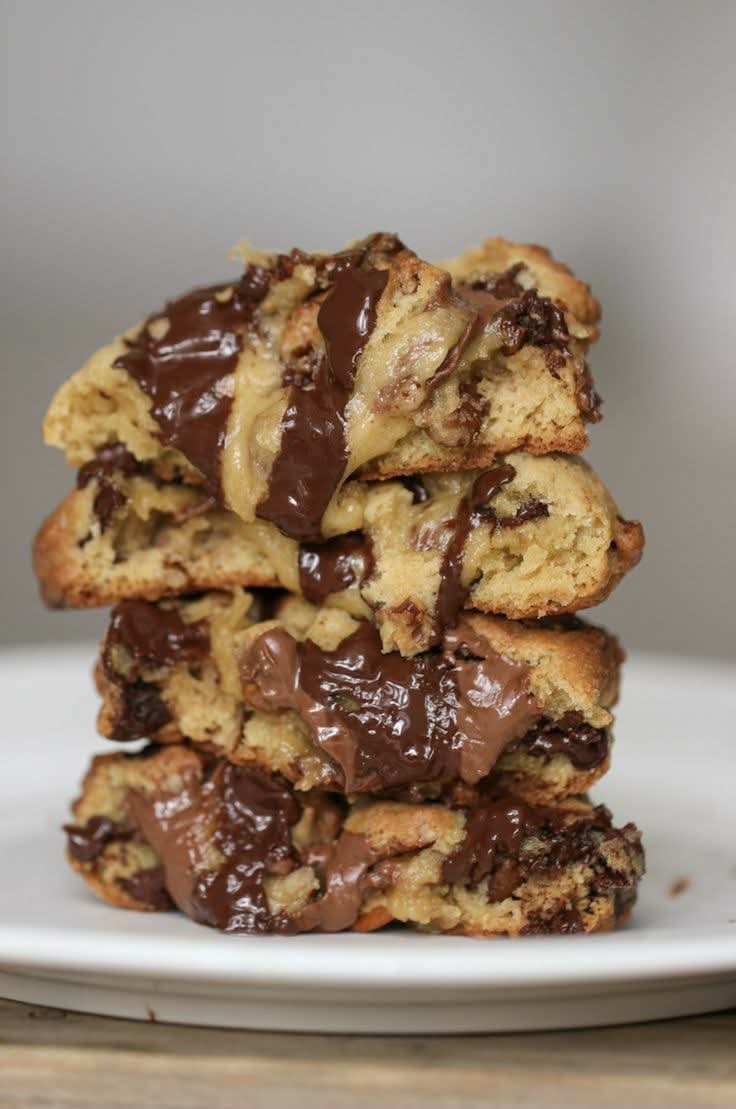
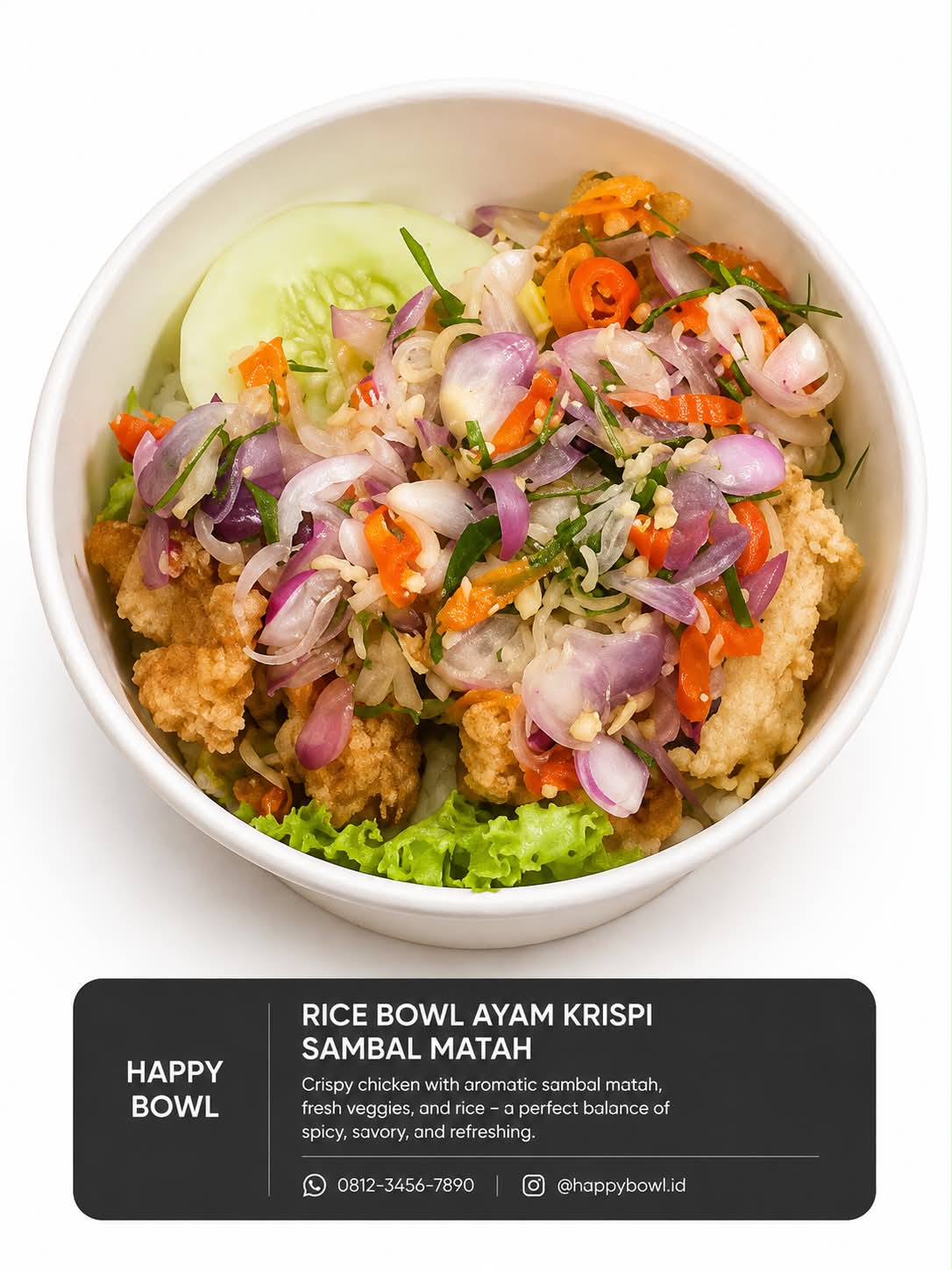
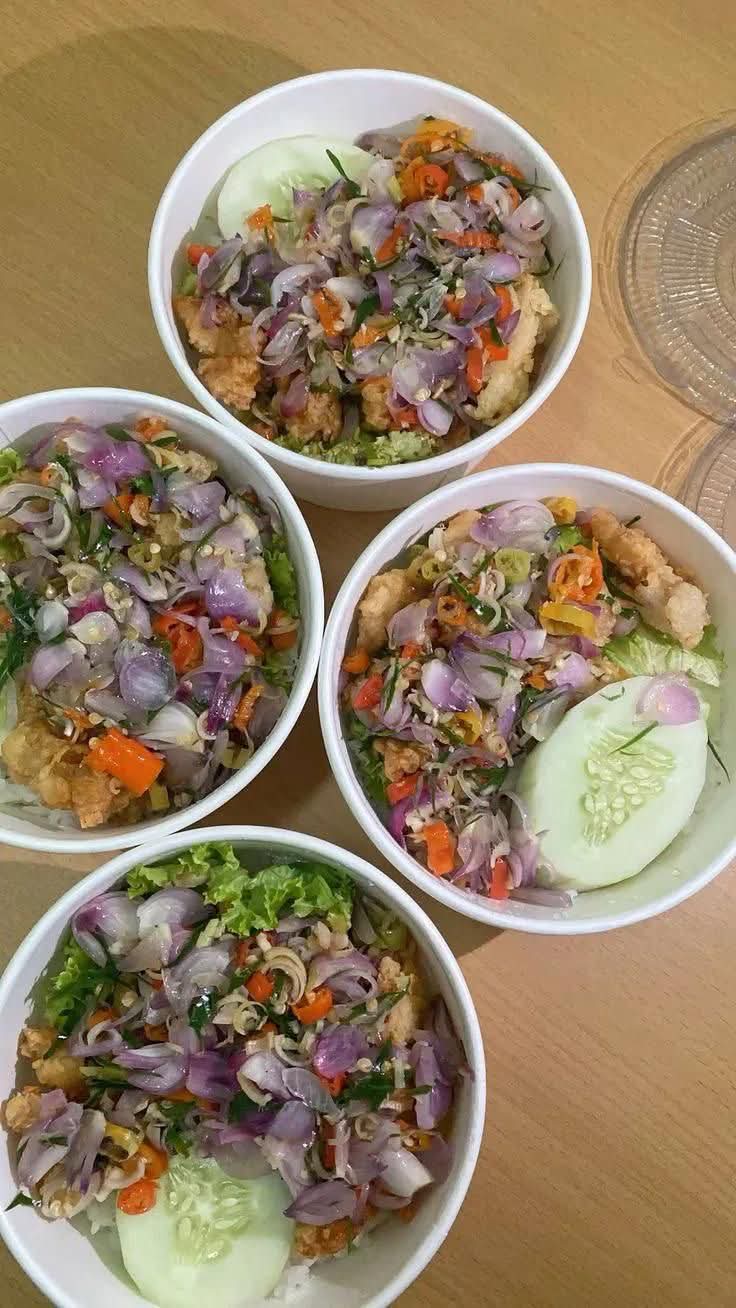
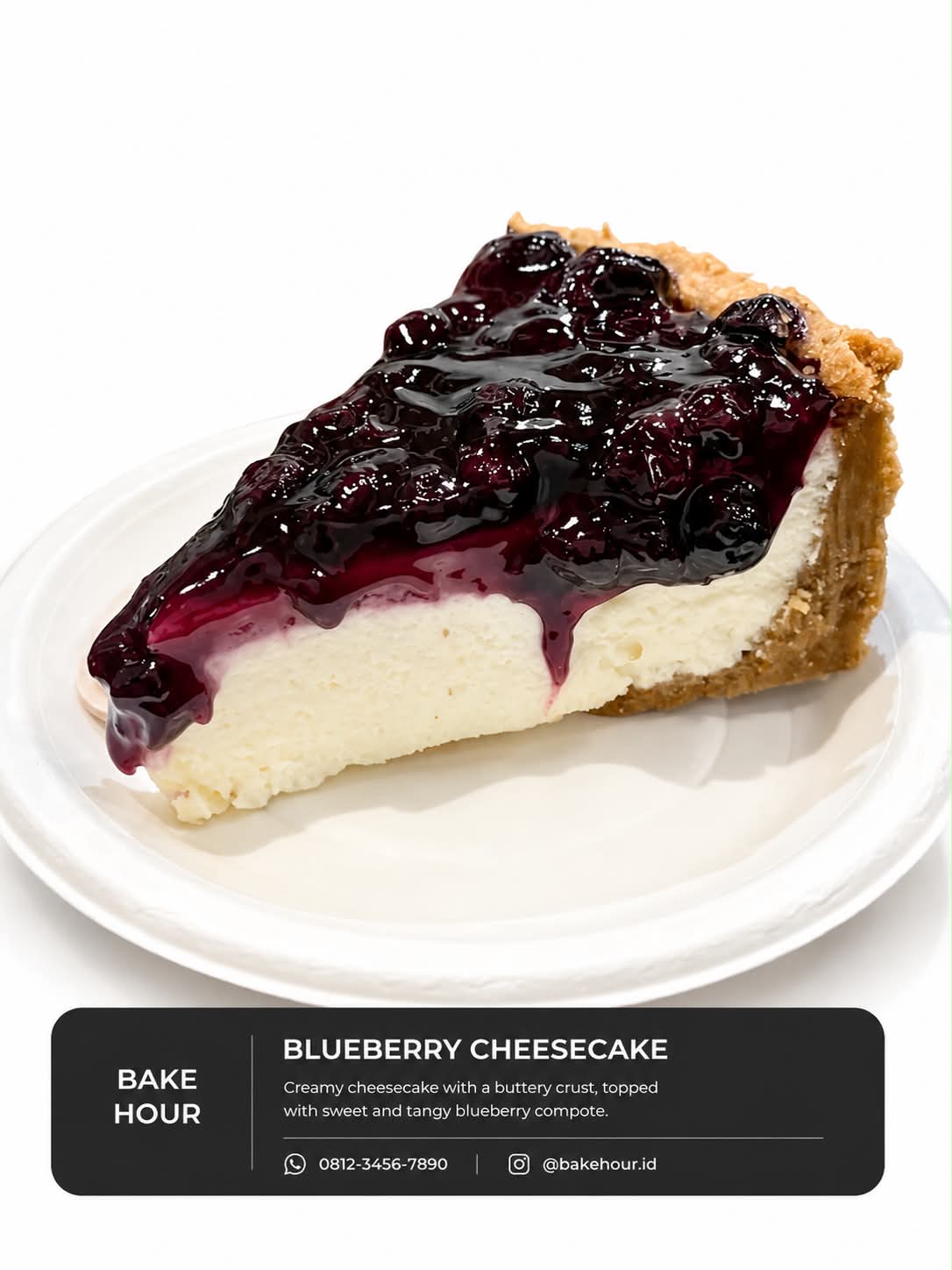
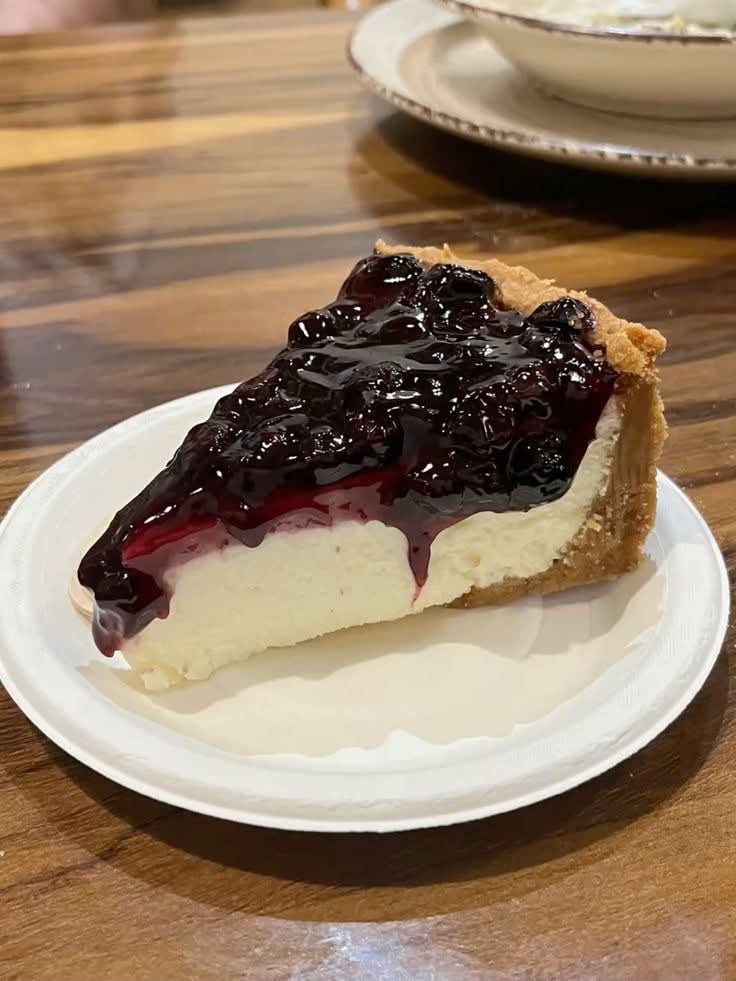
Prompt template
- Format
- Text Parameterized
- Inputs
- Product_image (image) · Required brand_name (text) · Required product_name (text) · Required product_description (text) · Required contact_info (text) · Required
- Outputs
- Edited_product_image (image)
Edit the provided product image while keeping the product 100% identical to the original. Make the product appear larger by zooming and reframing it, without cropping any part of it. Replace the original background with a clean, pure-white studio background. Improve brightness and clarity, and add natural-looking shadows. Keep the product as the main visual focus. Add a simple label with the following information:
- Brand: ${brand-name}
- Product name: ${product-name}
- Description: ${product-description}
- Contact information: ${contact-info}
Replace the ${…} placeholders with your values
before using this prompt. See parameters
and defaults below
Parameters
Replace each placeholder with your own value, or use its default when one is provided
${brand-name}
brand-name
Required
${product-name}
product-name
Required
${product-description}
product-description
Required
${contact-info}
contact-info
Required
What you'll create
The original item becomes more prominent through reframing without losing any part of it. Improved clarity, balanced brightness and natural shadows support a simple branded label.
Frequently asked questions
Can the product itself be redesigned?
No. It remains completely identical to the source.
What information can the label include?
Brand, product name, description and contact information are supplied fields.





Comments
Tried this prompt? Share what you made, compare results, or ask a question