Isometric Architecture Travel-Journal Poster
Turn an architectural reference photo into a two-part travel-journal poster, preserving the original photo above and rebuilding its setting as a detailed isometric diorama below
Example outputs
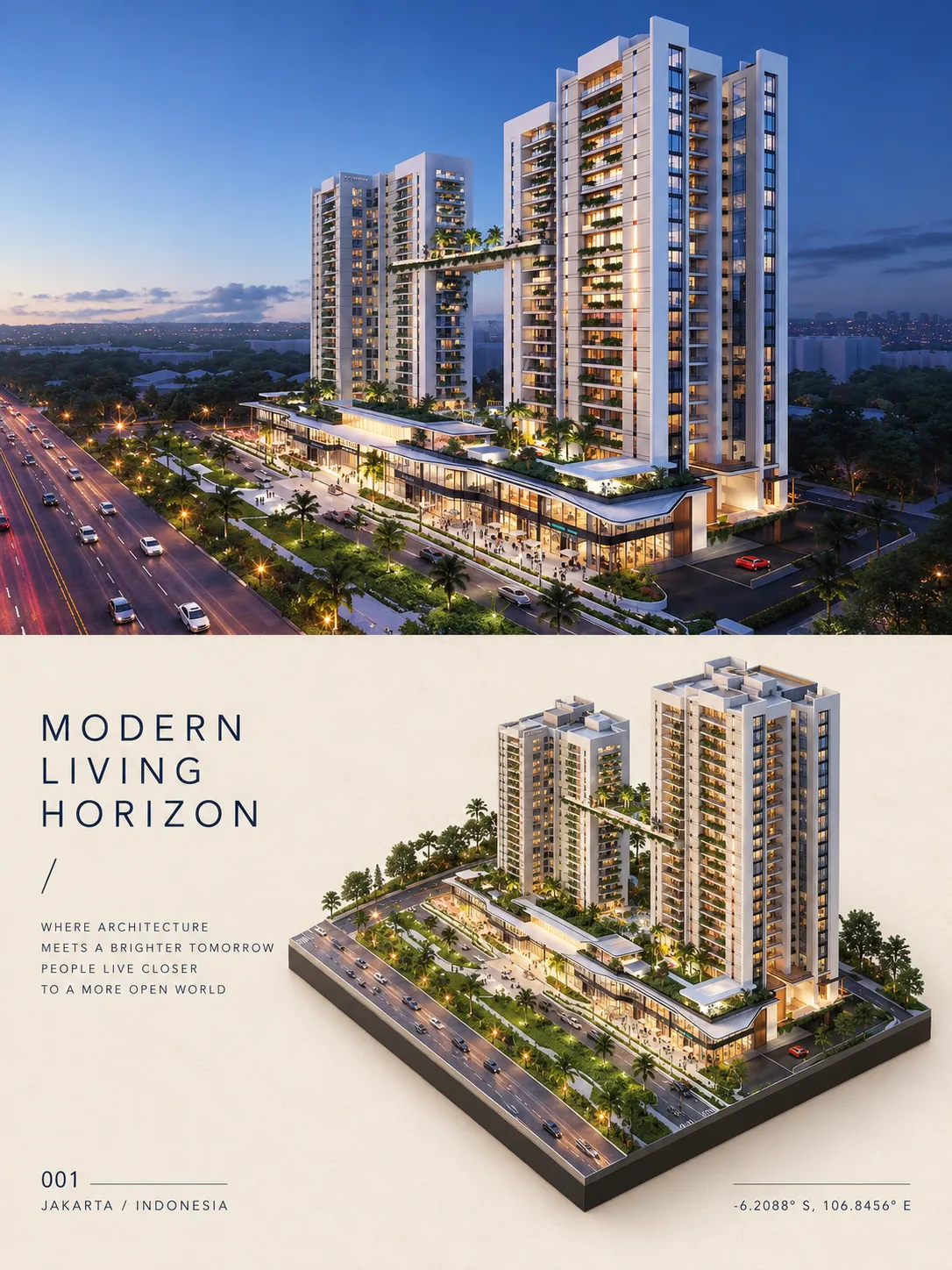
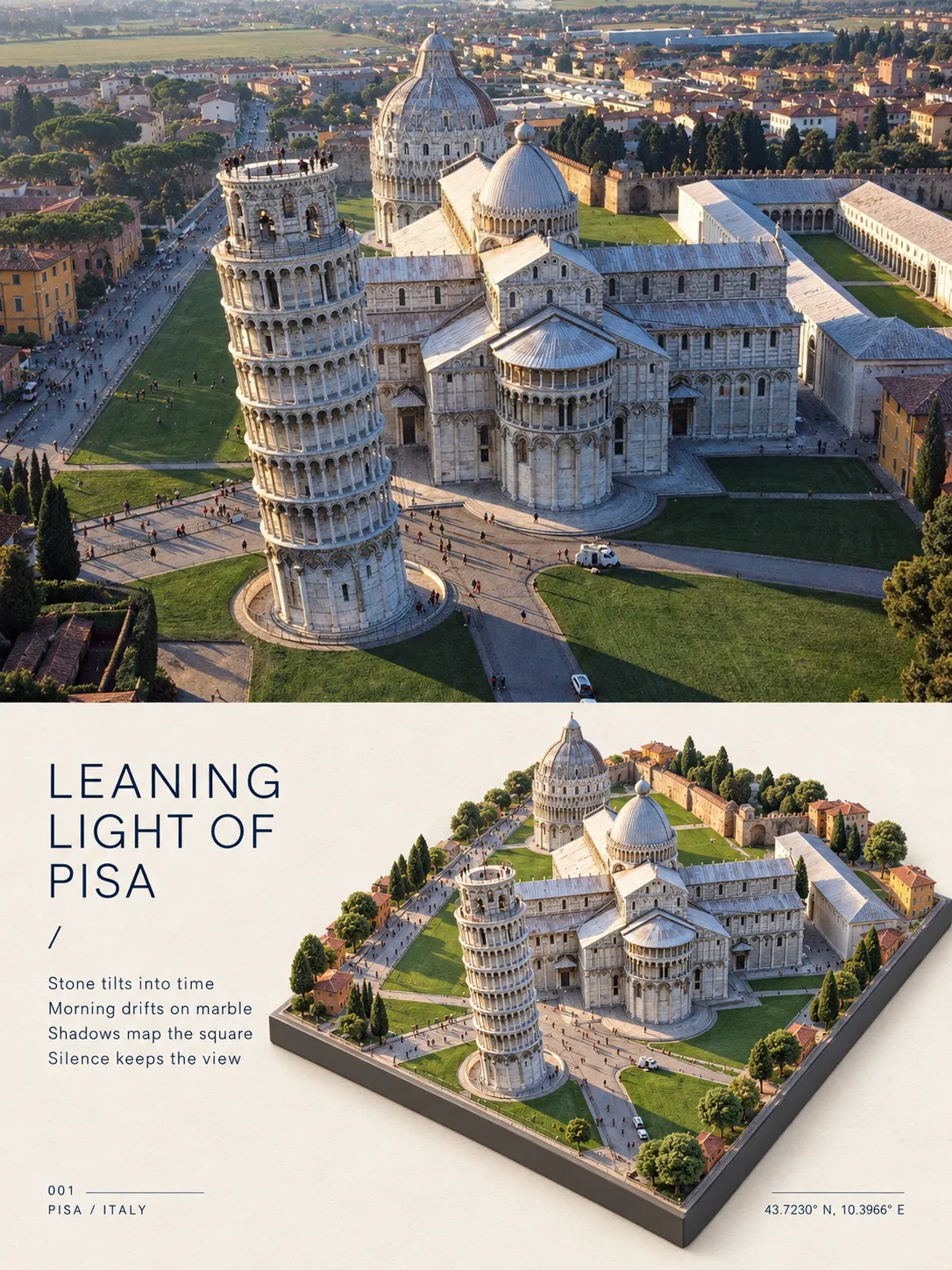
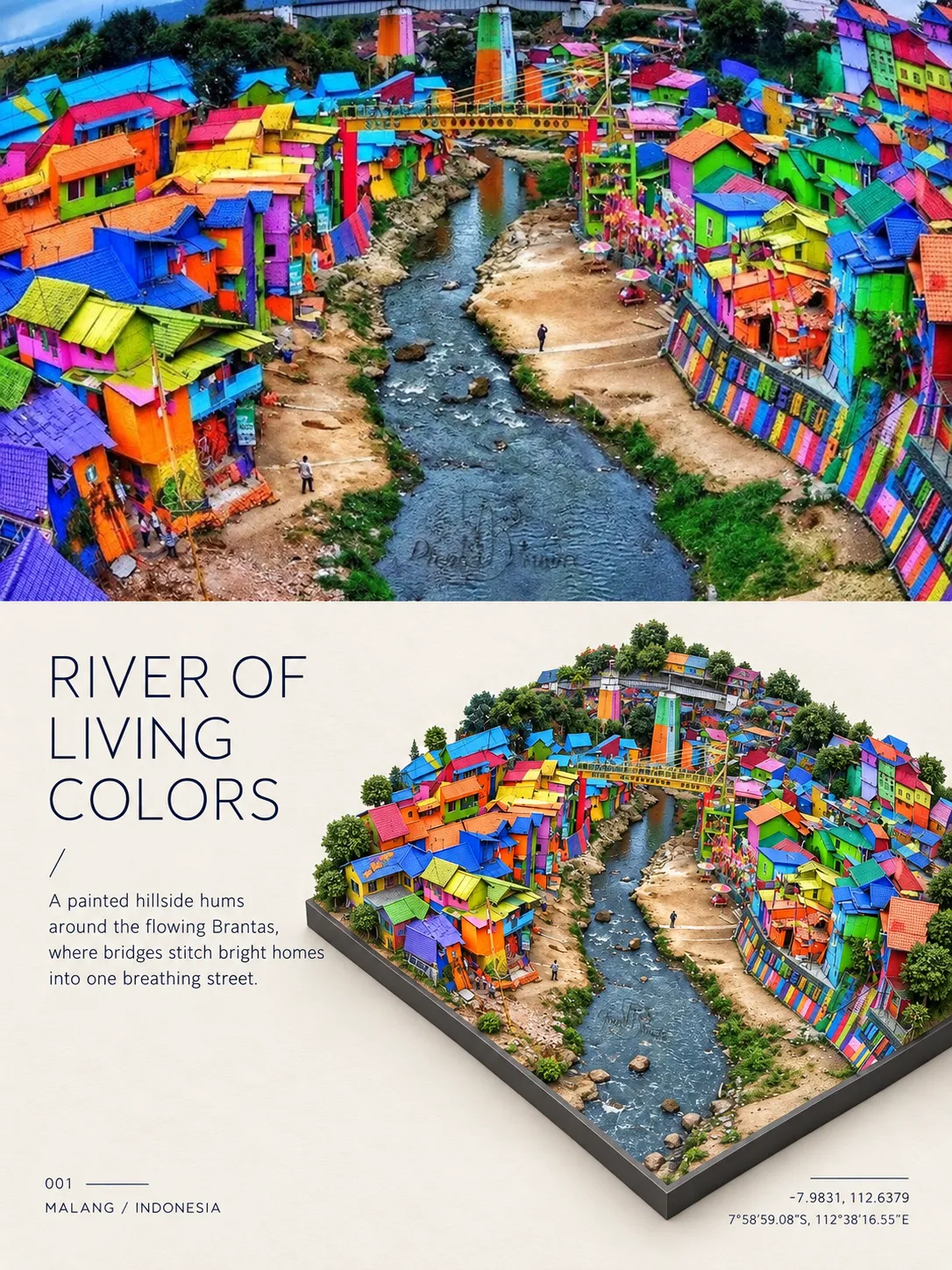
Prompt template
- Format
- Text
- Inputs
- Reference_photo (image) · Required
- Outputs
- Travel_journal_poster (image)
Create a 3:4 vertical image divided into two equal stacked halves with no gap.

TOP: Show the uploaded reference photo unaltered, filling the full width.

BOTTOM: Create a minimalist editorial poster. Rebuild the photo's architecture and surroundings as a hyper-detailed isometric miniature diorama viewed from a 45° high angle. Preserve the original structure, materials, colors, and day/night lighting, and place the diorama on a thin dark-gray base slab. Use a warm off-white paper background, position the diorama in the lower-right, and leave generous negative space.

Set the text in a thin dark-navy sans-serif. At the left-middle, include a poetic title in three uppercase lines, followed by "/" and a four-line verse. At the bottom-left, include "001", a thin line, and the identified CITY / COUNTRY. At the bottom-right, include a thin line and the location's GPS coordinates. Automatically identify the location and write all poster text.

Render the poster as a photorealistic 3D image in a quiet, premium travel-journal style. Do not include a logo or watermark.
What you'll create
This prompt creates a vertical editorial poster with the original photo in its upper half and a photorealistic 3D diorama of the architecture and surroundings in its lower half. Warm paper, generous negative space, and carefully arranged location text give it a quiet travel-journal style
Usage instructions
Upload a photo that clearly shows the architecture and its surroundings; it will appear unaltered in the upper panel and guide the diorama in the lower panel. To adjust the visual balance, change the diorama’s placement or the amount of negative space while keeping the two-part layout
Frequently asked questions
What text should appear on the poster?
The poster includes a three-line uppercase poetic title, a four-line verse, the city and country, and GPS coordinates, with the location and text generated automatically





Comments
Tried this prompt? Share what you made, compare results, or ask a question