Afterglow in Motion
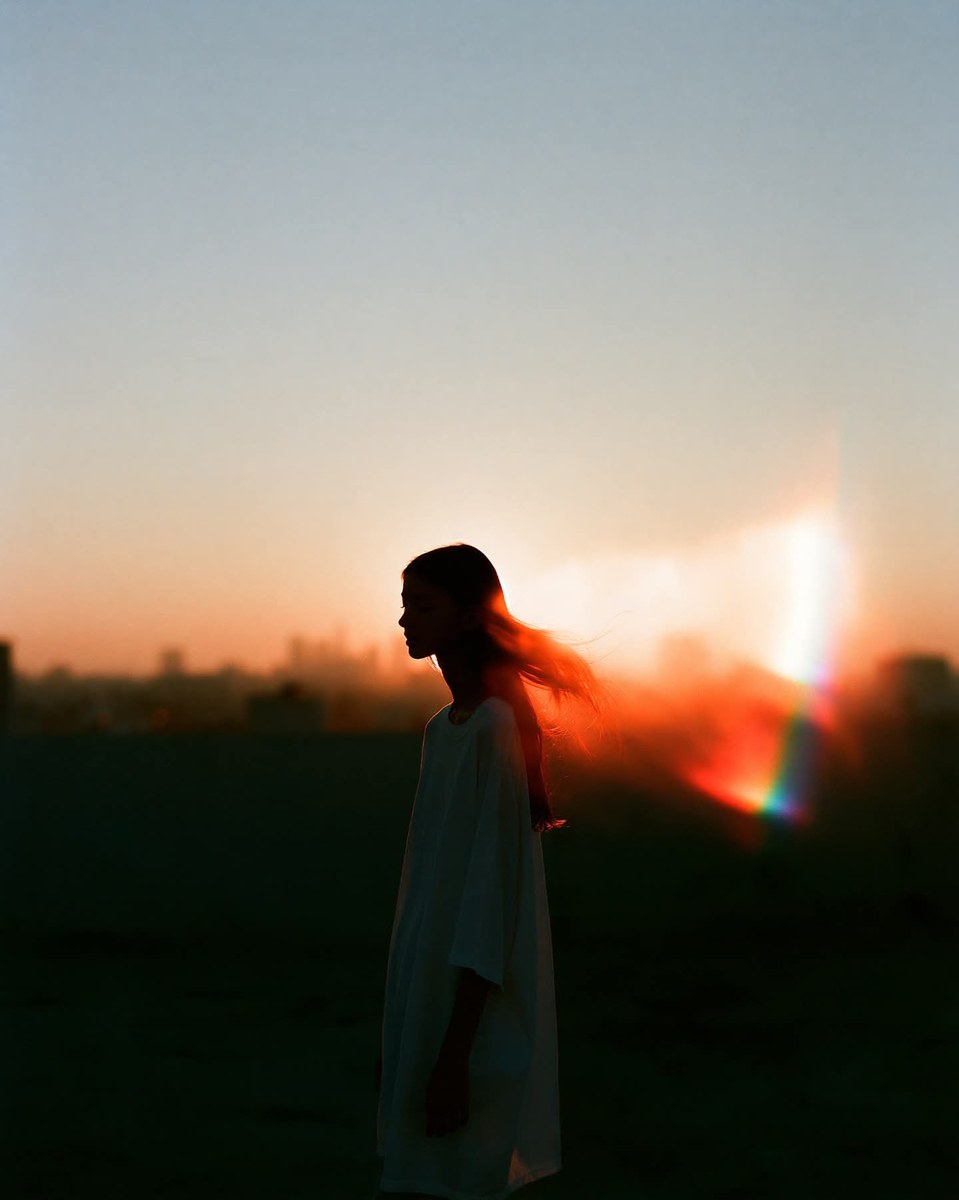
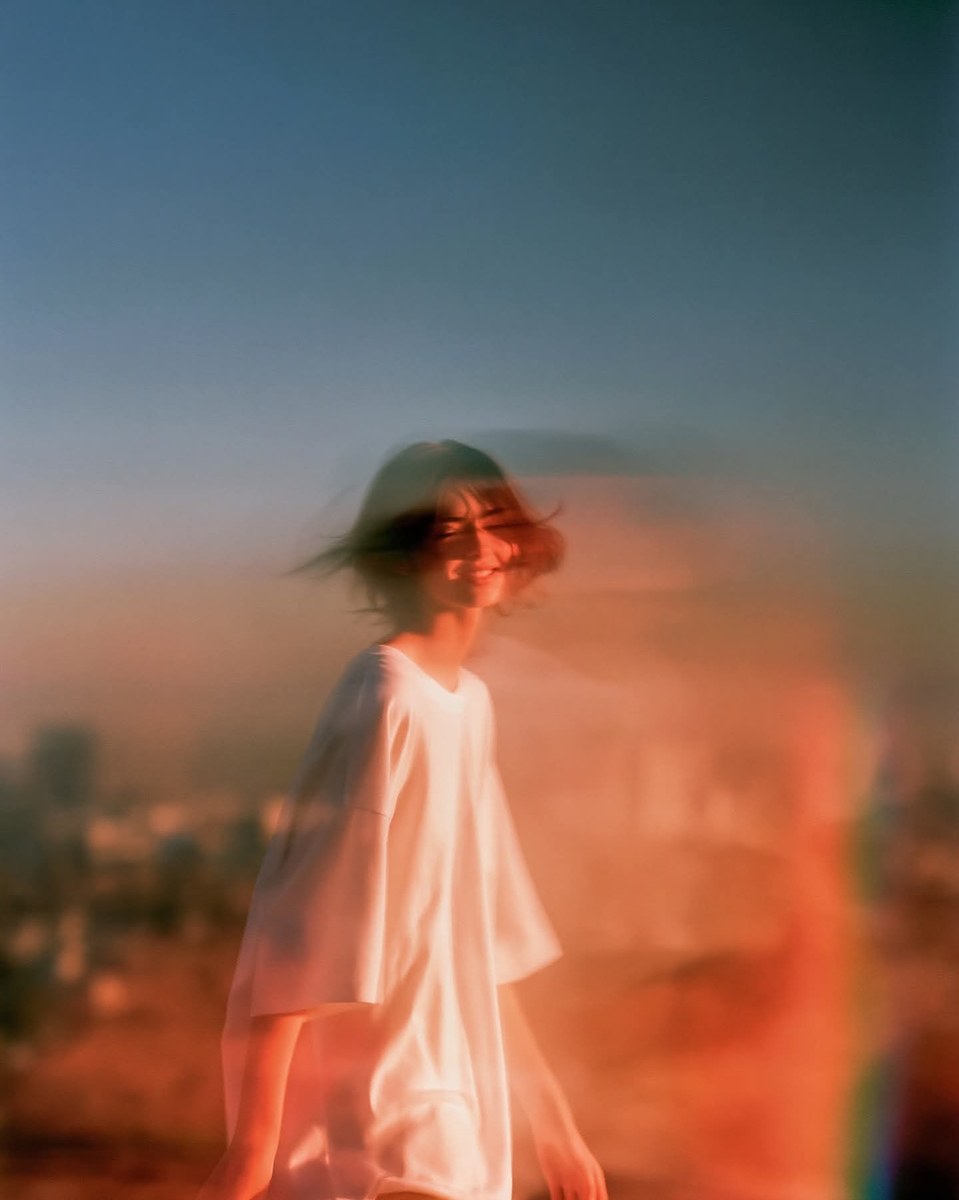
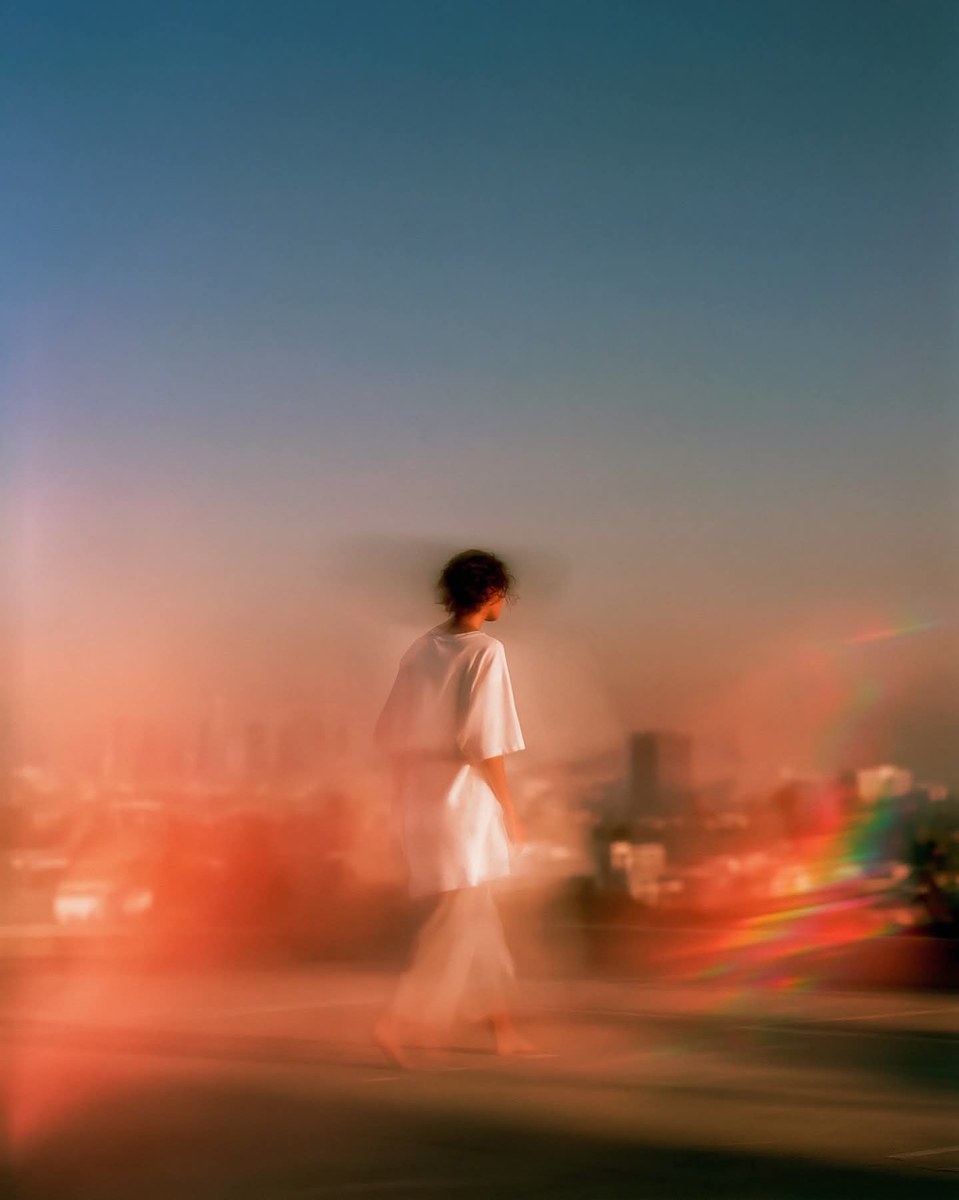
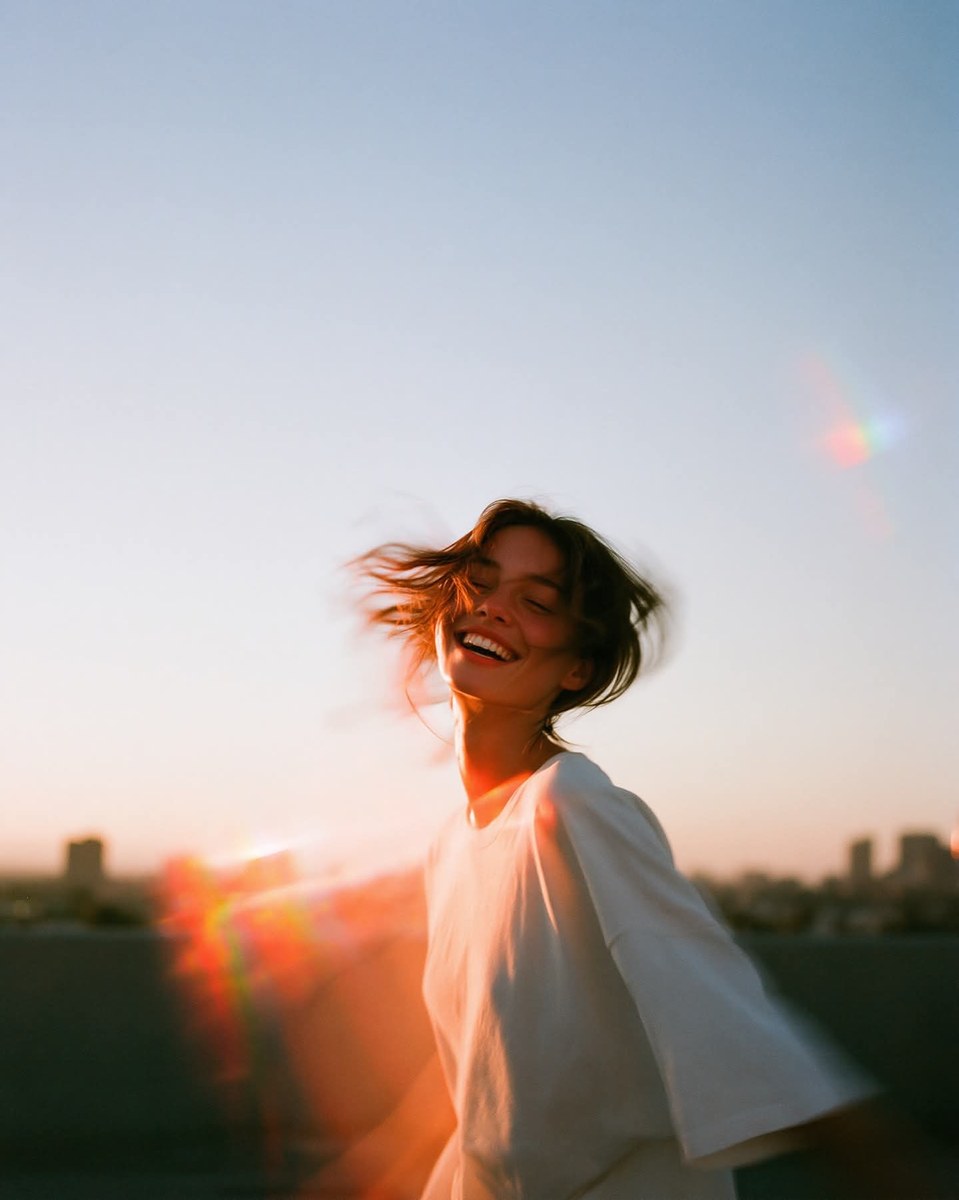
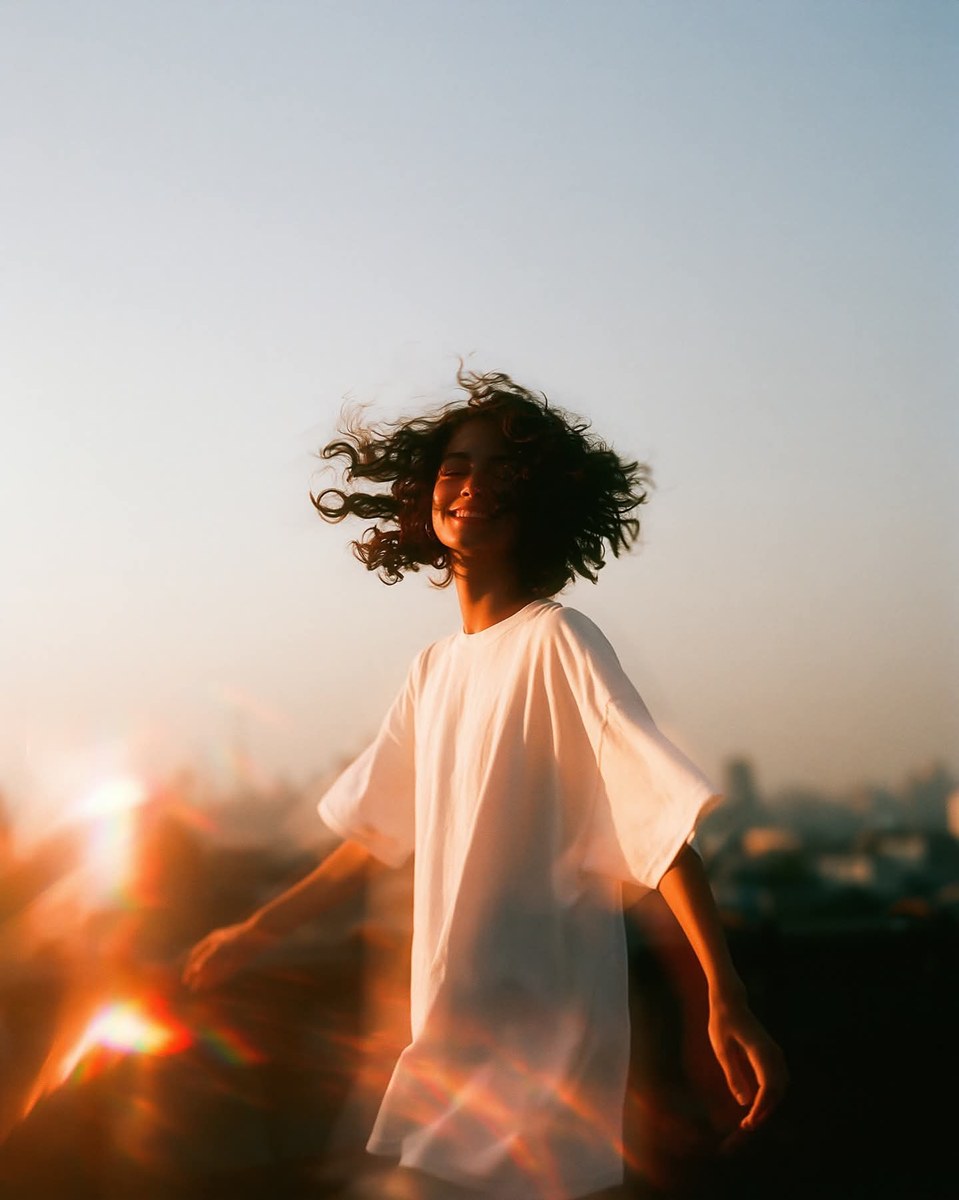
Create a warm, atmospheric golden-hour editorial portrait with a candid rooftop moment and prismatic lens flare.
Example outputs
Prompt template
- Format
- Text Parameterized
- Inputs
- subject (text) · Optional · Default: a young woman setting (text) · Optional · Default: a sunlit rooftop terrace, with the city softly blown out far behind her outfit (text) · Optional · Default: a plain white oversized tee aspect_ratio (text) · Optional · Default: 4:5
- Outputs
- Generated_image (image)
${subject:a young woman} in an atmospheric golden-hour editorial on ${setting:a sunlit rooftop terrace, with the city softly blown out far behind her}. Warm amber light floods the frame, with one prismatic rainbow flare cutting across a corner. Capture a relaxed candid moment mid-turn; dress the subject in ${outfit:a plain white oversized tee}. Leave a large open sky as negative space above. Warm haze, Kodak Ektar response --chaos 5 --ar ${aspect-ratio:4:5} --raw --sref 1471312828 --profile f7ca75c --stylize 150 --weird 2 --hd --previewReplace the ${…} placeholders with your values
before using this prompt. See parameters
and defaults below
Parameters
Replace each placeholder with your own value, or use its default when one is provided
${subject:a young woman}
subject
Default: a young woman
${setting:a sunlit rooftop terrace, with the city softly blown out far behind her}
setting
Default: a sunlit rooftop terrace, with the city softly blown out far behind her
${outfit:a plain white oversized tee}
outfit
Default: a plain white oversized tee
${aspect-ratio:4:5}
aspect-ratio
Default: 4:5
What you'll create
A subject turns naturally beneath a large open sky, with a softly blown-out distant city and warm film-like color response.
Frequently asked questions
Where is negative space placed?
A large area of open sky remains above the subject.



Comments
Tried this prompt? Share what you made, compare results, or ask a question