Photography
Product Photography
Brand Campaign
Minimalist
Google Nano Banana 2
Seedance 2.5
Nano Banana
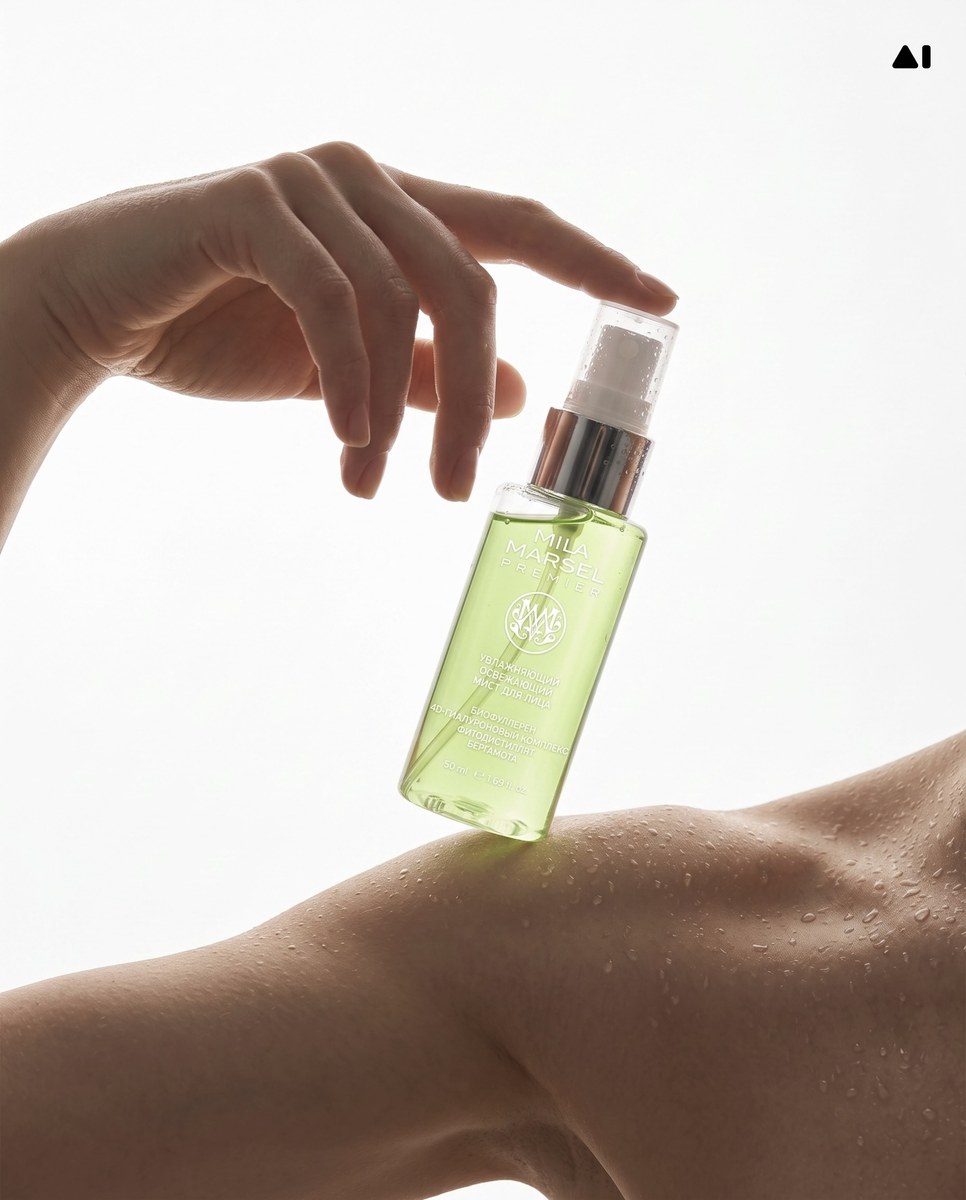
Premium Minimal Product Campaign Image
Create a polished, high-end product image using an uploaded product photo as the reference, with a specified brand, color palette, and scene texture.
Example outputs
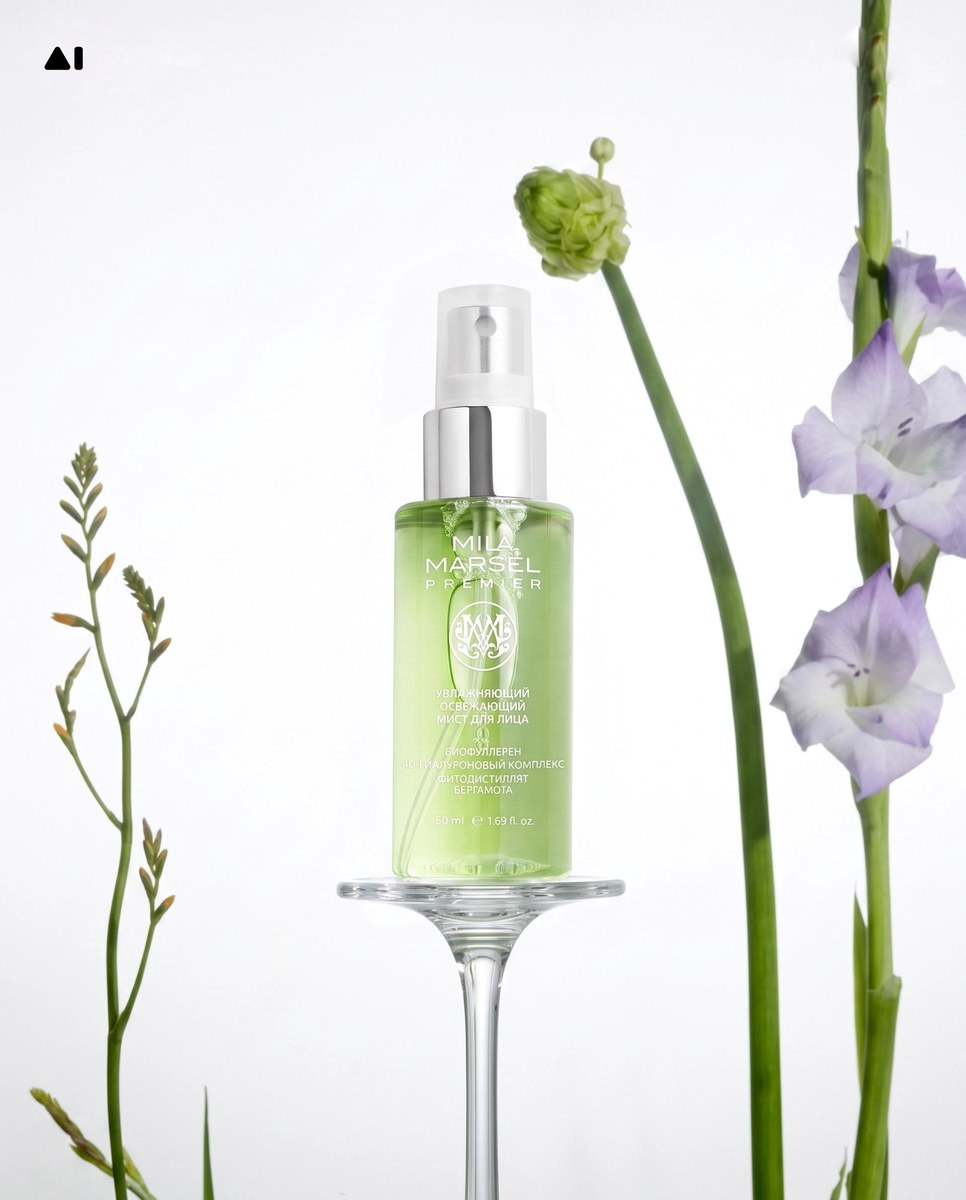
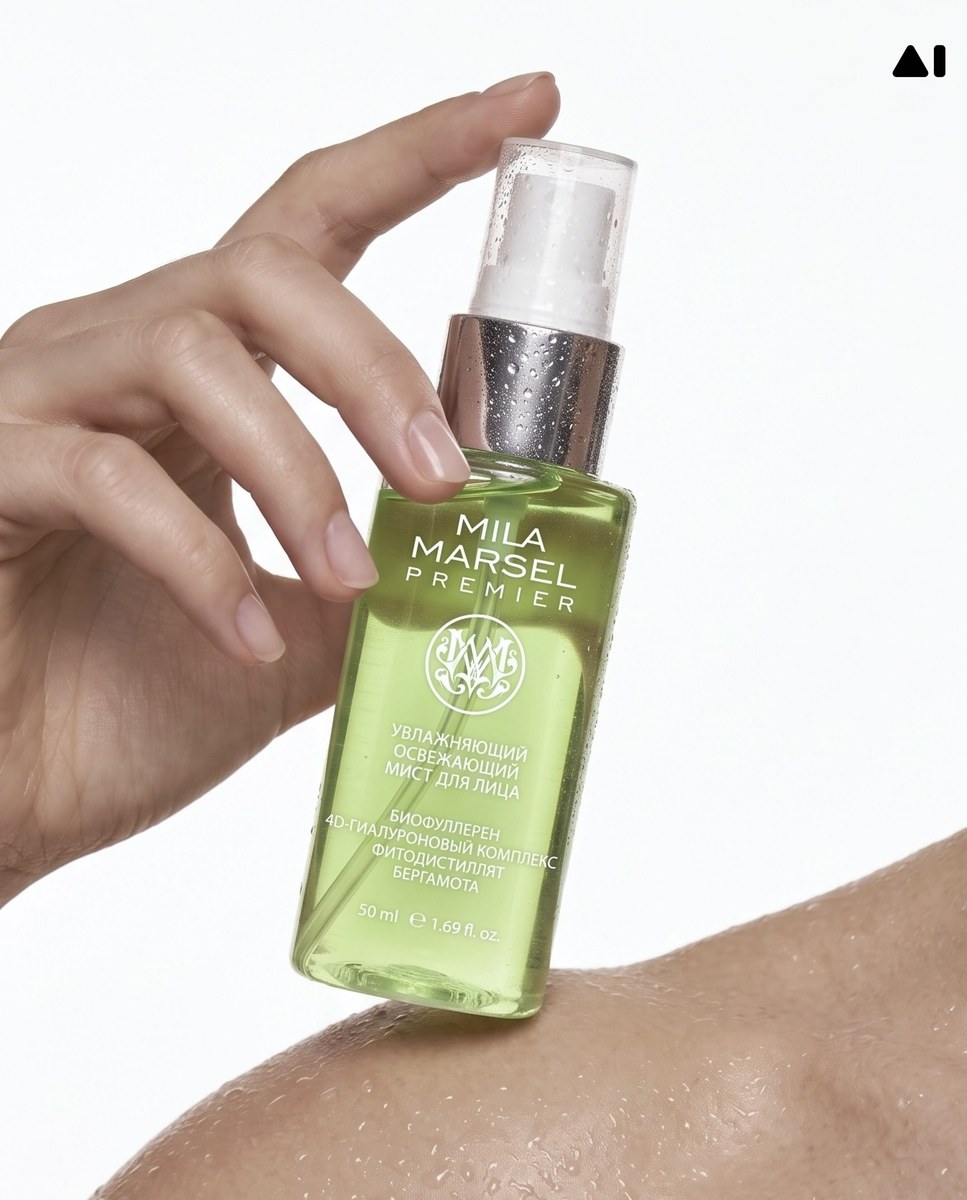
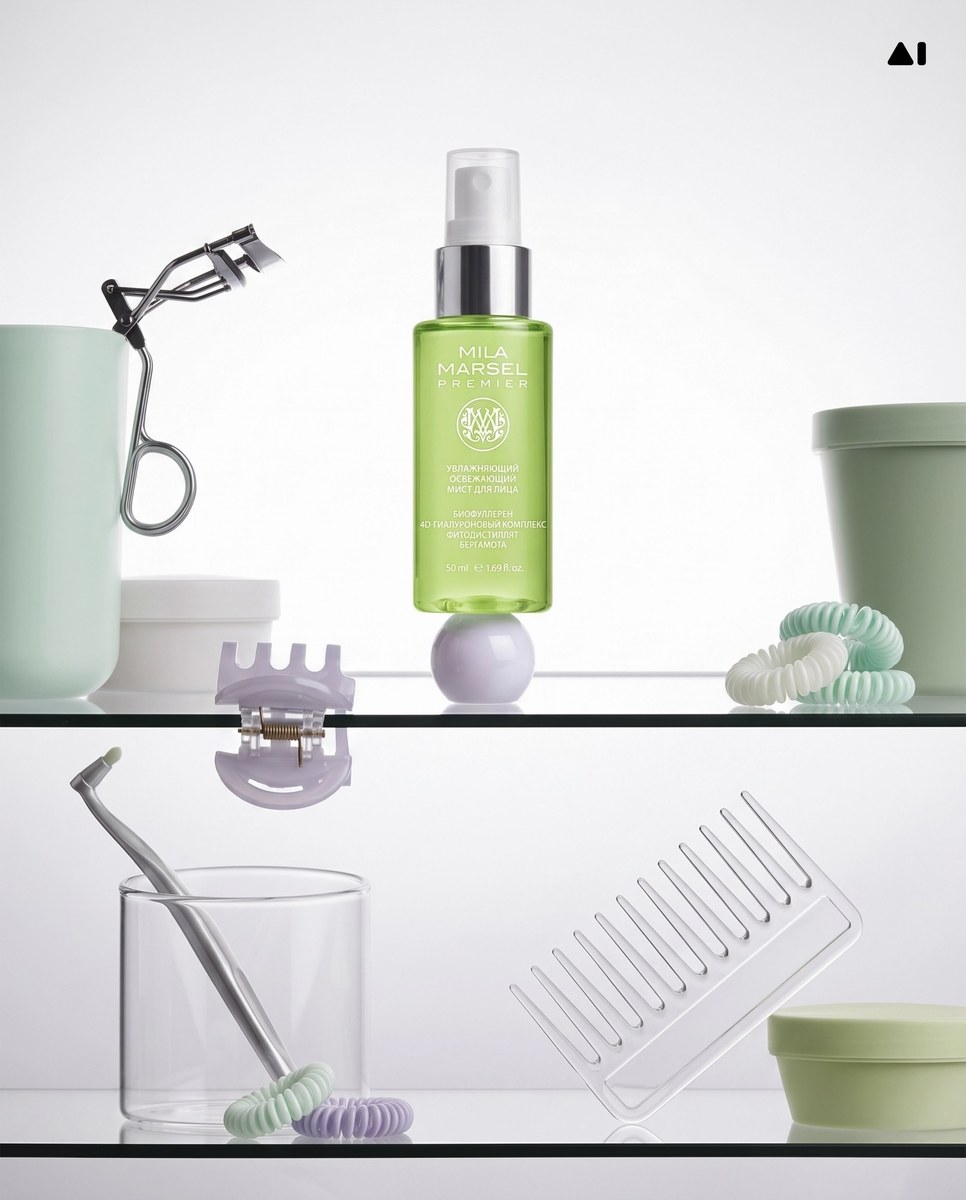
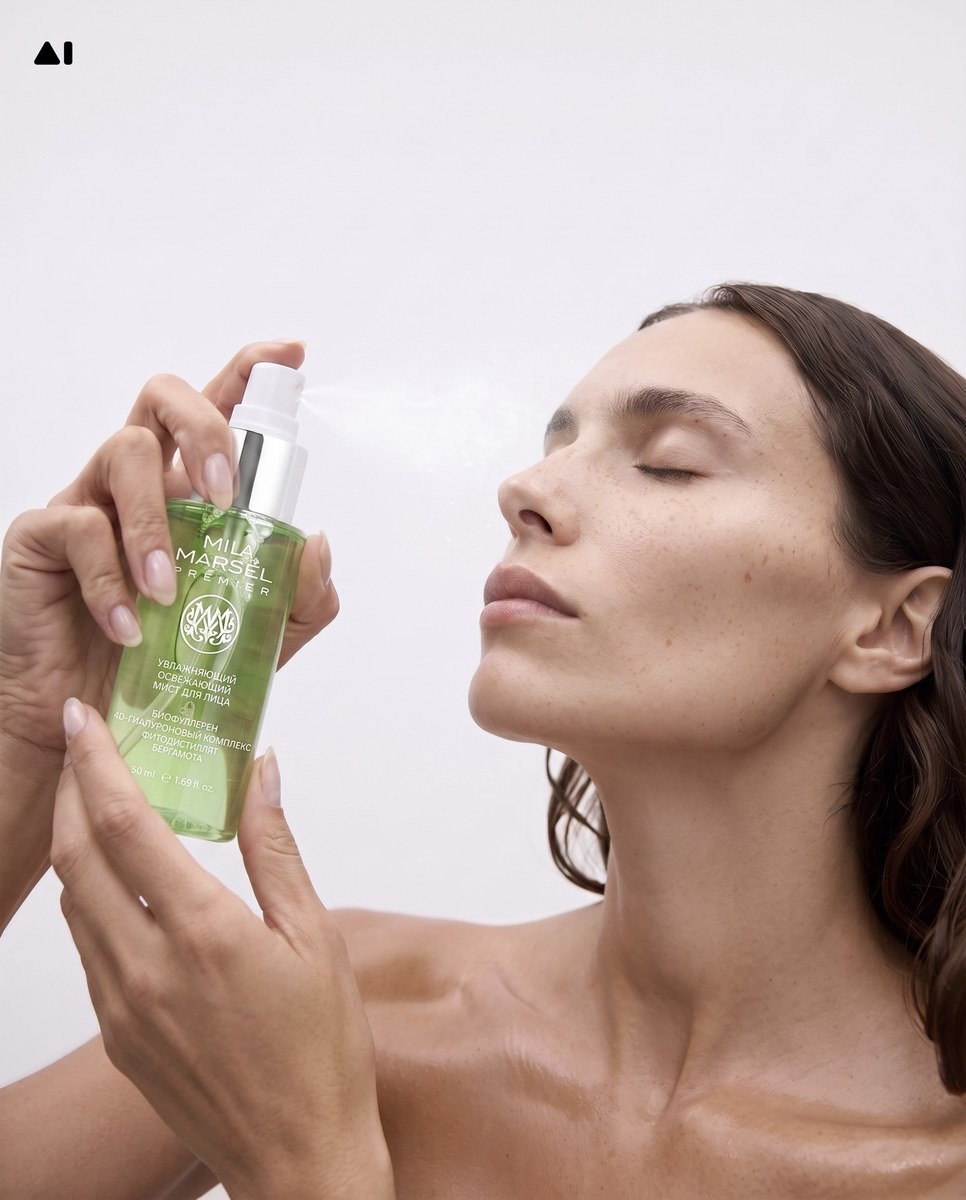
Prompt template
- Format
- Text Parameterized
- Inputs
- Product_photo (image) · Required brand_name (text) · Required color_palette (text) · Required scene_texture (text) · Required
- Outputs
- Product_campaign_image (image)
Create a stylish, minimal, high-end commercial photograph for ${brand-name}. Use the uploaded product photo as the visual reference. Build a refined scene using ${color-palette} and ${scene-texture}. Make the result feel polished and suitable for a premium brand campaign.Replace the ${…} placeholders with your values
before using this prompt. See parameters
and defaults below
Parameters
Replace each placeholder with your own value, or use its default when one is provided
${brand-name}
brand-name
Required
${color-palette}
color-palette
Required
${scene-texture}
scene-texture
Required
What you'll create
A refined commercial scene uses the chosen palette and surface texture to present the reference item with polished brand styling.
Frequently asked questions
What defines the product’s appearance?
The uploaded product photo is the visual reference.








Comments
Tried this prompt? Share what you made, compare results, or ask a question