Design & Image
Editorial Poster
Identity Preservation
Vector Illustration
GPT Image (version unspecified)
Creative Identity Profile Poster
Create a personalized Swiss-inspired editorial poster that preserves a reference image’s identity while adapting the profession, theme, and color tone.
Example outputs
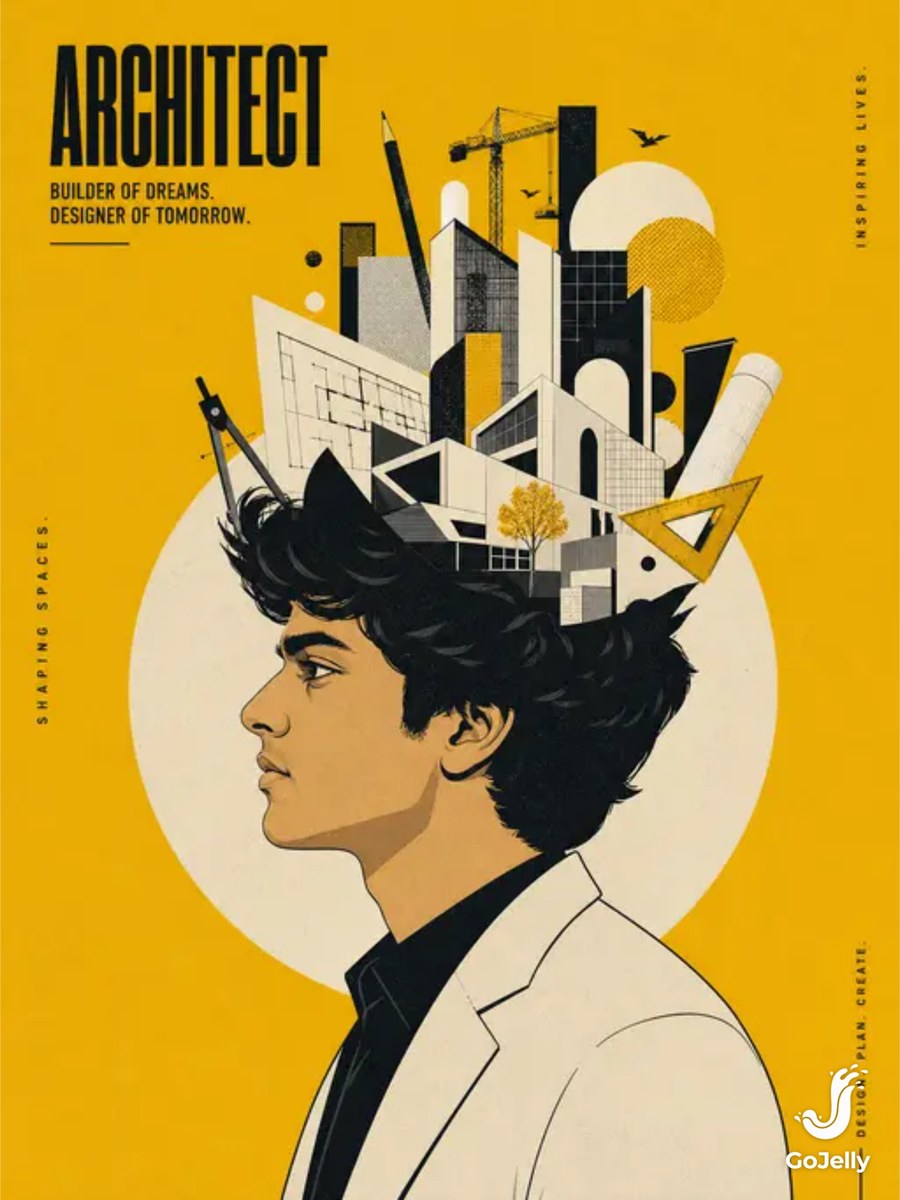
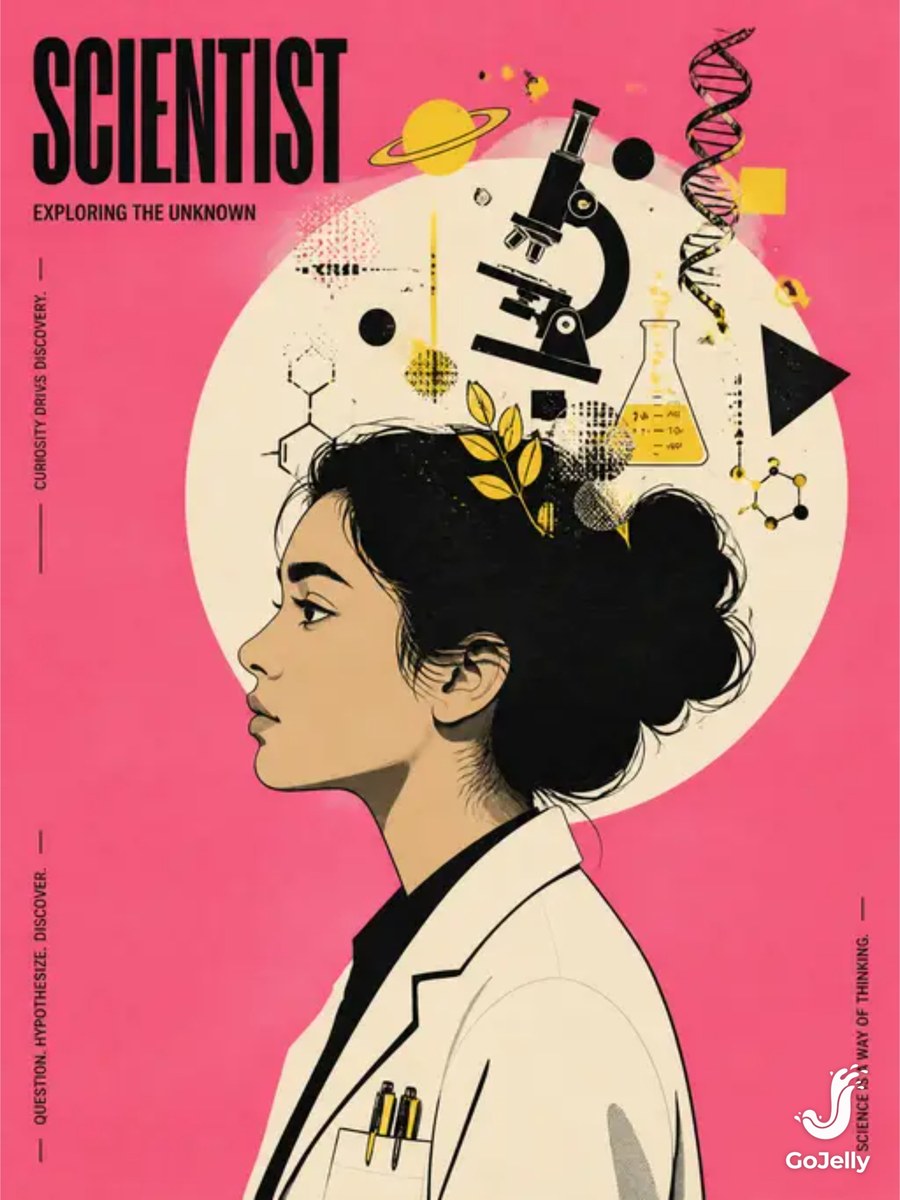
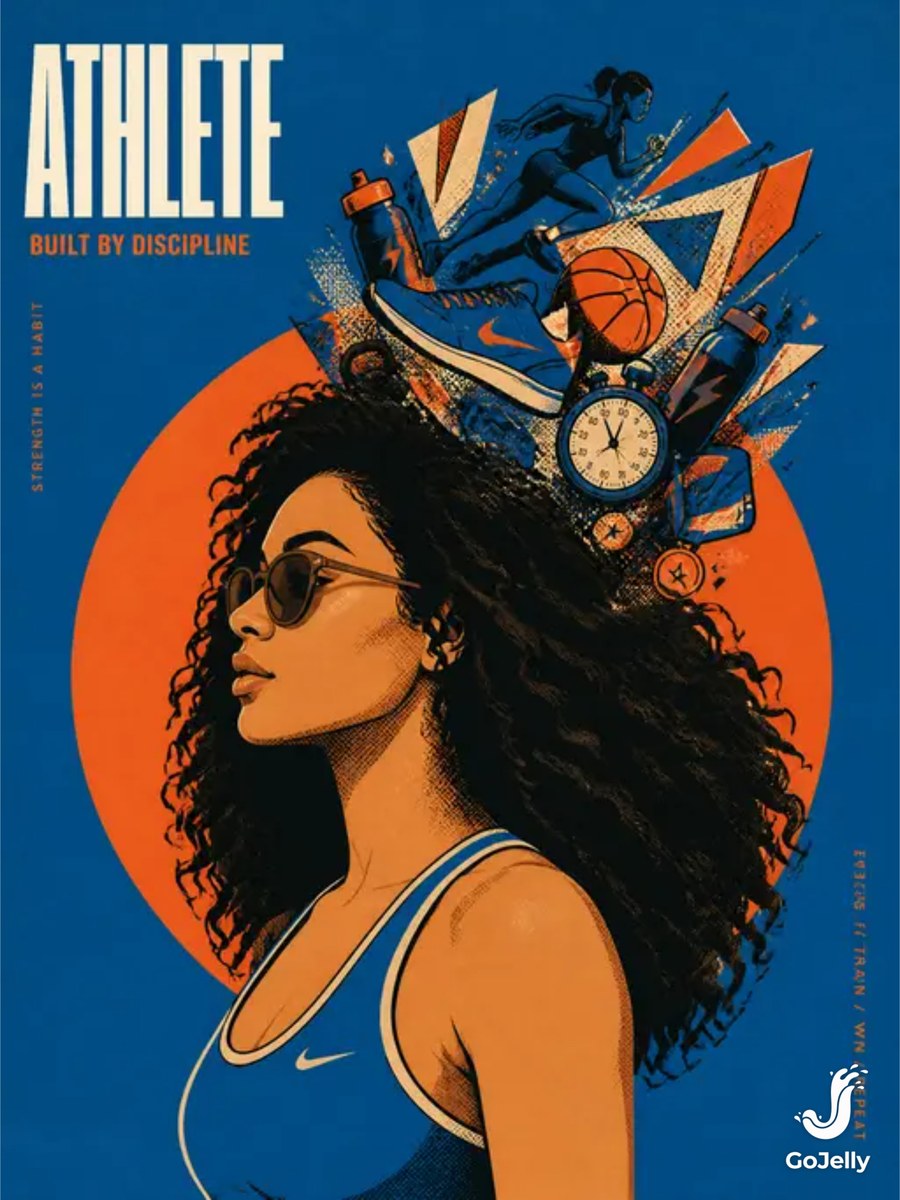
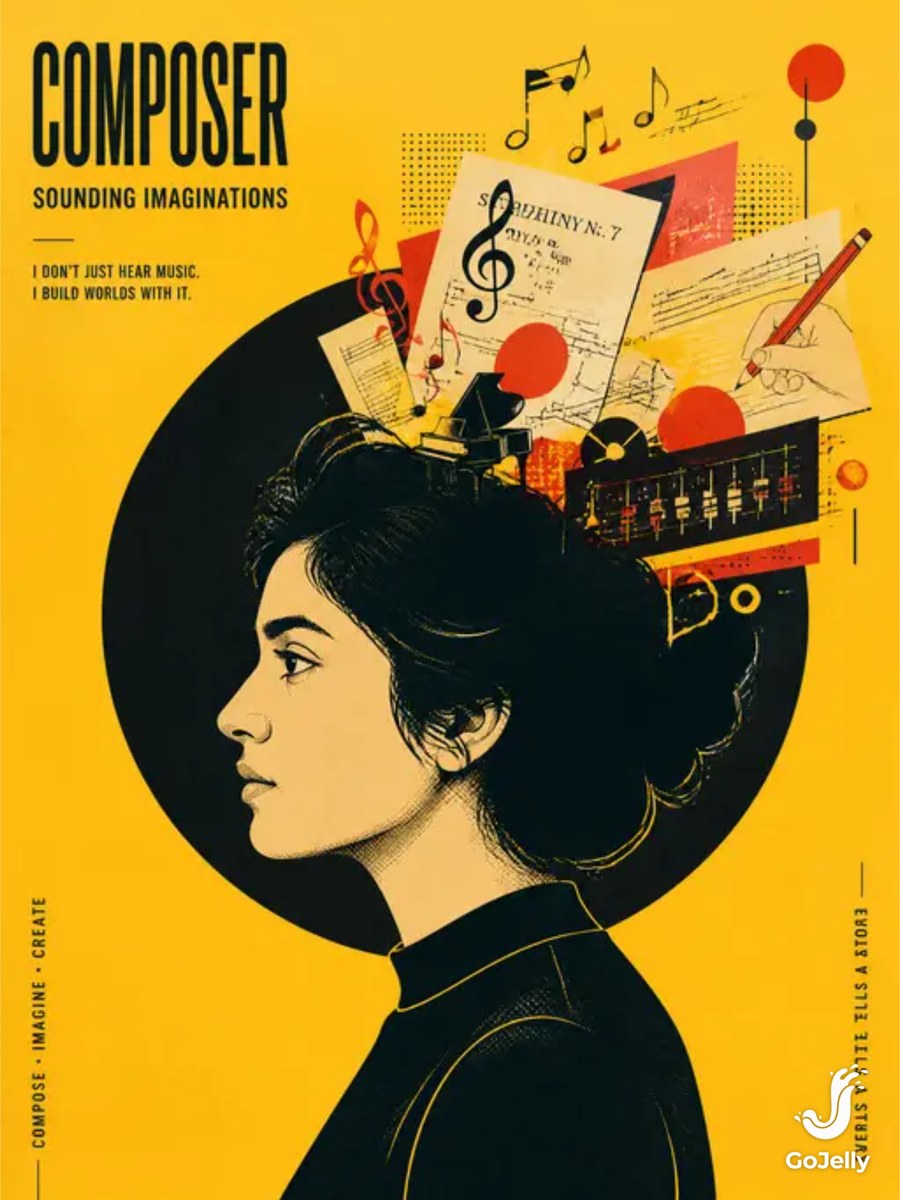
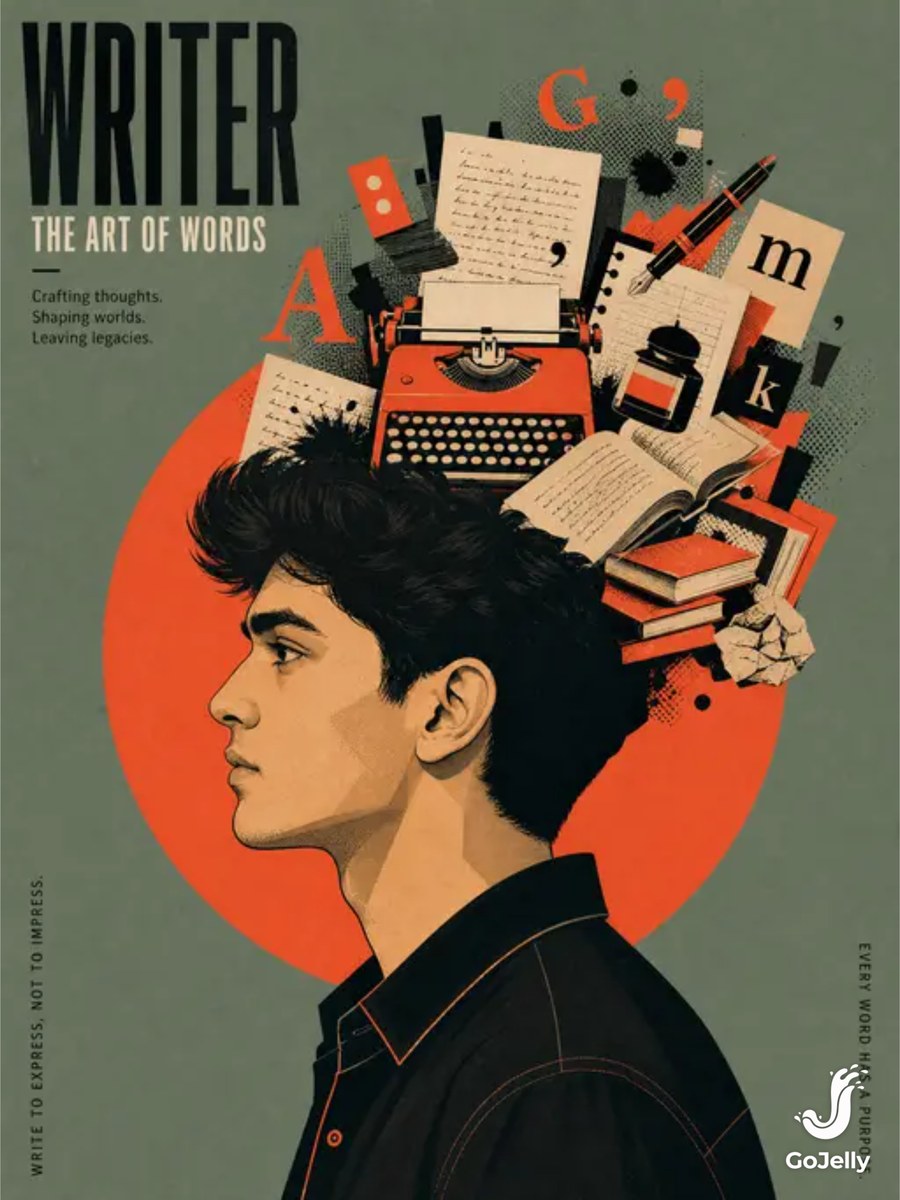
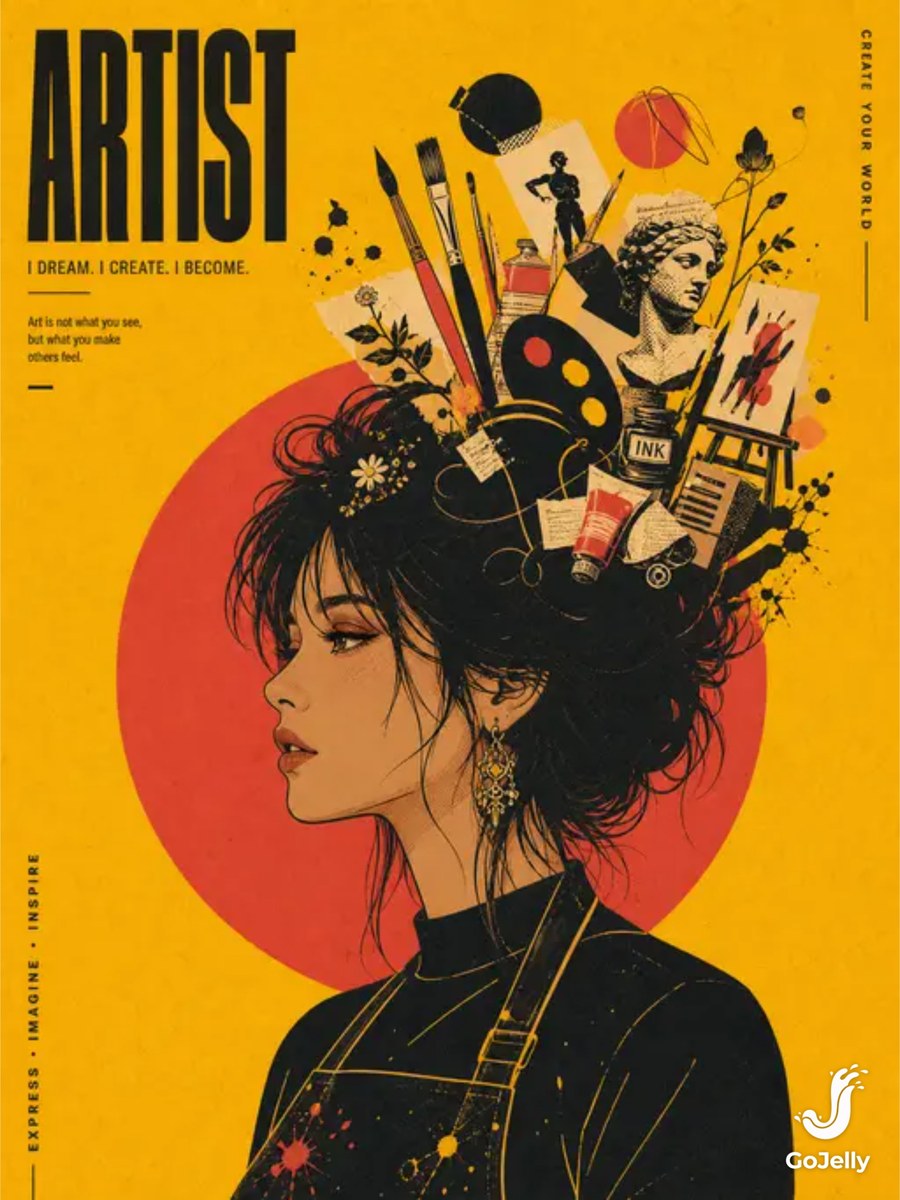
Prompt template
- Format
- Text Parameterized
- Inputs
- Reference_image (image) · Required profession_or_theme (text) · Required color_tone (text) · Optional · Default: mustard title (text) · Required headline (text) · Required
- Outputs
- Poster (image)
Use the uploaded reference image as the character identity source. Preserve the exact recognizable left-facing side-profile identity, including face shape, facial structure, nose, lips, hairstyle silhouette, skin tone, and unique characteristics. Do not redesign the face or create a different person. Change only the profession/theme elements, keeping the poster composition fixed.

Profession/theme: ${profession-or-theme}
Color tone: ${color-tone:mustard}

Fixed poster composition and creative concept:
- Create an editorial graphic poster in a 4:5 vertical ratio.
- Show the character in a strict left-facing side profile, cropped from mid-torso upward and positioned in the lower-left to center area.
- Place a large, flat circular geometric disk directly behind the head.
- Arrange floating creative elements bursting from above the head into a “mind world” representing the chosen profession or theme, such as filmmaker tools, designer palettes, or tech symbols. Treat them as a carefully arranged graphic collage.
- Make the hair a large graphic shape around the head. Depict an outfit that represents the chosen profession in flat vector style.

Art direction:
- Combine modern Swiss-inspired graphic design with contemporary collage.
- Use crisp flat vector illustration, bold simplified forms, angular facial contours, controlled black lines, screen-print halftone dots, and a paper-grain surface. Avoid realistic photography.
- Use exactly four high-contrast colors: one bold background color guided by the selected color tone, one dark contour color, one neutral skin tone, and one accent color for collage objects. Use strong color blocking and clean negative space.

Typography and output:
- Use a minimalist layout in the upper-left corner.
- Add a large, bold, condensed uppercase title: “${title}”
- Place the smaller subtitle “${headline}” beneath it.
- Include small vertical decorative text along the poster edges.
- Render as a high-resolution 4K/8K editorial poster with clean vector precision and a premium matte printed texture.

Negative prompt: realistic photo, 3D render, cinematic lighting, realistic background, full body, front face, identity change, AI face, distorted face, messy composition, gradients, realistic hair strands, glossy effects, bad typography, low resolution, watermark, logo.
Replace the ${…} placeholders with your values
before using this prompt. See parameters
and defaults below
Parameters
Replace each placeholder with your own value, or use its default when one is provided
${profession-or-theme}
profession-or-theme
Required
${color-tone:mustard}
color-tone
Default: mustard
${title}
title
Required
${headline}
headline
Required
What you'll create
A reference-based left-facing profile occupies the lower portion of a vertical poster, with a circular backdrop and a carefully arranged mind-world of thematic objects.
Generation settings
Advanced settings
- Negative prompt
- realistic photo, 3D render, cinematic lighting, realistic background, full body, front face, identity change, AI face, distorted face, messy composition, gradients, realistic hair strands, glossy effects, bad typography, low resolution, watermark, logo.
Frequently asked questions
Does the profession change the person’s face?
No, identity and fixed profile composition remain while profession-related elements change.






Comments
Tried this prompt? Share what you made, compare results, or ask a question