Absurdist Flat Cartoon Portrait from a Family Photo
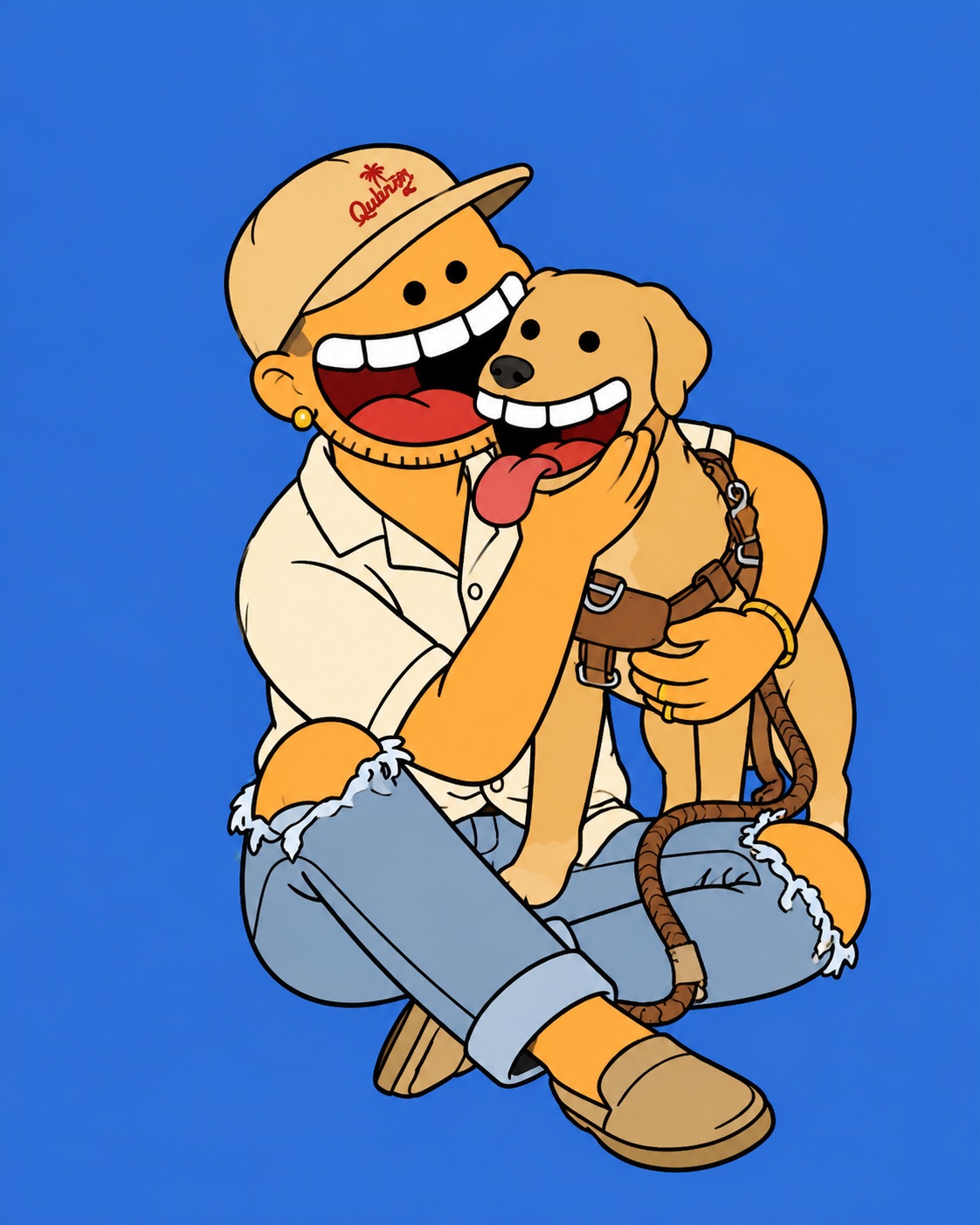
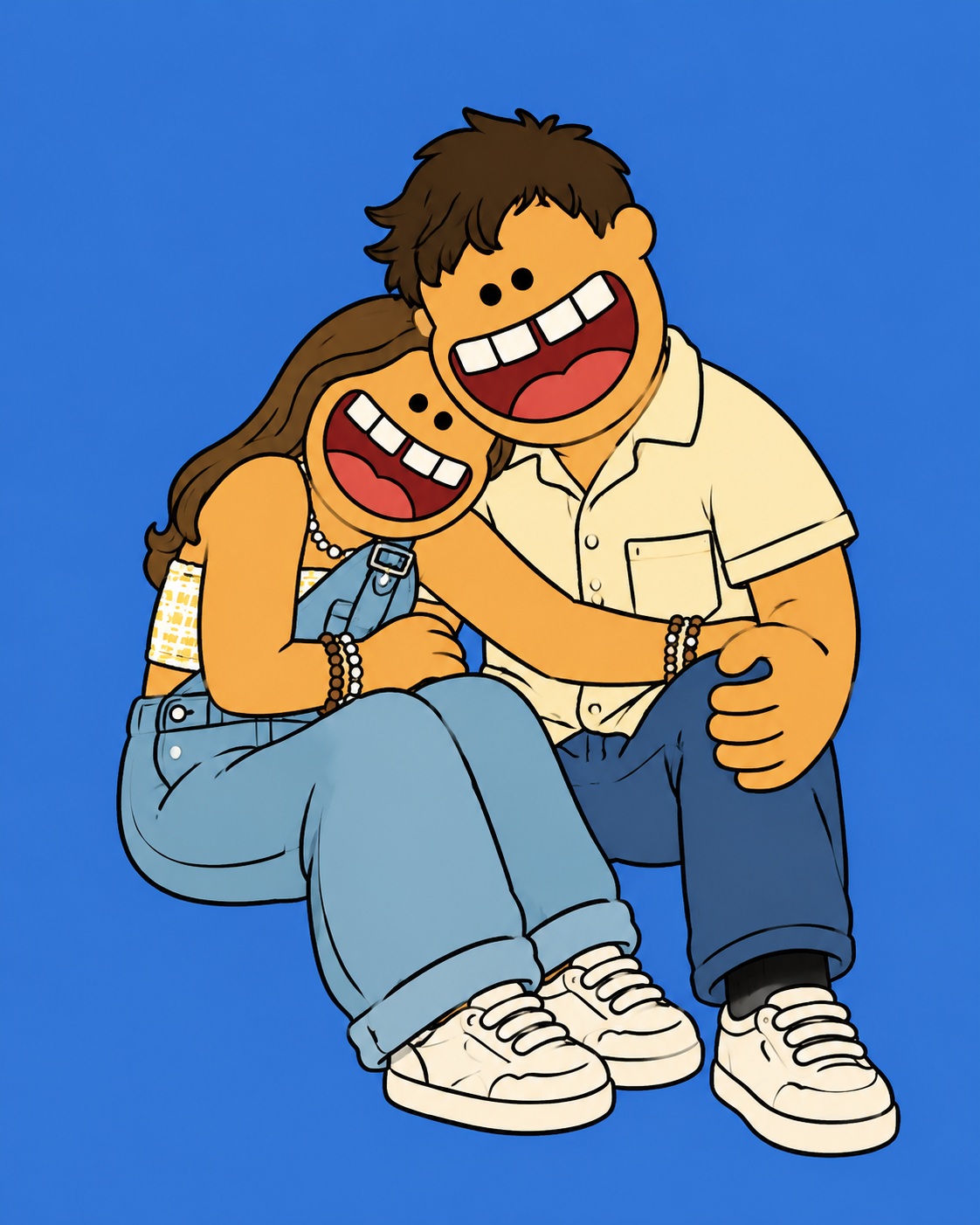
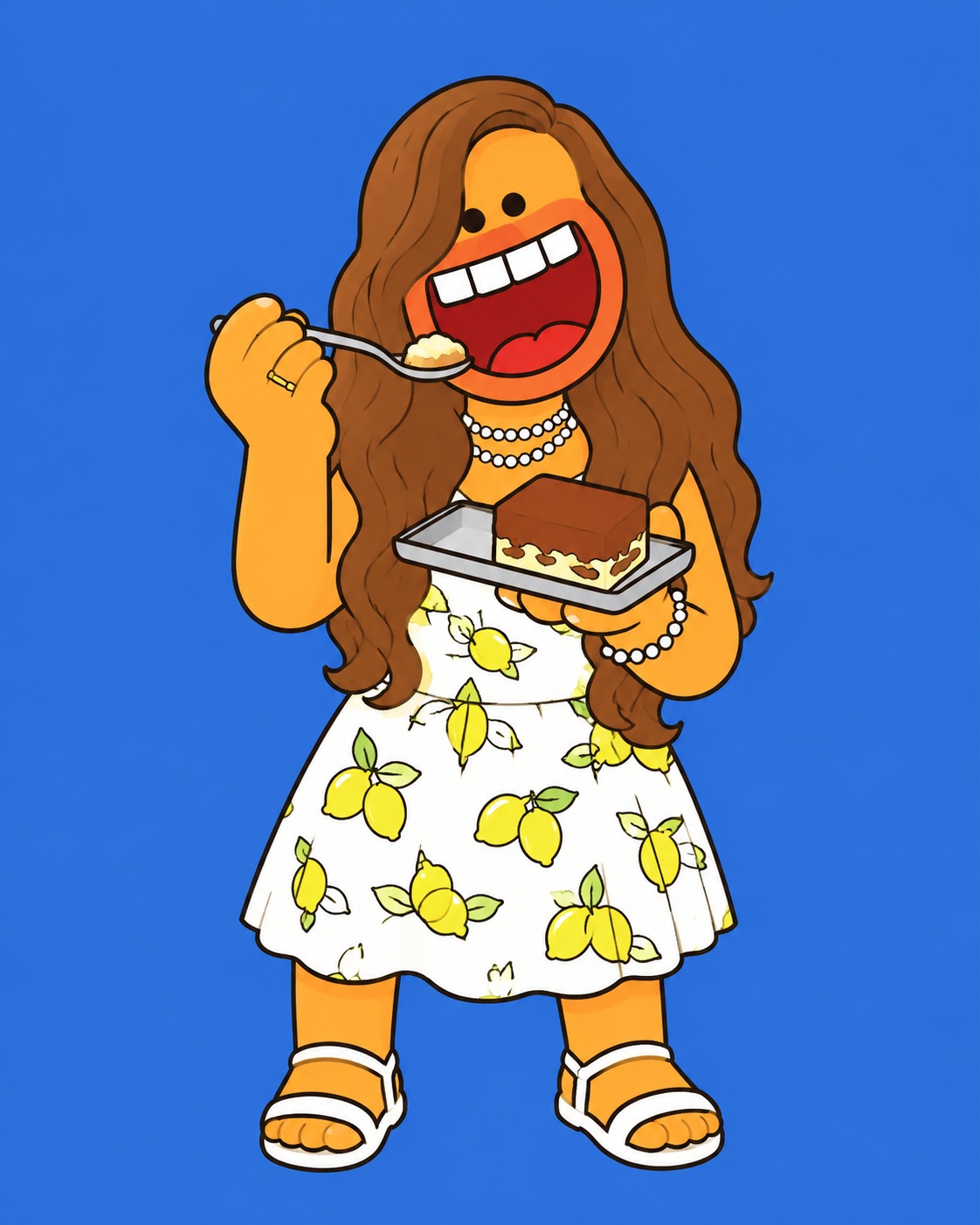
Transform a family photo into a bold, flat 2D cartoon illustration with exaggerated anatomy and a solid-color background.
Example outputs
Prompt template
- Format
- Text Parameterized
- Inputs
- family_photo (image) · Required background_color (text) · Optional · Default: cobalt blue (#4A7FD4)
- Outputs
- cartoon_illustration (image)
Transform the supplied family photo into a flat 2D absurdist cartoon illustration. Redraw the subject as a chunky, rubbery cartoon character with simplified, exaggerated anatomy: a large rounded body, short stubby limbs, small beady dot eyes, and an oversized, wide-open mouth with large flat teeth and a bold red lip outline dominating the lower half of the face. Use a flat warm peach-orange skin tone.

Render the image in clean vector-like line art with thick, bold black outlines and solid flat colors. Use absolutely no gradients, shadows, textures, photorealism, fine detail, or realism.

Faithfully recreate the subject’s outfit and accessories from the reference photo, translating them into the flat cartoon style with bold, simplified colors. Include any bags, shoes, hats, or props in the same chunky illustrated style.

Center the full-body character on a solid-color background. Use ${background-color:cobalt blue (#4A7FD4)} unless the photo has a strong background color worth keeping. Use portrait orientation with a 4:5 aspect ratio.

Style direction: The Simpsons meets Futurama and modern streetwear illustration. Make the result bold, irreverent, and graphic. The face should feel grotesquely oversized and joyfully absurd; exaggerate the mouth and eyes beyond normal cartoon proportions. Flat graphic art only.
Replace the ${…} placeholders with your values
before using this prompt. See parameters
and defaults below
Parameters
Replace each placeholder with your own value, or use its default when one is provided
${background-color:cobalt blue (#4A7FD4)}
background-color
Default: cobalt blue (#4A7FD4)
What you'll create
The subject becomes a rubbery character with tiny dot eyes and large flat teeth. Thick black outlines and warm flat colors retain the outfit while eliminating shading and realistic texture.
Frequently asked questions
Are gradients allowed?
No gradients, shadows or textures are included.
What details remain from the reference?
Clothing, accessories and recognizable composition carry into the cartoon.


Comments
Tried this prompt? Share what you made, compare results, or ask a question