Psychedelic Editorial Portrait with Sculptural Typography
Create a high-fashion portrait from a reference photo, featuring oversized liquid typography and a vivid 1970s-inspired editorial design.
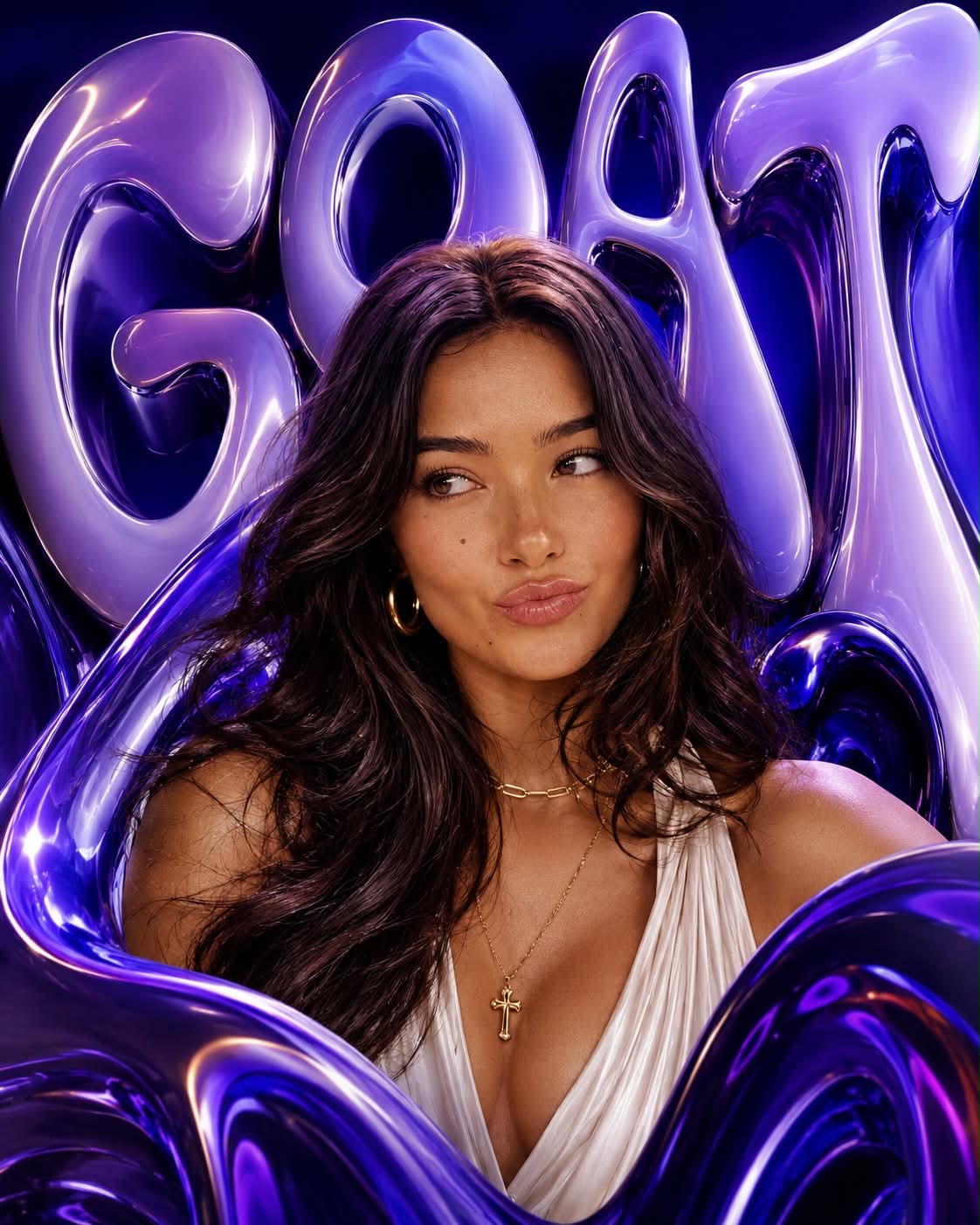
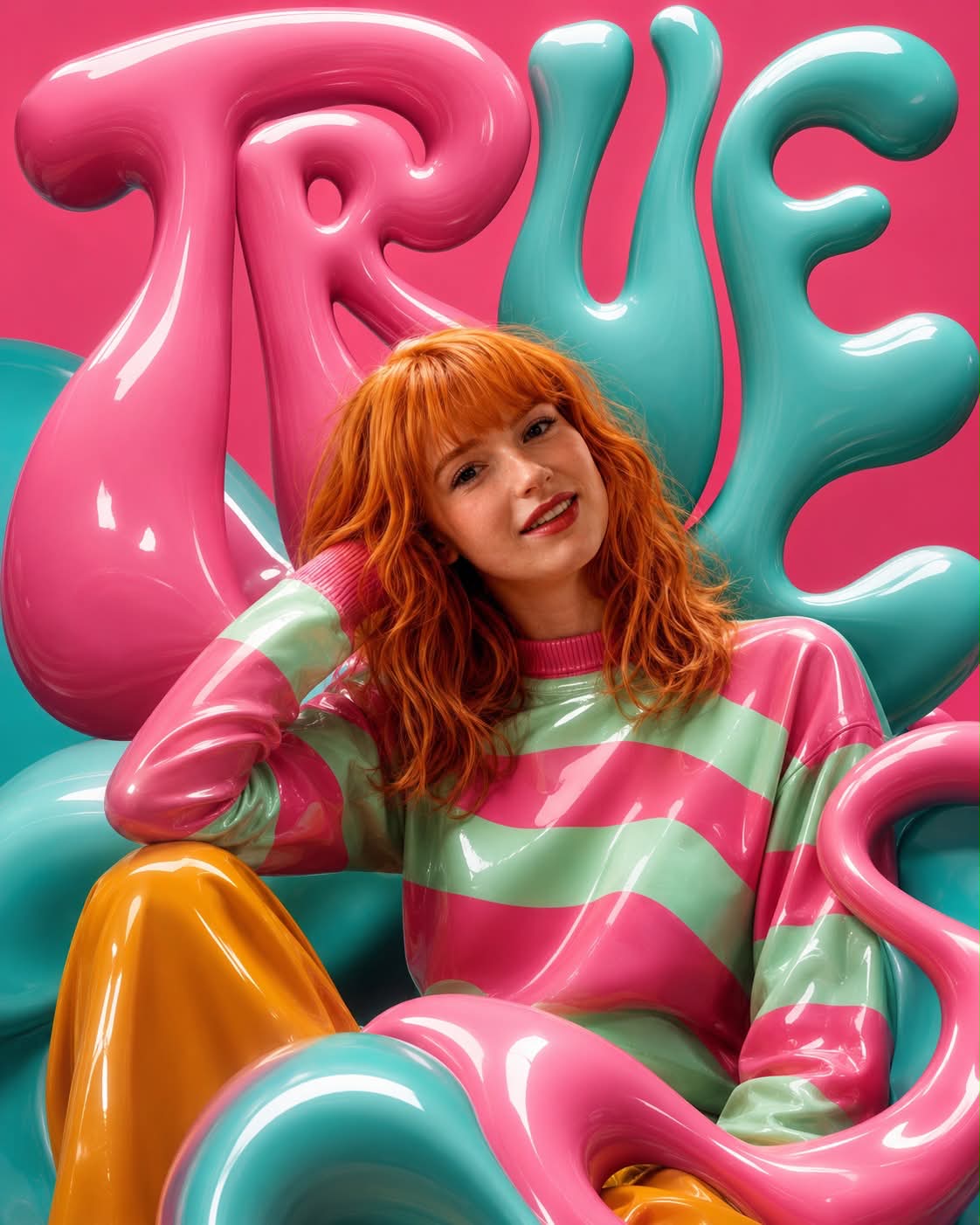
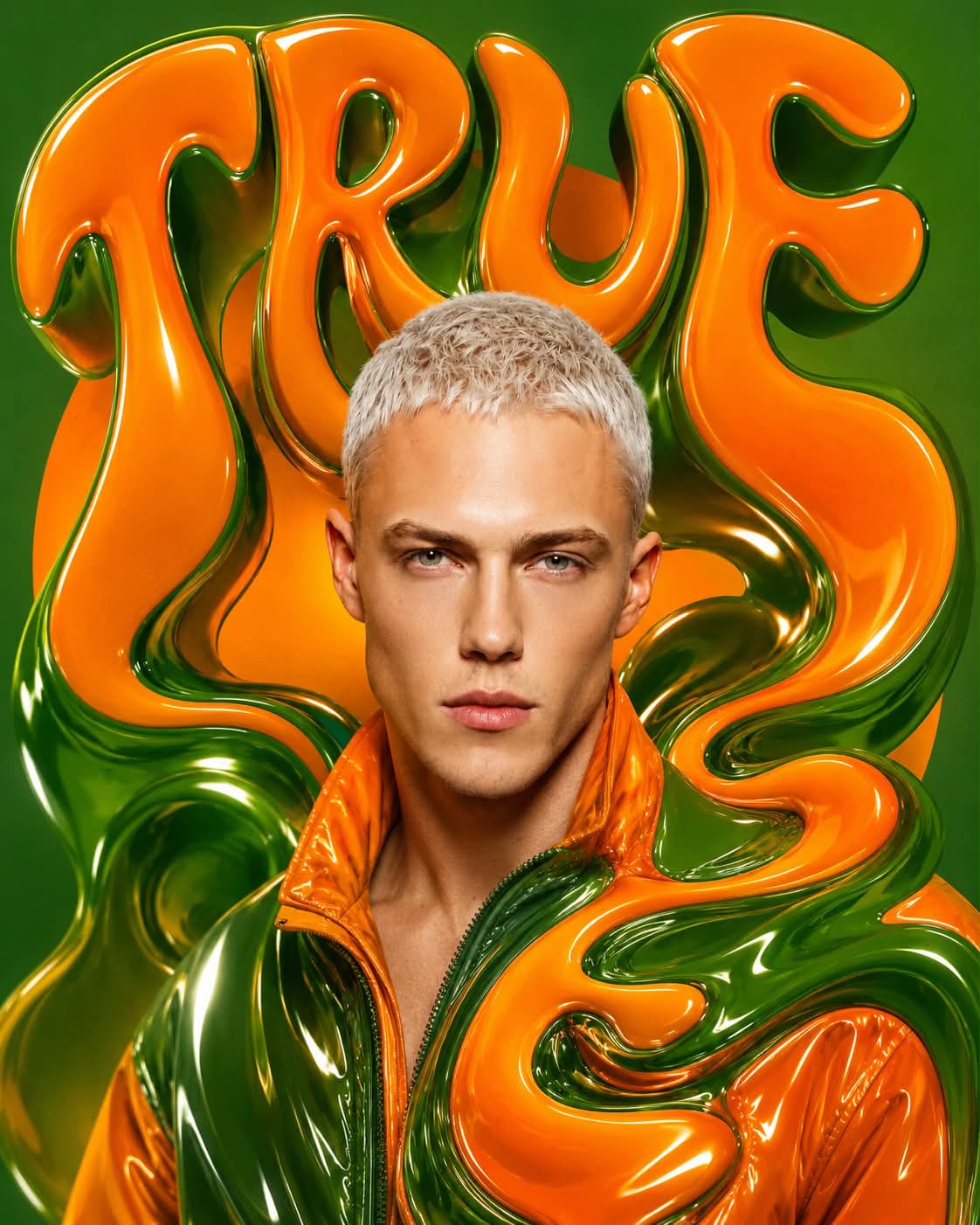
Example outputs
Prompt template
- Format
- Text Parameterized
- Inputs
- reference_photo (image) · Required word (text) · Optional · Default: TRUE color_scheme (text) · Optional · Default: pink-turquoise
- Outputs
- editorial_portrait (image)
Create a bold psychedelic editorial portrait of the person in the attached photo, in a high-fashion style and 4:5 vertical format. Make volumetric liquid typography the dominant graphic element: depict the exact word “${word:TRUE}” in huge, distorted 1970s-style letters with exaggerated curves, smooth contours, glossy surfaces, and playful psychedelic distortions. Treat the letters like fashionable sculptural objects: position them behind the head, wrap them around the shoulders and torso, and let them cover selected foreground areas while preserving the subject’s face and anatomy. Keep the word clearly legible and spell it exactly as specified. Include no other text.

Use a clean background of saturated color fields in a ${color-scheme:pink-turquoise} scheme, with bold organic shapes and controlled negative space. Create a balanced editorial composition, viewed at eye level or slightly below, with clear magazine-cover hierarchy and striking framing. Use studio fashion lighting: glowing skin, sharp highlights, soft sculptural shadows, reflective accents, and glossy materials. Emphasize tactile surfaces such as vinyl, varnish, chrome, vitreous resin, and liquid where appropriate. Give the image the surreal energy of a 1970s poster embodied in a modern luxury-fashion photograph: rich, graphic, elegant, eccentric, clear, three-dimensional, and immediately attention-grabbing.

Create one image only—no collages, grids, or frames. Do not add watermarks, signatures, logos, random text, anatomical anomalies, or duplicate limbs.
Replace the ${…} placeholders with your values
before using this prompt. See parameters
and defaults below
Parameters
Replace each placeholder with your own value, or use its default when one is provided
${word:TRUE}
word
Default: TRUE
${color-scheme:pink-turquoise}
color-scheme
Default: pink-turquoise
What you'll create
Glossy distorted letters become sculptural forms behind the head, around shoulders and across selected foreground areas. Bold color fields and studio highlights create a surreal editorial image while retaining a readable word and clear facial anatomy.
Frequently asked questions
Can extra slogans appear?
No. The source requires only the exact selected word and excludes all other text.




Comments
Tried this prompt? Share what you made, compare results, or ask a question