Color-Palette Editorial Poster
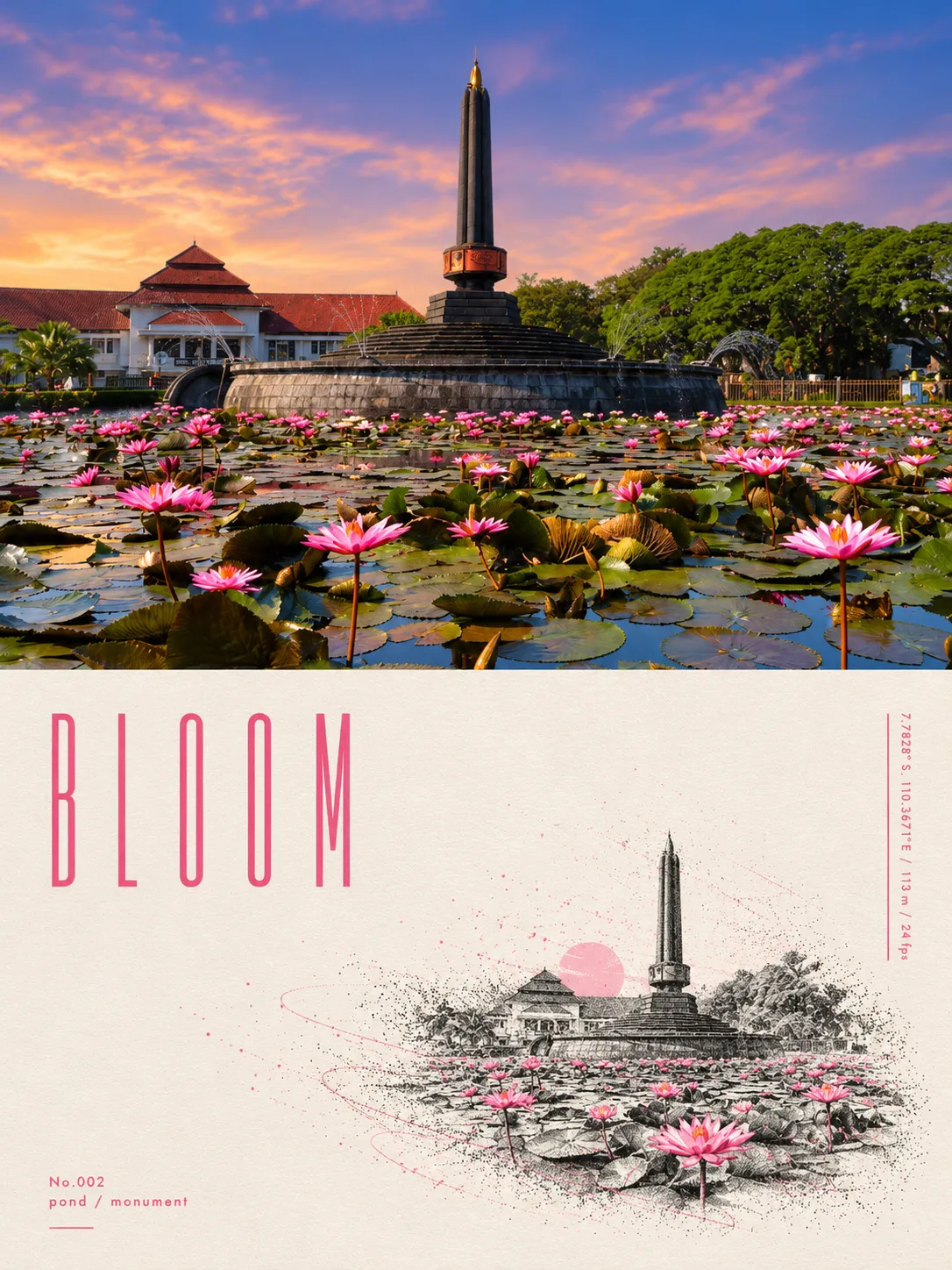
Create a calm, modern editorial poster that pairs your photo with a minimalist illustration and a palette drawn from the image. The layout includes a short poetic title and its color’s hex code
Example outputs
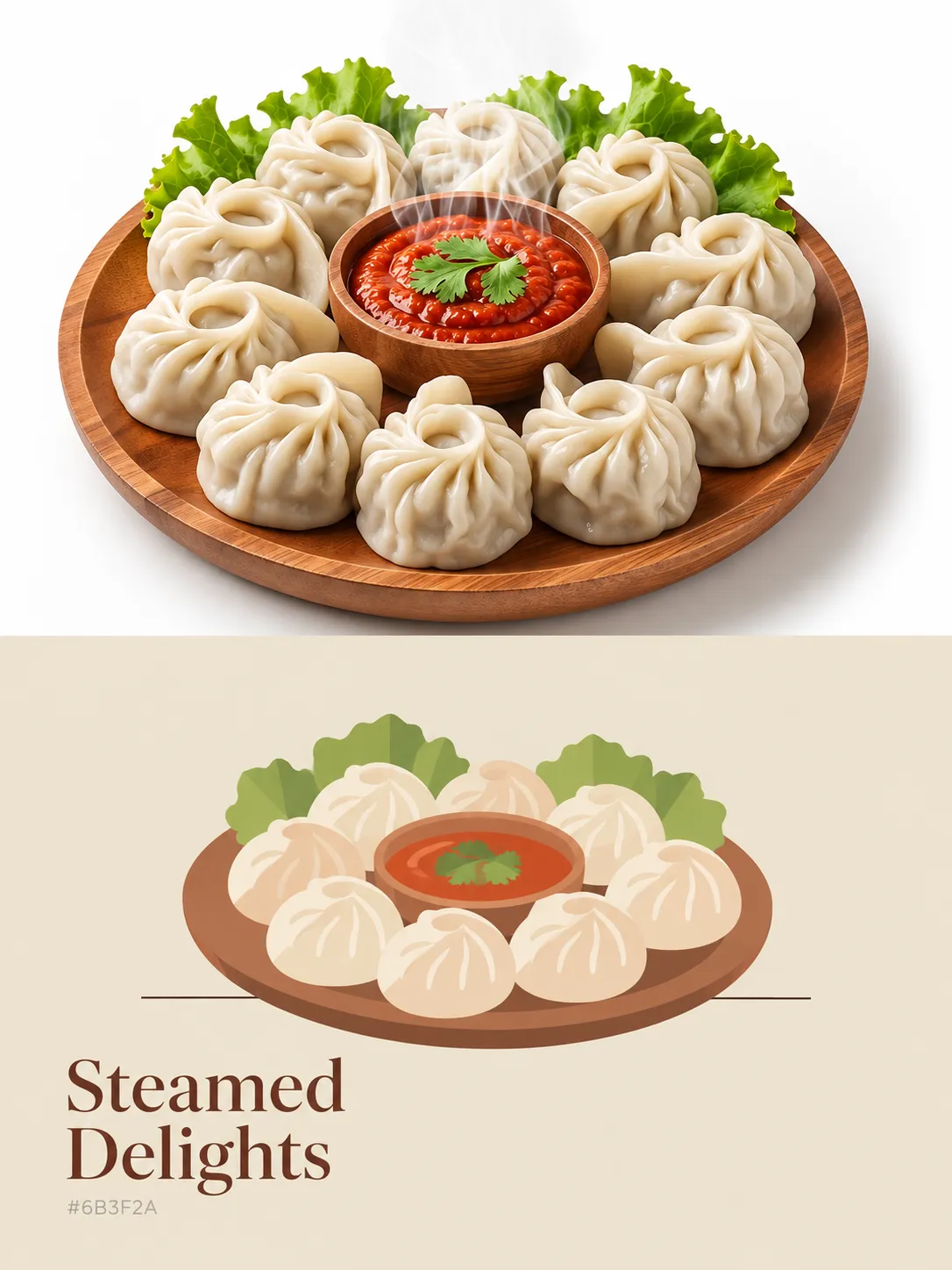
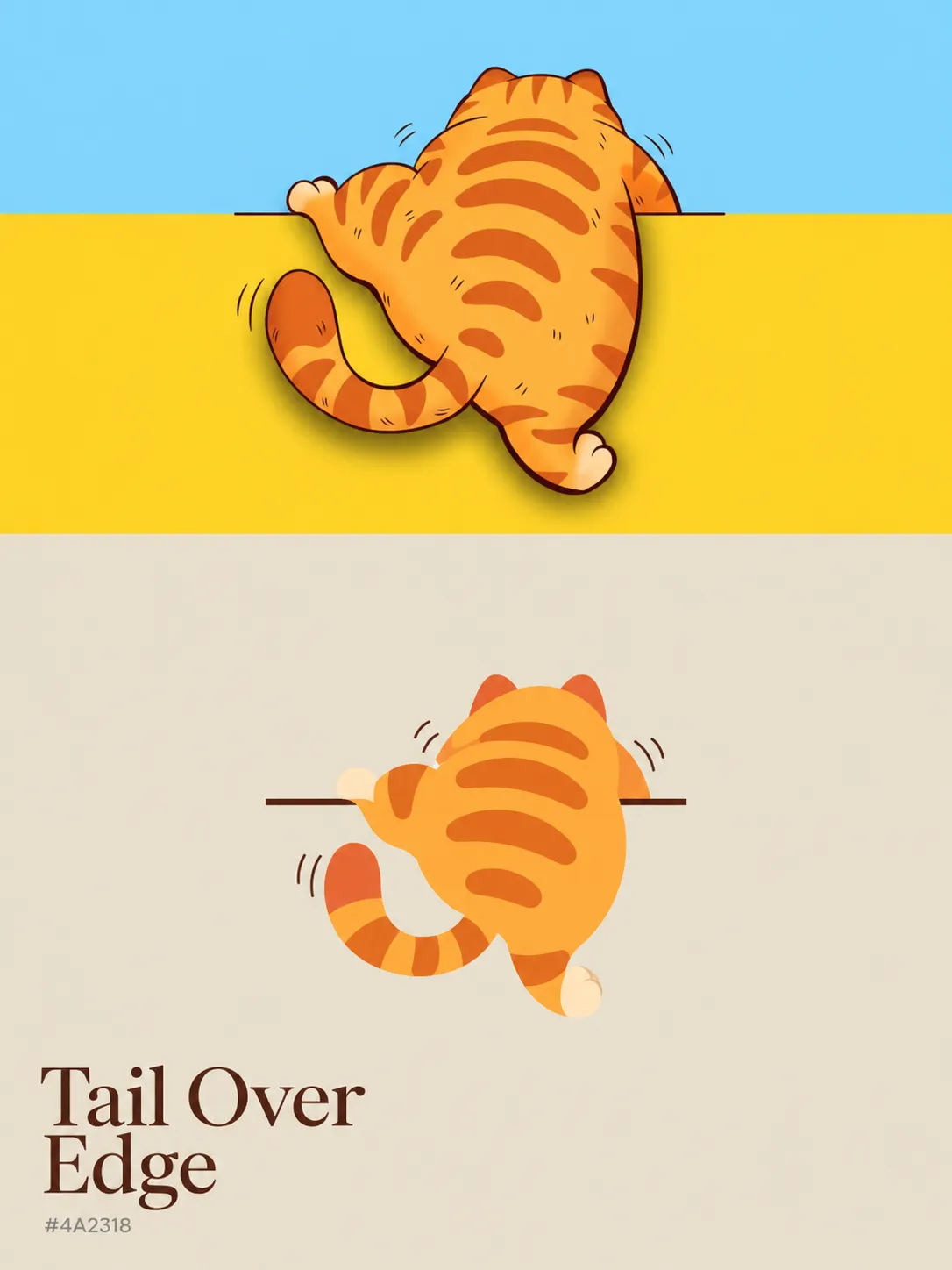
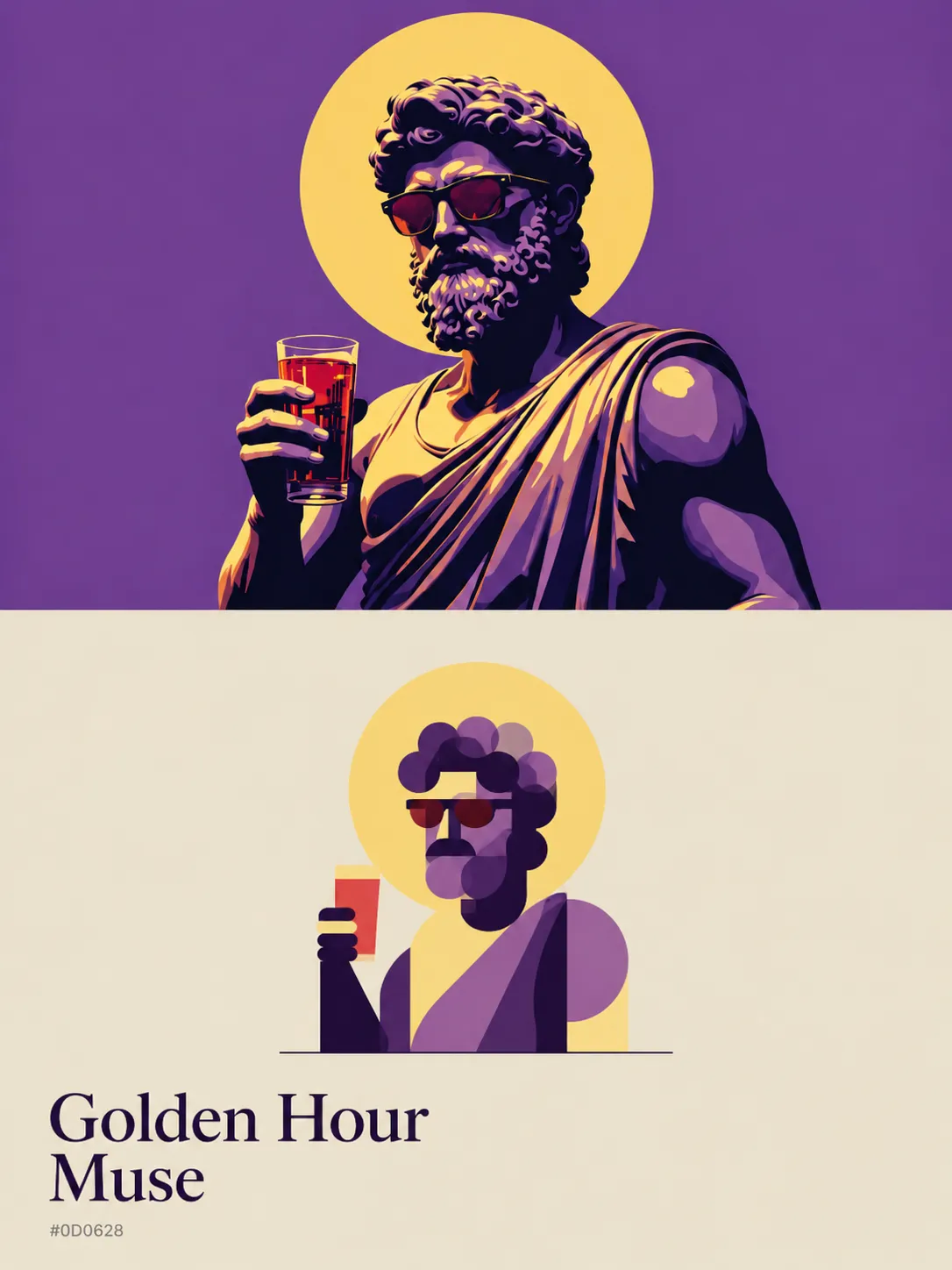
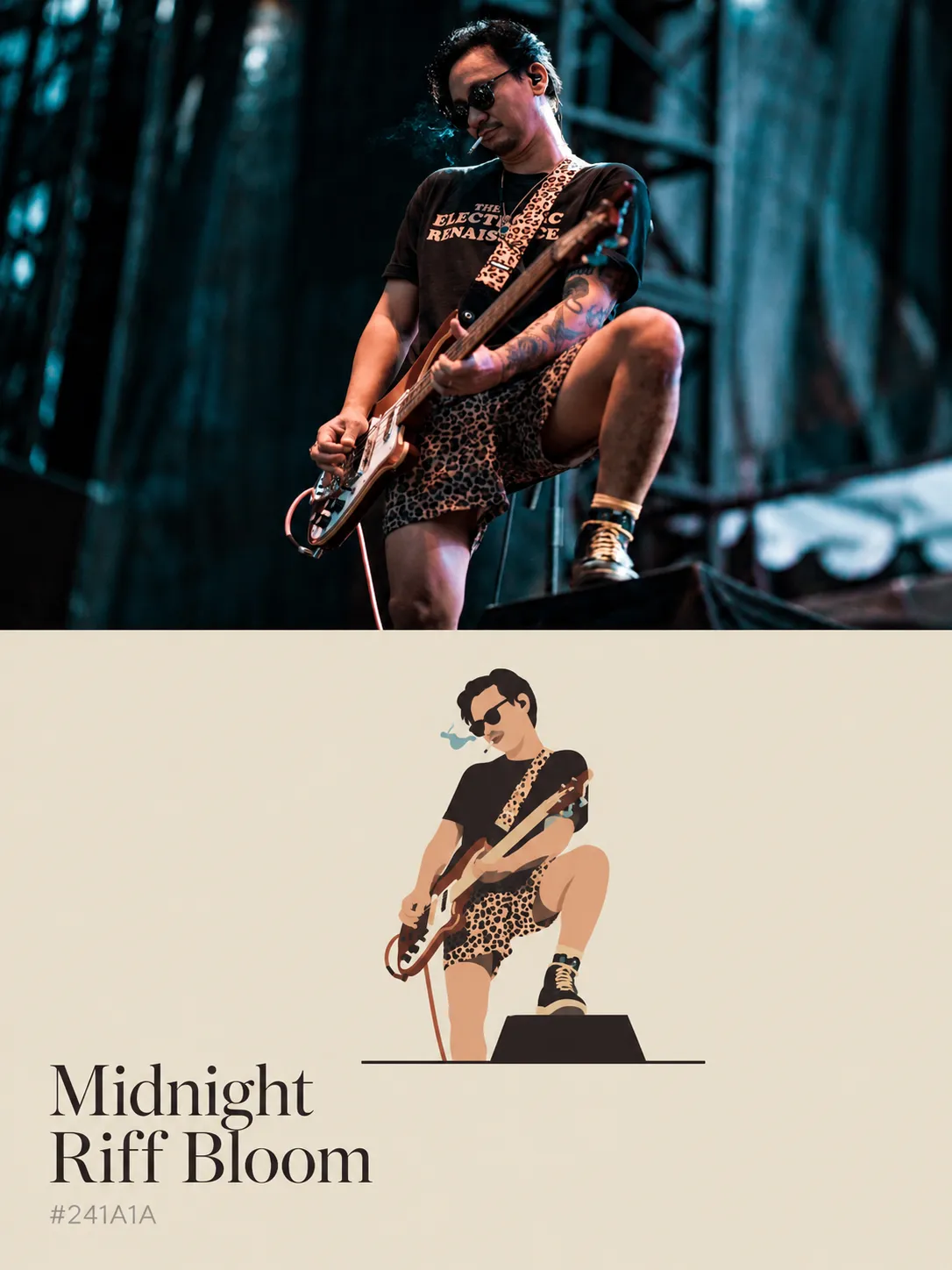
Prompt template
- Format
- Text
- Inputs
- Uploaded_photo (image) · Required
- Outputs
- Color_palette_editorial_poster (image)
Using the uploaded photo, create a 3:4 vertical color-palette poster.

Layout:
- Top 45%: Show the original photo full width, unaltered and edge to edge.
- Bottom 55%: Use a flat warm cream background (#E8E0CF) with generous negative space.
- Center of the cream area: Add a small minimalist flat vector illustration that abstracts the photo’s main subject into simple geometric shapes such as circles, ovals, rectangles, and thin lines. Use only 3–4 colors sampled from the photo, with soft semi-transparent overlaps. Place the shapes on one thin dark horizontal baseline. Do not use outlines, gradients, shadows, or texture.
- Bottom left: Add a poetic English title of 3–4 words describing the scene, arranged on two lines in an elegant serif font. Color it with the photo’s darkest dominant color.
- Below the title: Add that color’s hex code in small gray sans-serif text.

Style: clean, calm, modern editorial, with a Pantone-card feel. Do not add other text, borders, or watermarks.
What you'll create
The prompt creates a vertical editorial poster that keeps the uploaded photo unaltered in the upper portion and places a minimalist geometric illustration below it. The cream-colored lower section uses sampled colors, a poetic title, and a small hex code label
Usage instructions
Provide the photo whose main subject should be abstracted in the illustration and whose colors should inform the palette. The original photo occupies the top 45% unchanged; the lower 55% contains the illustration and title. The title wording and sampled colors are determined by the photo, so changing the photo changes those elements
Frequently asked questions
What text should appear on the poster?
Include only the 3–4-word title and the hex code for the photo’s darkest dominant color; do not add other text
Can the poster use a different aspect ratio?
The prompt specifies a 3:4 vertical layout



Comments
Tried this prompt? Share what you made, compare results, or ask a question