NOIR RED Real Estate Reel Video Edit
Edit a source video into a polished vertical reel for a realtor, using a fixed black, ivory, and red editorial style, synchronized captions, and a finished MP4 export.
Example outputs
AI-generated video of a vertical editorial reel alternating full-frame footage with black and ivory information cards, oversized headlines, red statistics, and synchronized captions.
Download video result 1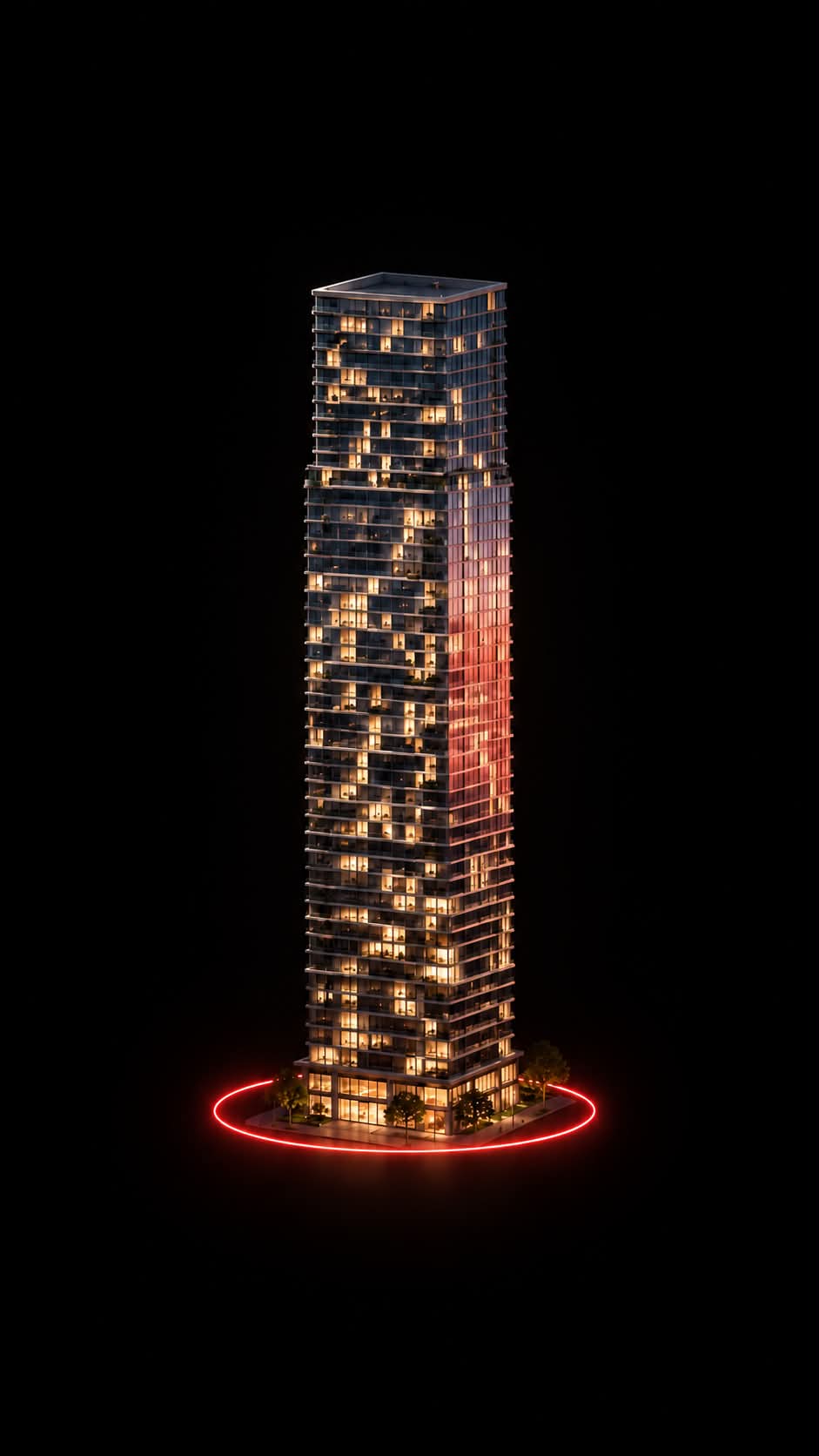
Prompt template
- Format
- Text
- Inputs
- Source_video (video) · Required
- Outputs
- Edited_reel (video)
Edit the attached source video autonomously and export a finished MP4 using this fixed NOIR RED editorial style. Output 1080×1920, 30 fps. Palette: black #050505, ivory #E3E3DC, red #FF100A, gray #91918B. Use Impact for oversized uppercase headlines and numerals, Arial Bold for subtitles, Consolas for small technical labels. Maintain 55 px side margins. Fit headline lines to a maximum width of 970 px with visible heights of 110–172 px; emphasize source-supported numbers at 255–470 px height. Alternate black editorial screens, ivory information screens and full-frame footage with black readability gradients: approximately 60% opacity at the top and 95% at the bottom, fading toward the center. Reduce photographic saturation to 65%; apply graphics afterward to preserve pure accent colors. Animate titles with p=clamp(localTime/0.32,0,1), e=1−(1−p)^4, opacity=e and translateY=32×(1−e) px; stagger subsequent lines by 0.08–0.12 seconds. Use direct scene cuts and restrained image drift: scale≈1.03±0.018, horizontal crop movement±2.5%; preserve natural video playback and synchronized speech. Build content-appropriate variations from these layouts: full-frame opening with lower-third title and red rule; headline above a supporting panel; ivory screen with a giant red statistic; full-frame footage with red corner brackets around a relevant detail; ivory headline above a framed image; two vertical panels at x55 and x555, each 470×1110 px, with a 9 px red border highlighting the active panel; final summary combining the main subject, key facts and a red takeaway strip. Typical scene holds are 1.2–4.2 seconds, with a longer final summary; align changes to actual speech and actions. Use maps, diagrams and cutouts only when supported by supplied content. Keep a 115 px header with small labels, a thin rule at y105 and a small red asterisk near (1012,152). Add a red progress line at y1855 and small footer labels at y1880. Transcribe speech accurately: Arial Bold 43 px, ivory text on black rectangular boxes spanning y1740–1818, centered with 22 px horizontal padding. Preserve meaning, language and original audio; invent no facts or unrelated imagery. Implement with available rendering tools, inspect typography, crops and synchronization, fix defects, then export final_noir_red.mp4 using H.264 CRF17, yuv420p, AAC 48 kHz 256 kbps and faststart. Deliver the actual playable MP4, not merely a plan or code.What you'll create
Black and ivory panels alternate with real footage, while large red-accented numbers and headlines emphasize supported facts. Carefully fitted subtitles and neutral photographic color maintain the editorial design.
Usage instructions
Provide the source video with its original audio; the edit relies on its footage, speech, and supported facts. Layout changes should follow the actual speech and action, so use the supplied content to guide which scenes and information panels appear.
Frequently asked questions
May the edit invent property facts?
No. Meaning and factual content must remain grounded in the footage.
Does it replace the source language?
No. The original language and audio are preserved.





Comments
Tried this prompt? Share what you made, compare results, or ask a question