Analog Magazine-Collage Poster from a Photo
Create a full-bleed 3:4 poster that turns a supplied photo into a layered, analog magazine collage with torn-paper details and restrained editorial text.
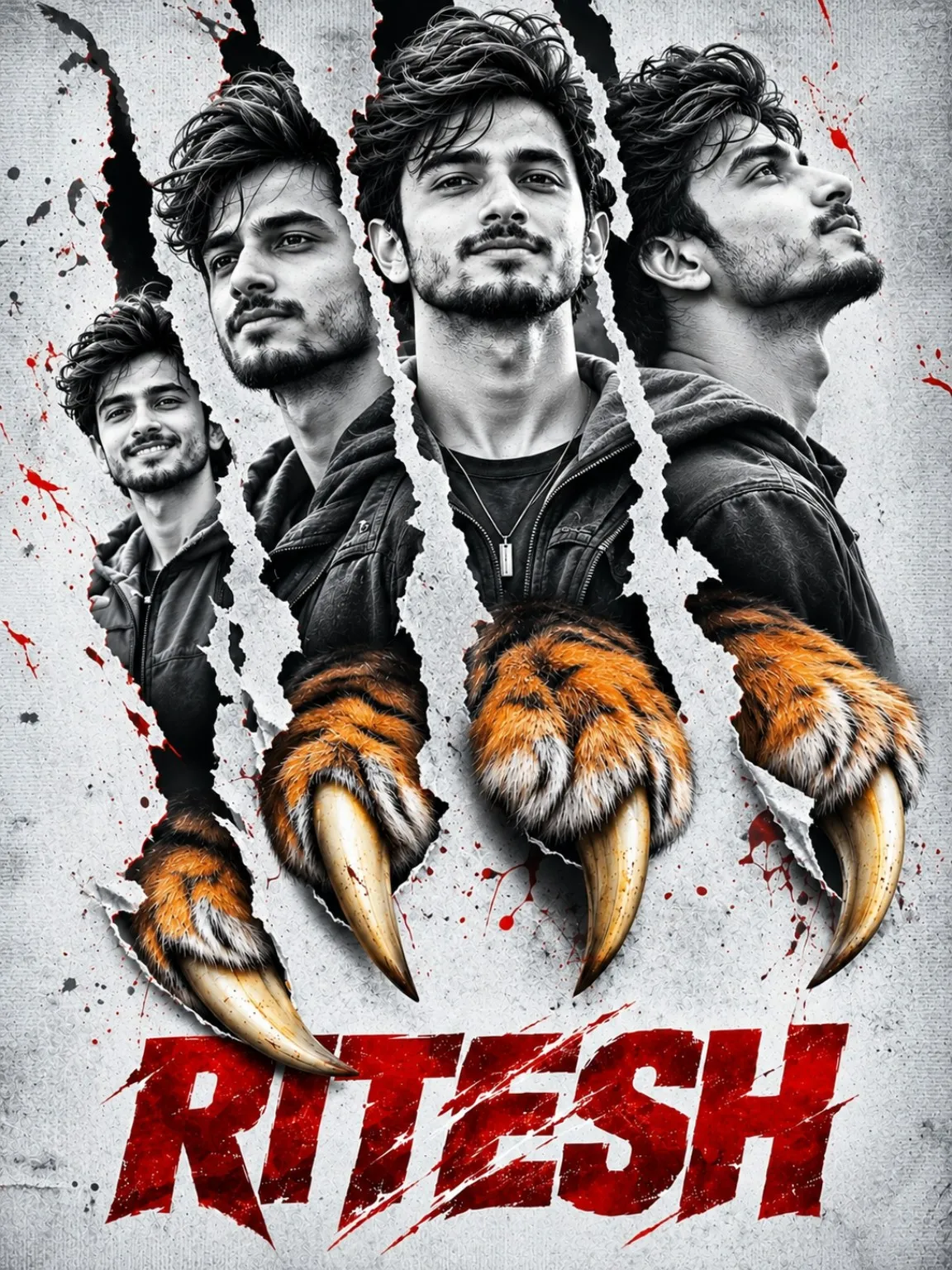
Example outputs
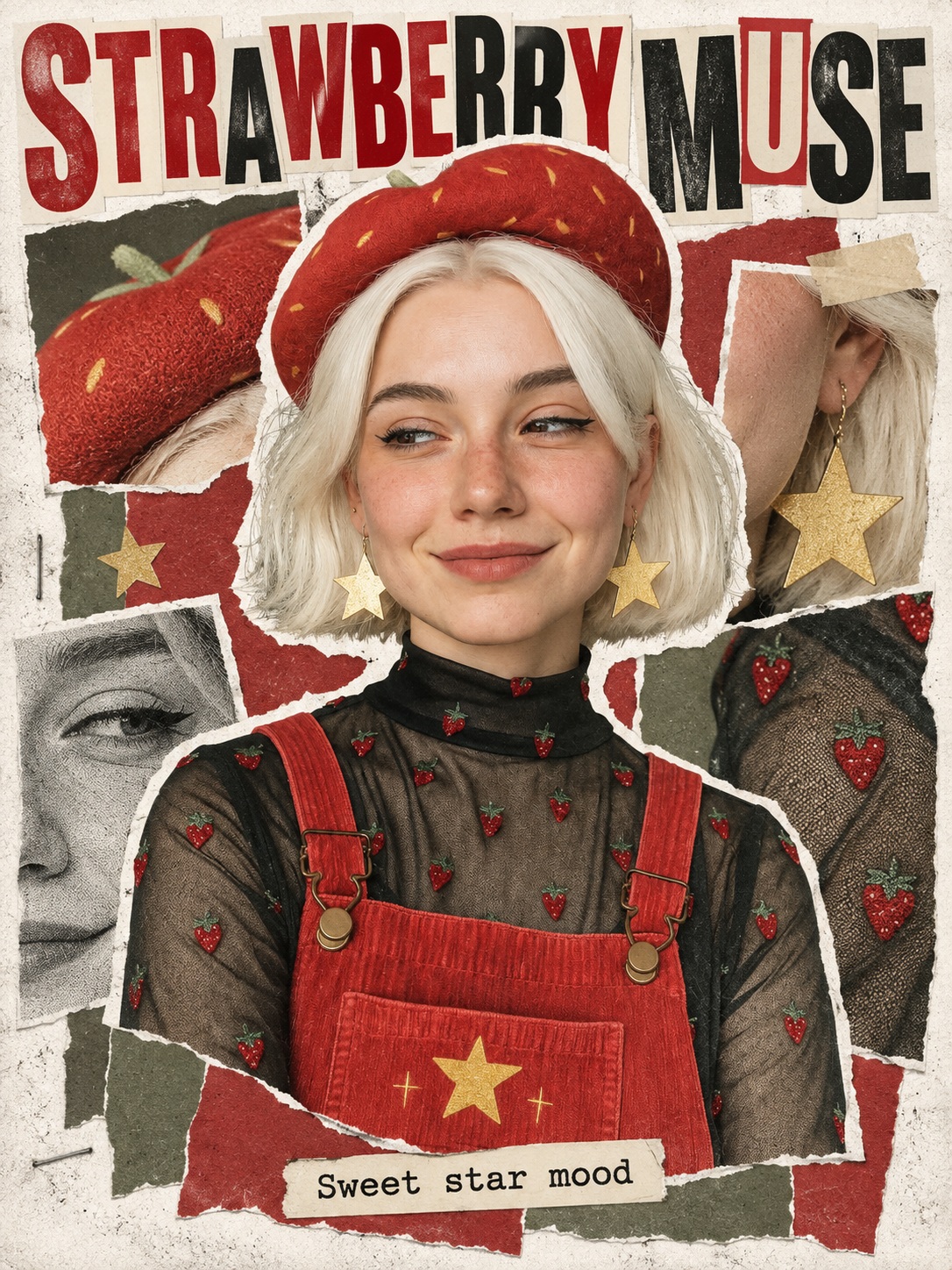
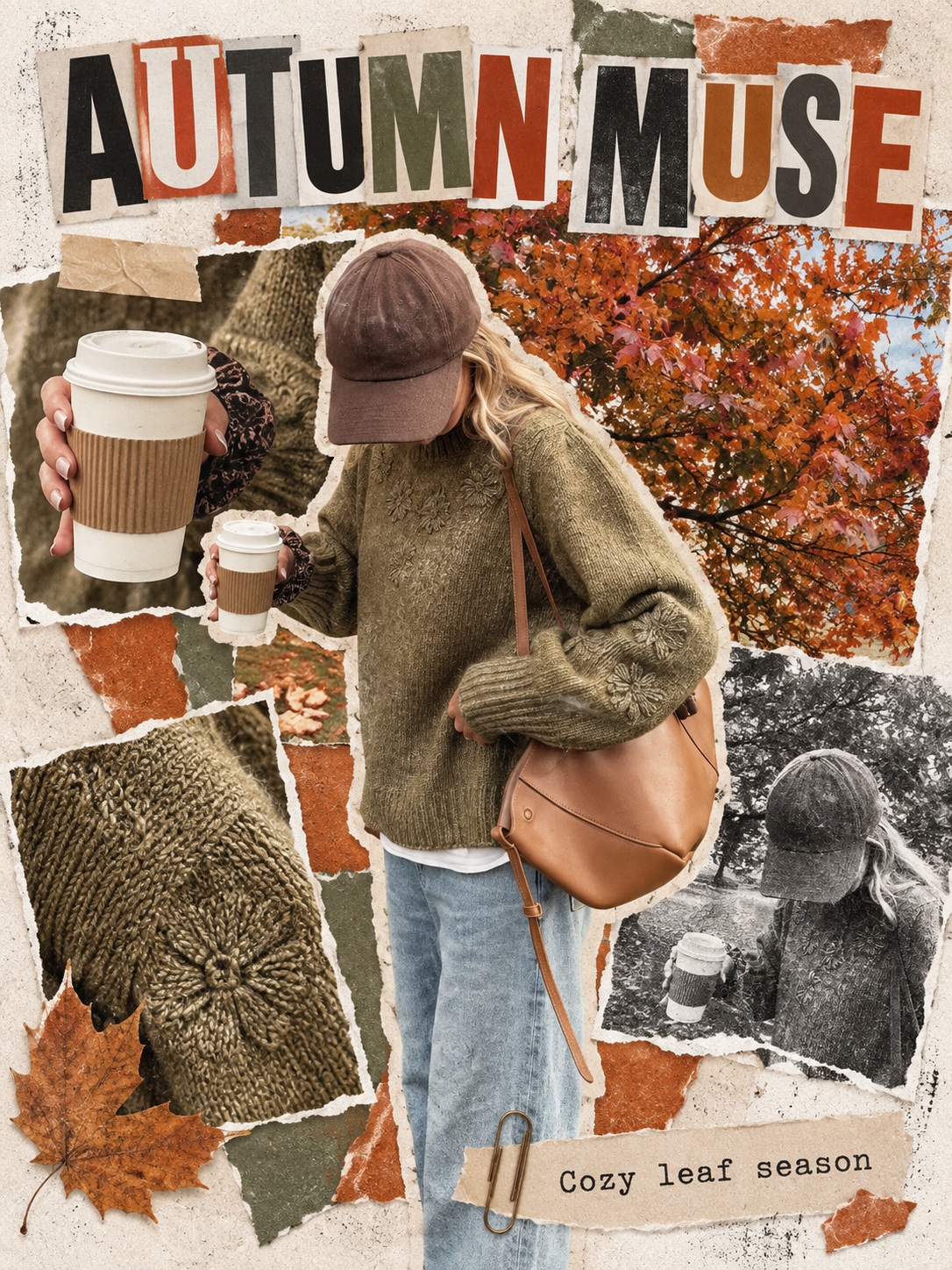
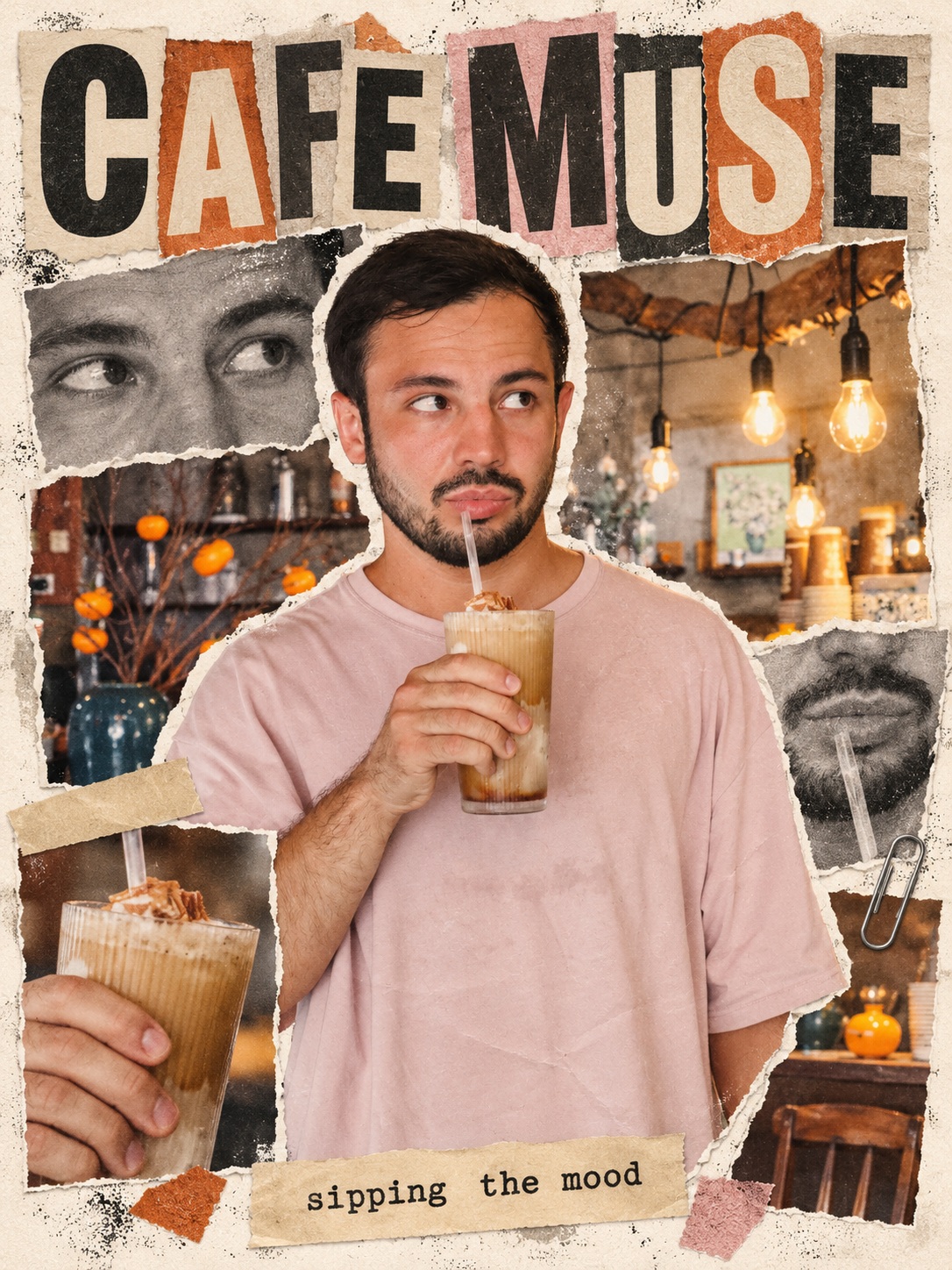

Prompt template
- Format
- Text Parameterized
- Inputs
- Reference_photo (image) · Required aspect_ratio (text) · Optional · Default: 3:4
- Outputs
- Finished_collage_poster (image)
Create one finished poster design based on the attached photo.

Style: Make the design look like an analog collage assembled from photos and letters cut directly from a magazine. Preserve the subject’s realistic photographic texture, and add torn paper edges, copier noise, uneven printing, and ink stains. Add subtle shadows where papers overlap to suggest their thickness, as if they were physically glued together.

Layout: Avoid a rectangular grid. Arrange image fragments of different sizes at varied angles, overlapping asymmetrically. Give the main subject the strongest emphasis. Let some images and letters extend beyond the canvas edges. Keep the composition visually dense but intentional, balancing large images with small fragments rather than filling space indiscriminately. Use no fixed borders.

Top heading: Add a short English name or category representing the subject in the photo, set in large capital letters. Combine bold sans-serif lettering with magazine-cutout letters that vary slightly in size and height. Partially hide some letters behind the subject while keeping the words readable.

Central image: Make the original subject appear strongly cut out from its background and placed prominently over the collage. Preserve recognizable features, such as an animal’s face and expression, hair color and patterns, or the shape and color of food, as applicable. Select a characteristic detail from the same photo and add two or three enlarged image fragments around the main subject. If the photo shows a landscape, reconstruct it as large paper-like sections separated into major elements such as terrain, buildings, and sky. Apply a black-and-white photocopy texture to one enlarged fragment for contrast.

Paper-related details: Add only two or three suitable props or marks, such as torn confetti, ordinary adhesive tape, or paper-clip marks. Do not clutter the composition with unrelated objects or decorations. Do not cover all the paper or tape with small print.

Bottom caption: Automatically write a short English phrase of 2–5 words that fits the subject. Place it at the bottom on a small strip of paper, in a typewriter font or bold lettering. Keep it smaller and less prominent than the top heading.

Background: Use a snow-white background with a thin paper texture, like the cover of an old magazine. Add colored paper pieces of different sizes without allowing the original photo background to fill the whole canvas.

Color: Extract the primary color from the attached photo and identify two or three complementary colors. Use this palette consistently for the confetti and headlines, with black and off-white for contrast. Keep the main subject’s colors unchanged.

Text rules: Add new text only in the top heading and bottom caption. Do not add random sentences, articles, numbers, logos, or watermarks elsewhere. Existing labels that identify the original product may remain, but do not duplicate them with decorative phrases.

Output: Create only one finished poster. Let the design fill the entire canvas without external margins; do not show a photo frame, wall layout, or laid-out magazine.

Aspect ratio: ${aspect-ratio:3:4}
Replace the ${…} placeholders with your values
before using this prompt. See parameters
and defaults below
Parameters
Replace each placeholder with your own value, or use its default when one is provided
${aspect-ratio:3:4}
aspect-ratio
Default: 3:4
What you'll create
The main photographic subject dominates an overlapping hand-glued composition. Copier noise, ink stains and small paper shadows add tactile vintage print character.
Frequently asked questions
Should the composition use a rectangular grid?
No. Fragments sit at varied angles.
Does the poster have external margins?
No. It fills the canvas.





Comments
Tried this prompt? Share what you made, compare results, or ask a question