Transform a Person into a Breed-Matched Dog
Analyze a person in a reference photo, choose a fitting breed, and create a photorealistic animal transformation that preserves the person’s recognizable character and the original image’s composition and mood.
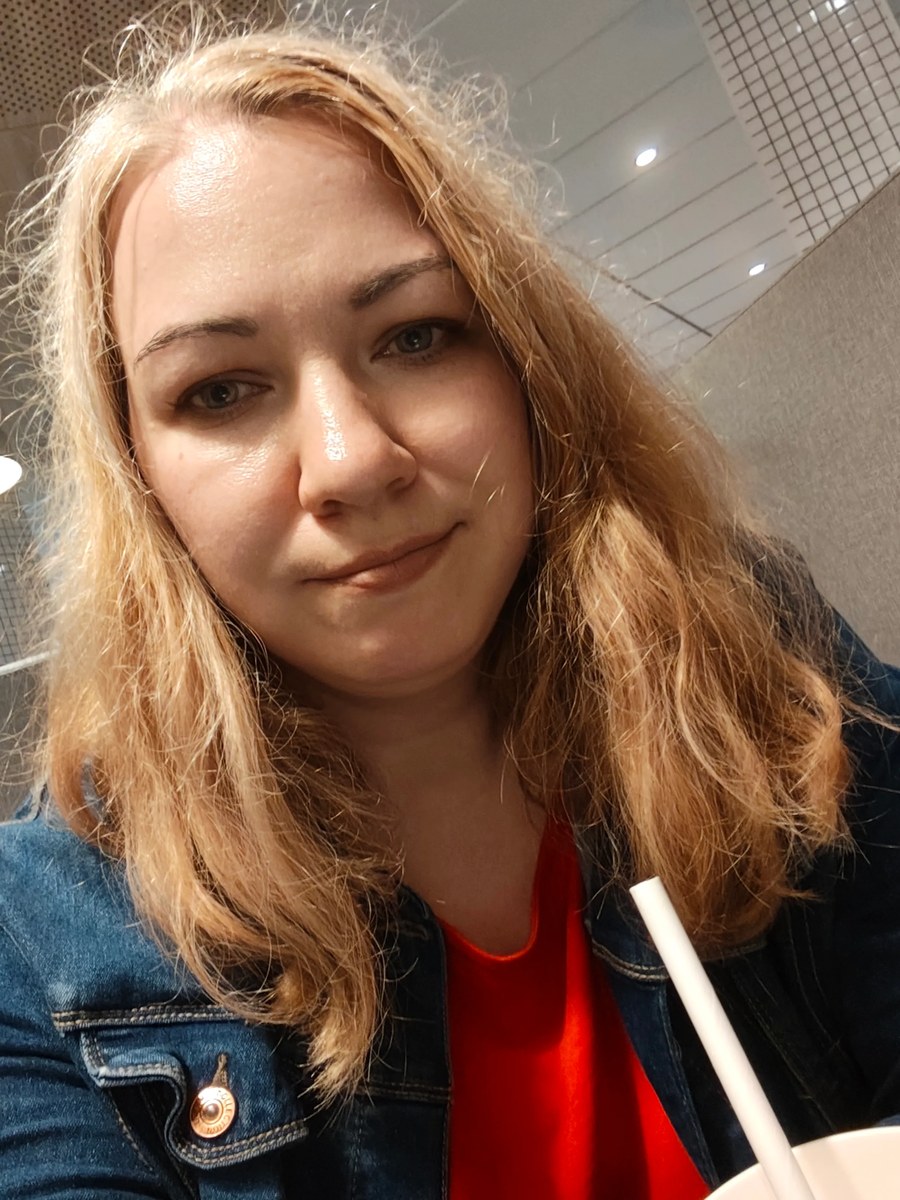
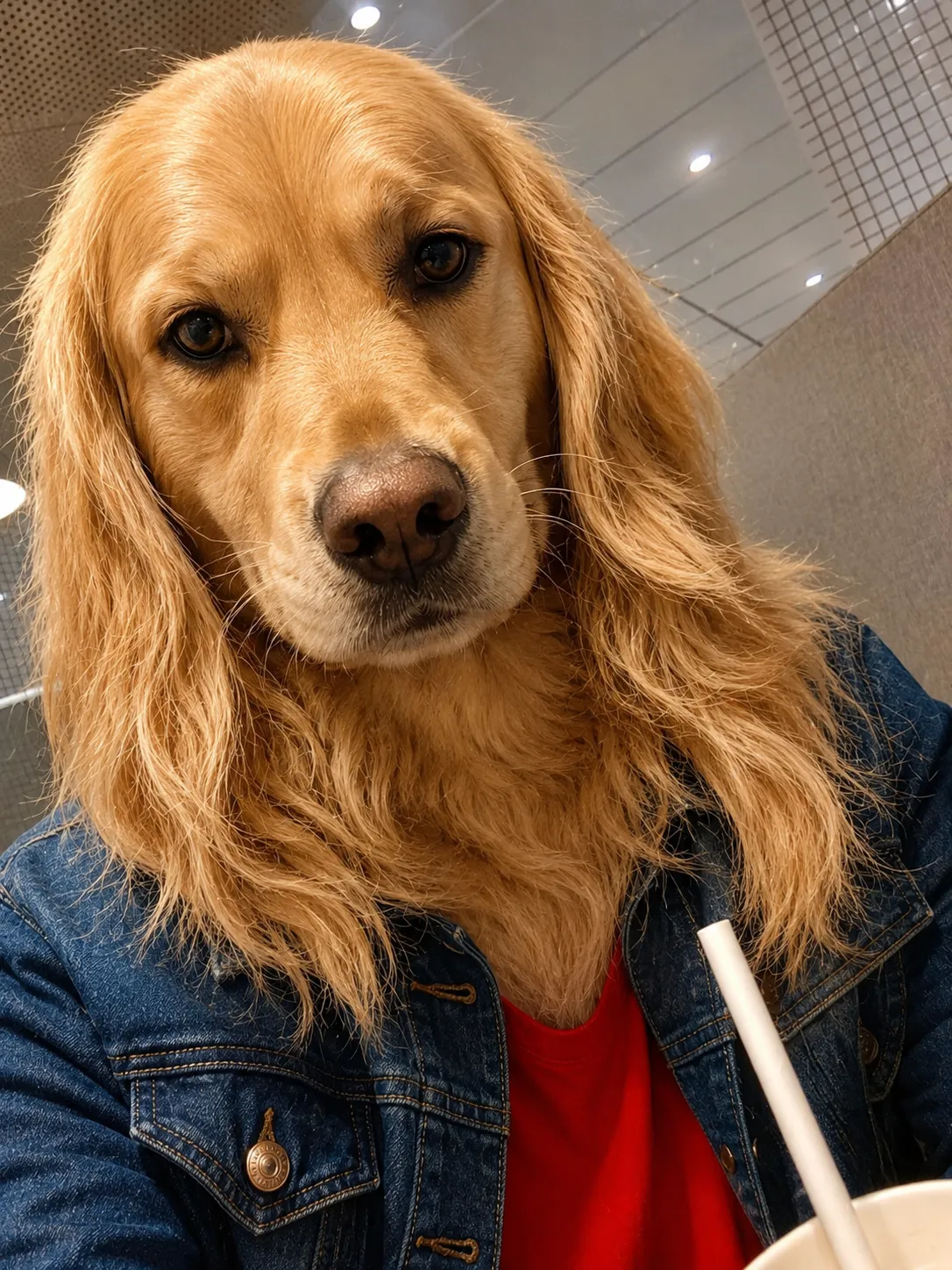
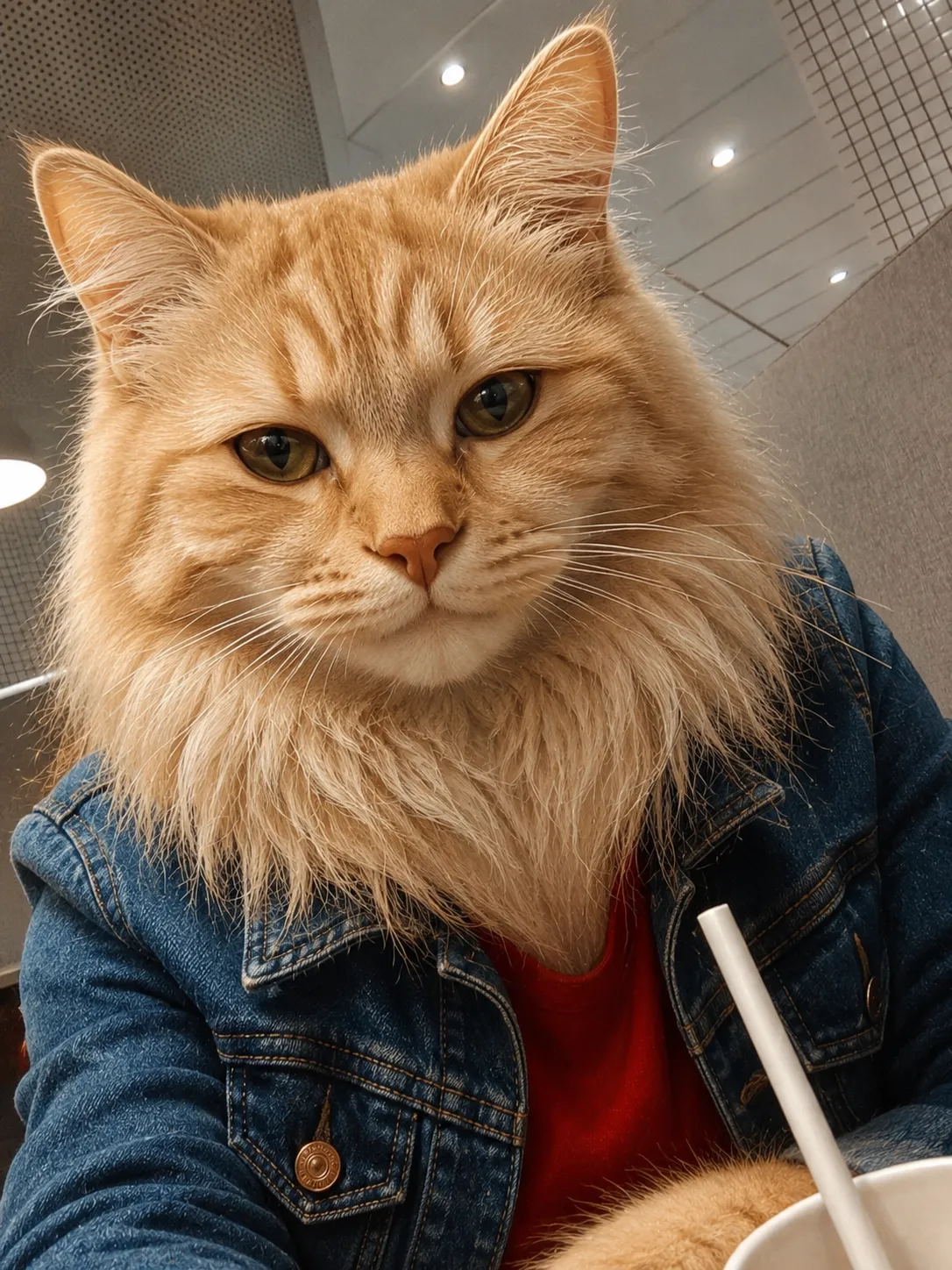
Example outputs
Prompt template
- Format
- Text Parameterized
- Inputs
- Reference_photo (image) · Required animal (text) · Optional · Default: dog
- Outputs
- Transformed_image (image)
Analyze the person in the attached photo and choose a ${animal:dog} breed that best matches their appearance, facial expression, style, mood, and overall energy.

Transform the person into a ${animal:dog} of the chosen breed while preserving the recognizable features, character, pose, expression, composition, and atmosphere of the original photo.

Choose the breed yourself; do not ask me to select one. Make the transformation convincing, photorealistic, detailed, and aesthetically pleasing. Include natural-looking fur, realistic eyes, the correct muzzle and ear shapes and coat coloring for the chosen breed, natural lighting, and a tidy background.

The final image should depict the person as the chosen ${animal:dog} breed while retaining the individuality of the original photo.
Replace the ${…} placeholders with your values
before using this prompt. See parameters
and defaults below
Parameters
Replace each placeholder with your own value, or use its default when one is provided
${animal:dog}
animal
Default: dog
What you'll create
The chosen dog breed, or configured animal, retains the source pose, expression and atmospheric qualities. Realistic fur and characteristic muzzle and ear shapes make the transformation convincing.
Frequently asked questions
Who selects the breed?
The system chooses it rather than asking the user.
Can the animal type be edited?
Yes. The animal input defaults to dog.



Comments
Tried this prompt? Share what you made, compare results, or ask a question